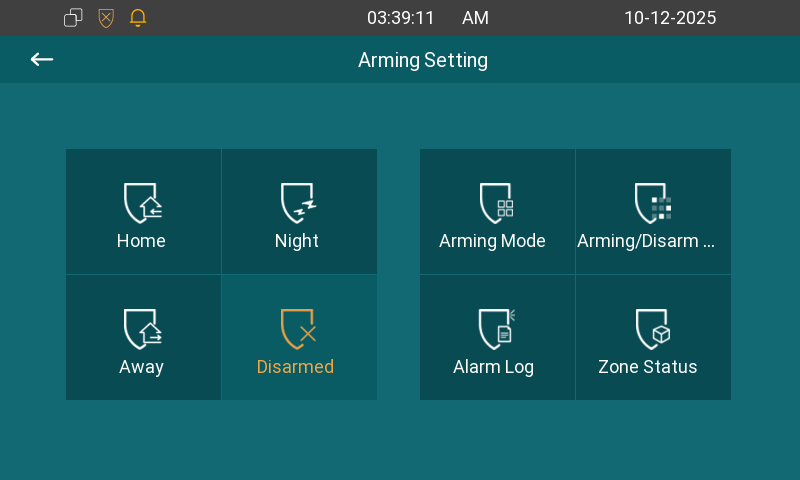
The Arming function is designed to enhance home security by offering three modes with custom zone settings for connected sensors. When armed, the device will sound a siren and notify specific people if a sensor detects something unusual.
Switch Arming Mode
After your administrator displays the Arming tab on the device screen, you can switch arming mode on the Arming screen.
Set up Alarm Sensors in Different Arming Modes
After your administrator displays the Arming tab on the device screen, you can set up alarm sensors on the Arming > Arming Mode screen.
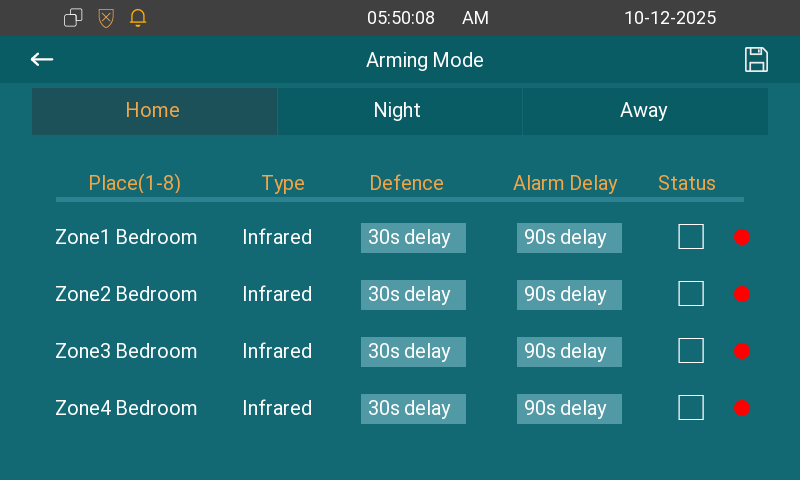
Place: Display which location of the detection device is in.
Type: Display the alarm sensor type, including Infrared, Drmagnet, Smoke, Gas, and Urgency.
Defence Delay: It means when you change the arming mode from other modes, there will be 30 seconds delay time to get activated.
Alarm Delay: It means when the sensor is triggered, there will be 90 seconds delay time to announce the notification.
Status: Enable or disable Arming Mode on the corresponding zone.
Set up the Disarm Code
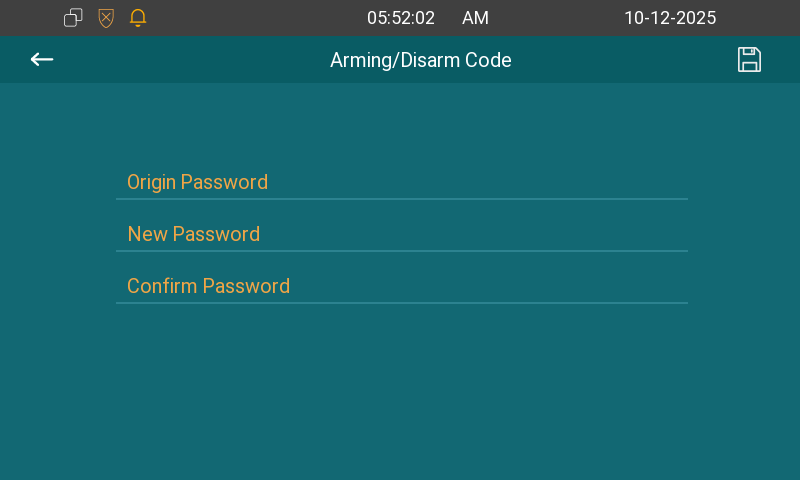
After your administrator displays the Arming tab on the device screen, you can set up the disarm code on the Arming > Arming/Disarm Code screen. The default code is 0000.
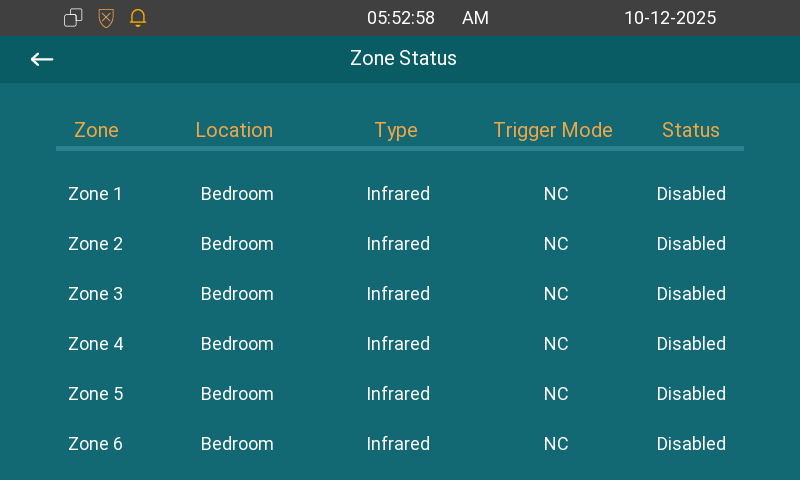
Check Zone Status
After your administrator displays the Arming tab on the device screen, you can check the zone status on the Arming > Zone Status screen.
Check Alarm Logs
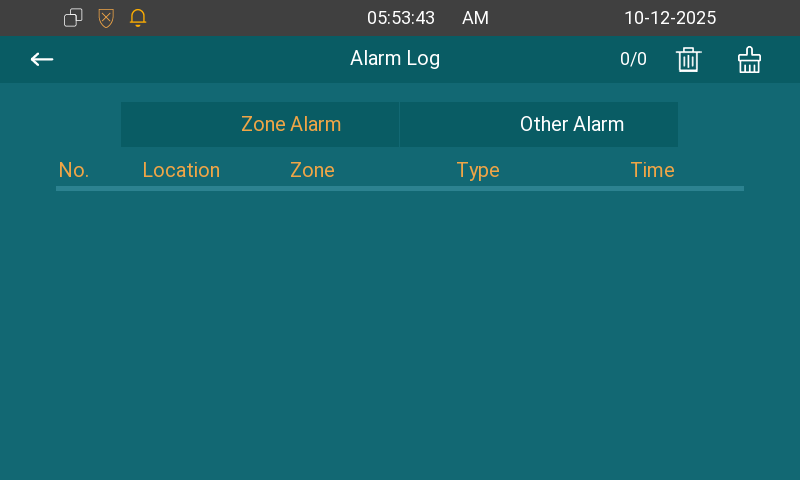
After your administrator displays the Arming tab on the device screen, you can check the alarm log on the Arming > Alarm Log screen.