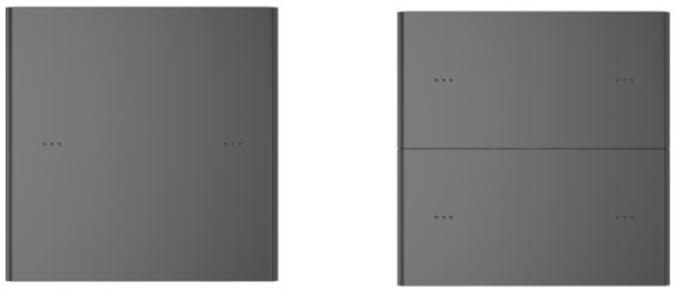
KXKS-B1B2-EU KXKS-B1B4-EU
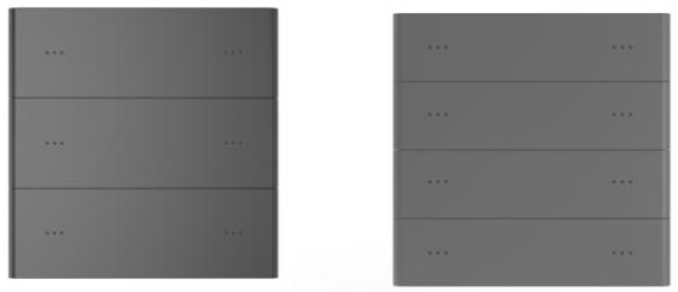
KXKS-B1B6-EU KXKS-B1B8-EU
The scene panel connects to the KNX bus via EIB terminals and integrates with other KNX devices to form a smart home system. It is designed for intuitive operation and flexible configuration to meet various application requirements.
The panel supports multiple control functions, including switching, dimming, blind control, scene calling and storage, RGB/RGBW dimming, multi-action buttons, and delayed value transmission. Each button features an integrated LED indicator for clear visual feedback.
The device communicates via the KNX bus and requires an auxiliary power supply. Physical addressing and parameter configuration are performed using ETS with the corresponding .knxprod file (ETS 5.7 or later).
Key Features:
Switching and dimming
Blind control
Scene recall and storage
RGB and RGBW dimming
Multi-action buttons
Delayed value transmission
LED status indicators
The panel is available in 2-, 4-, 6-, and 8-button versions. All versions support the same functions. Ensure that the panel type configured in ETS matches the installed device.
Check wiring and electrical compatibility before commissioning. Configure functions according to the selected product specifications.