You can register your vehicle's license plate and UHF Tag in the SmartPlus App for automatic garage door access. When you drive up to the garage entrance or exit, the system identifies your license plate or UHF Tag and opens the garage door automatically.
Before You Start
This feature is available only to users in single-house projects.
Make sure the vehicle access devices have been installed and configured by your installer before adding your vehicle information.
Add Your Vehicle Information
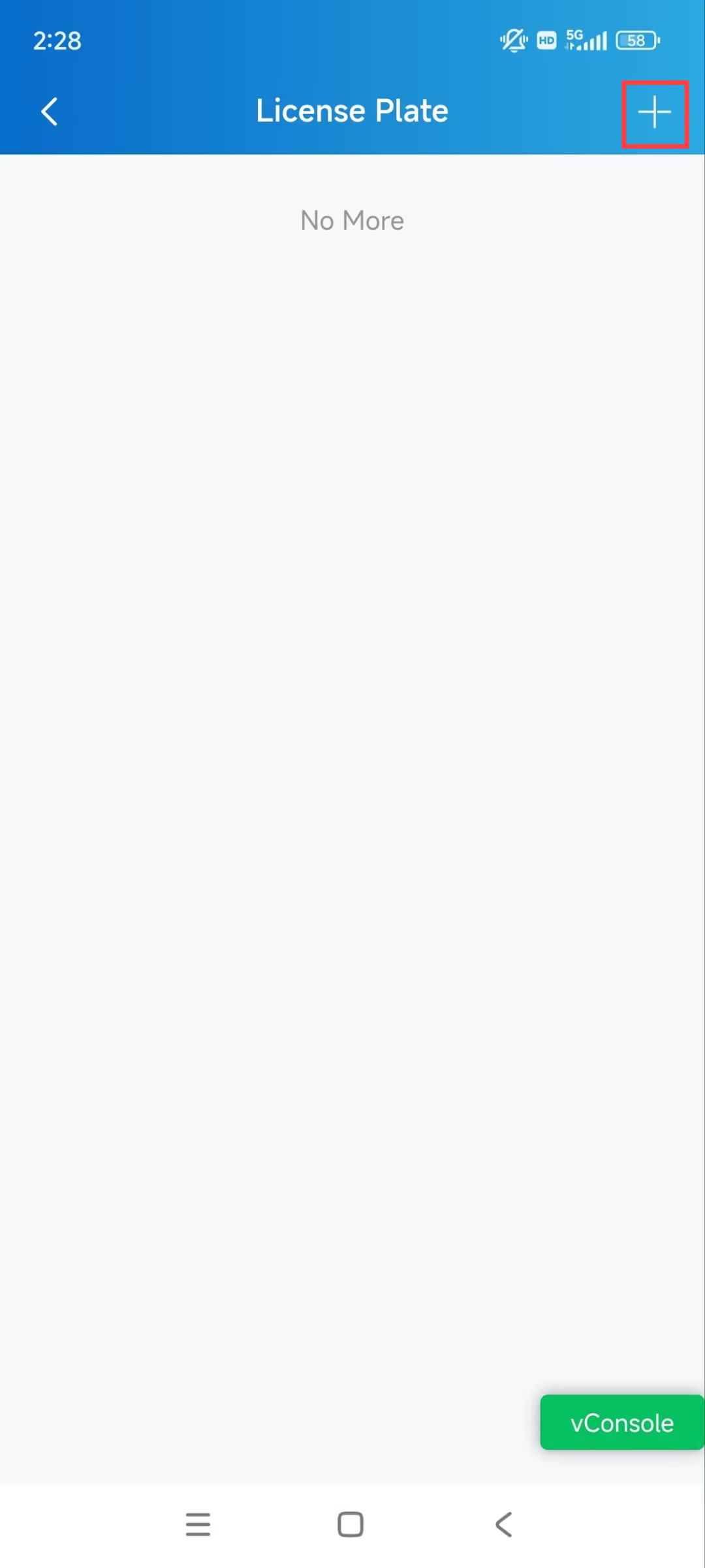
Tap Me > Authorization > License Plate.
Tap + in the upper-right corner.
Enter your vehicle's license plate information.
If you use a UHF Tag for vehicle access, enter its card code in the UHF card field.
Select the user associated with the vehicle.
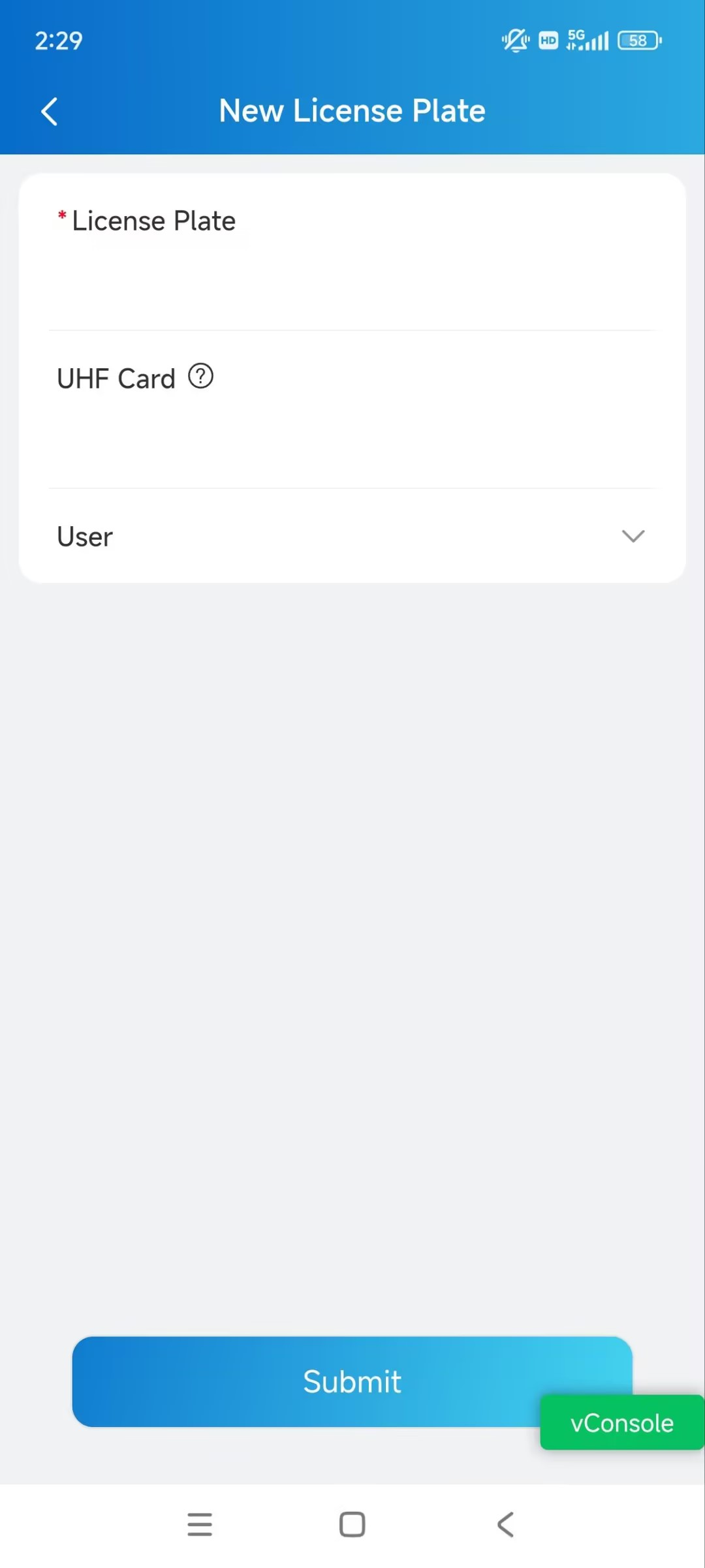
Save your settings.