You can import or export encrypted configuration files to your Local PC.
Export the file on the System > Maintenance interface. The import file should be in .tgz/.conf/.cfg format.

Config File: Click Export to export configuration items as an encrypted file; click Import to import a configuration file to the device. The Config File includes configuration settings, user data, and contact data.
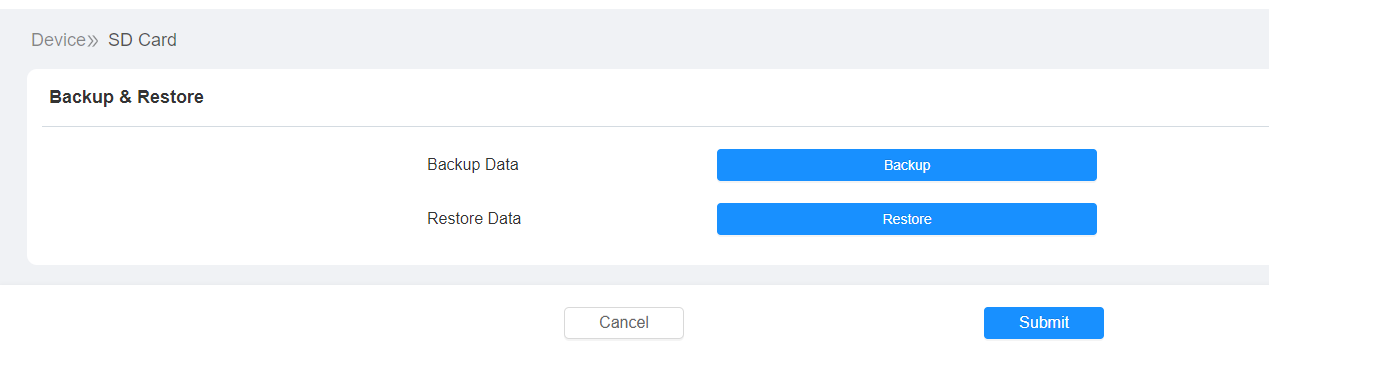
Backup via SD Card
The device supports inserting an SD card for importing and exporting configuration files.
To set it up, go to the Device > SD Card interface.