You can import or export encrypted configuration files to your Local PC.
Navigate to the web System > Maintenance > Others interface. The supported file formats are TGZ and CFG.

Config File: Click Export to export configuration items as an encrypted file; click Import to import a configuration file to the device. The Config File is used to back up and restore device configuration settings only. It does not include user data and contact data.
Backup via SD Card
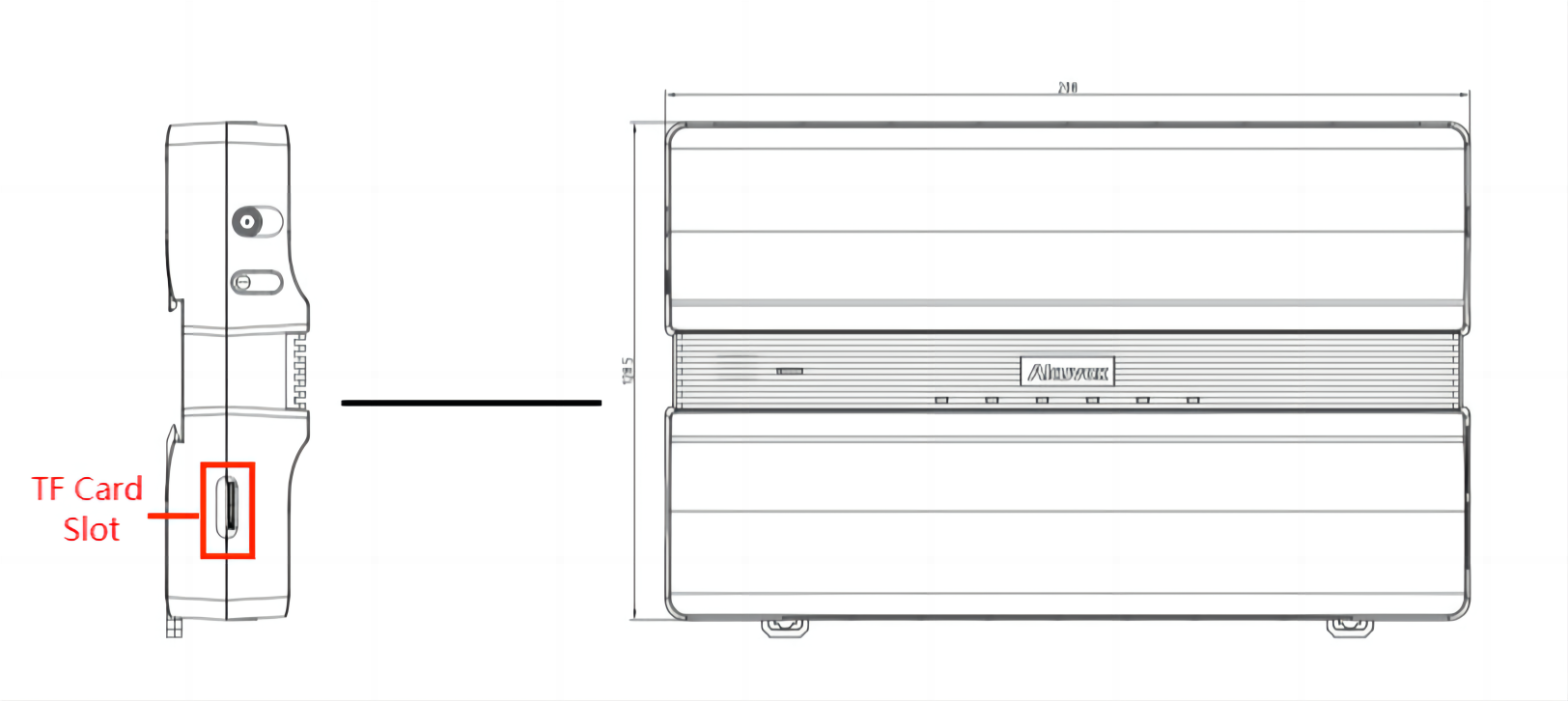
The device supports inserting an SD card for importing and exporting configuration files.
To set it up, go to the Device > SD Card interface.

Tip
To install an SD card, remove the rubber plug with the removal tool in the device’s package.