The indicator light is on the right side of the device, showing the different status of the device.
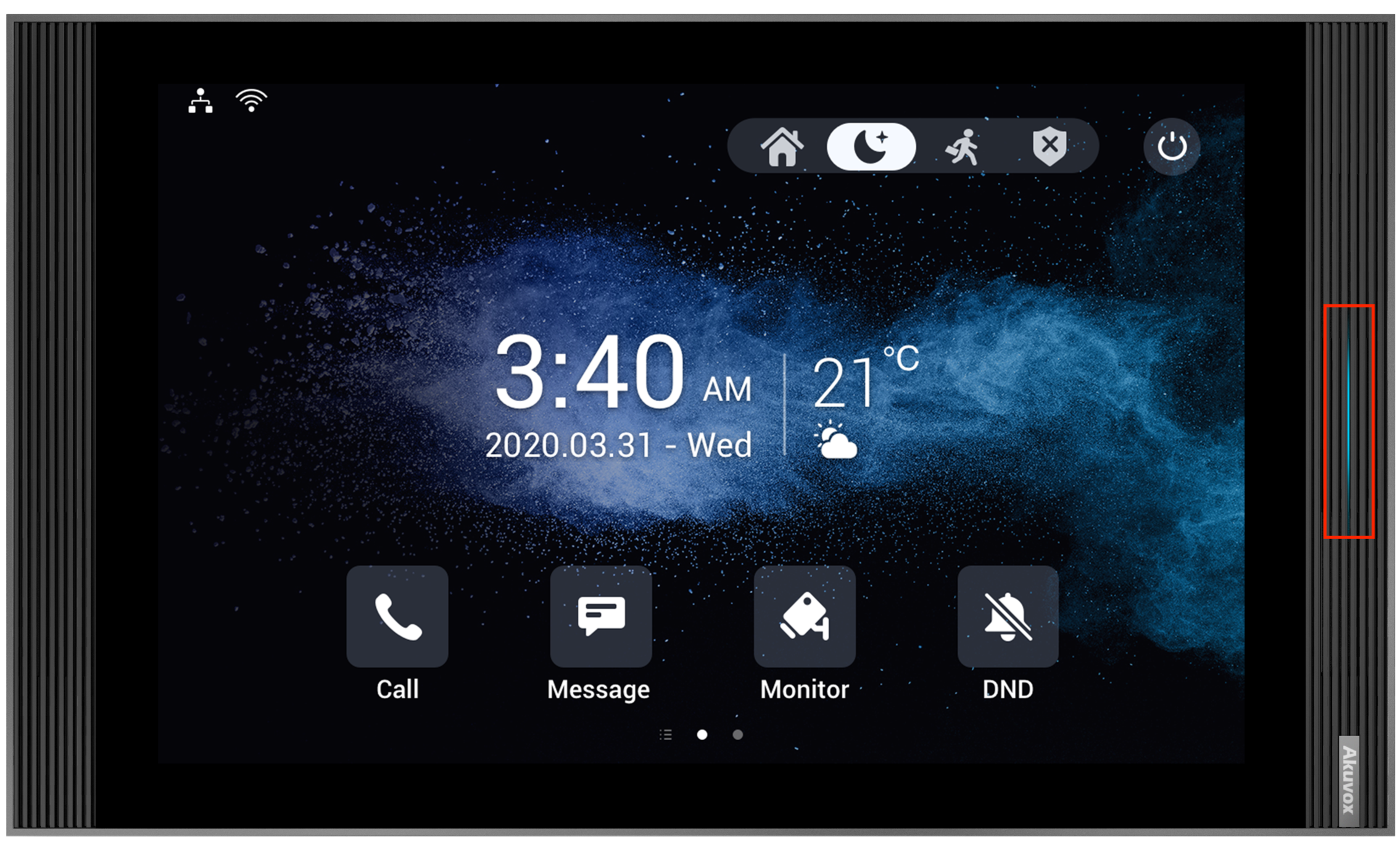
See the indicator light status below:
Status | Color | Light | Description |
|---|---|---|---|
System status | Blue | ON | The system is working. |
Power up | White | ON | The system is powered. |
System booting | Blue | ON | The device is booting. |
Network | Red | Flashing | Failed to obtain the IP address. |
Incoming Call | Blue | Flashing | Receiving an incoming call. |
End a call | Blue | ON | End a call. |
Screen/System | N/A | OFF | The screen is turned off. |
Alarm | Red | Flashing | An alarm is triggered. |
Doorbell | Blue | Flashing | The doorbell is ringing. |
Upgrade/Reset | Red | Flashing | Upgrading the device. Reset the device to the factory settings. |
Note
The alarm status light has the highest priority.