To use the GRMS, the installers must first create a cloud-based project on the akubela Cloud and ensure that all devices are properly installed. Once completed, the configuration will automatically sync with the GRMS.
Access the akubela Cloud: Log in using your installer account via the appropriate regional portal:
Create a community project: Set up your project structure by adding buildings, homes, home administrators, and home center devices (with MAC addresses for cloud connection).
NOTE:
When creating homes, you must assign a floor to each room to enable proper configuration in the GRMS platform.
TIP:
Homes created here will sync to the GRMS platform as hotel rooms.
For detailed instructions, refer to Create a Community Project on akubela Cloud.
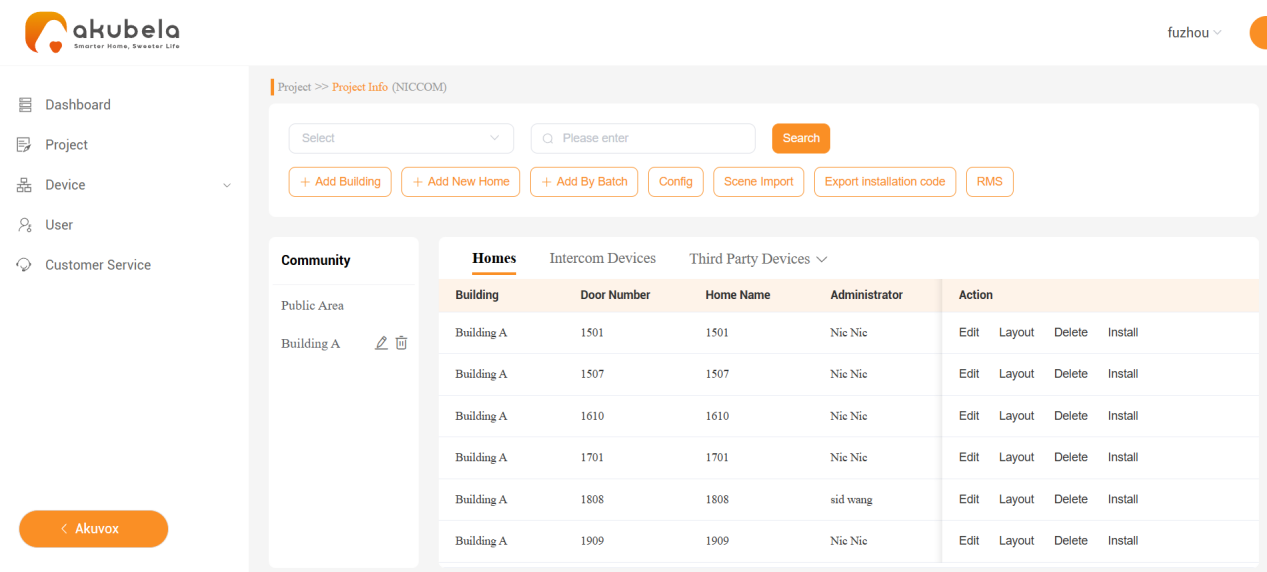
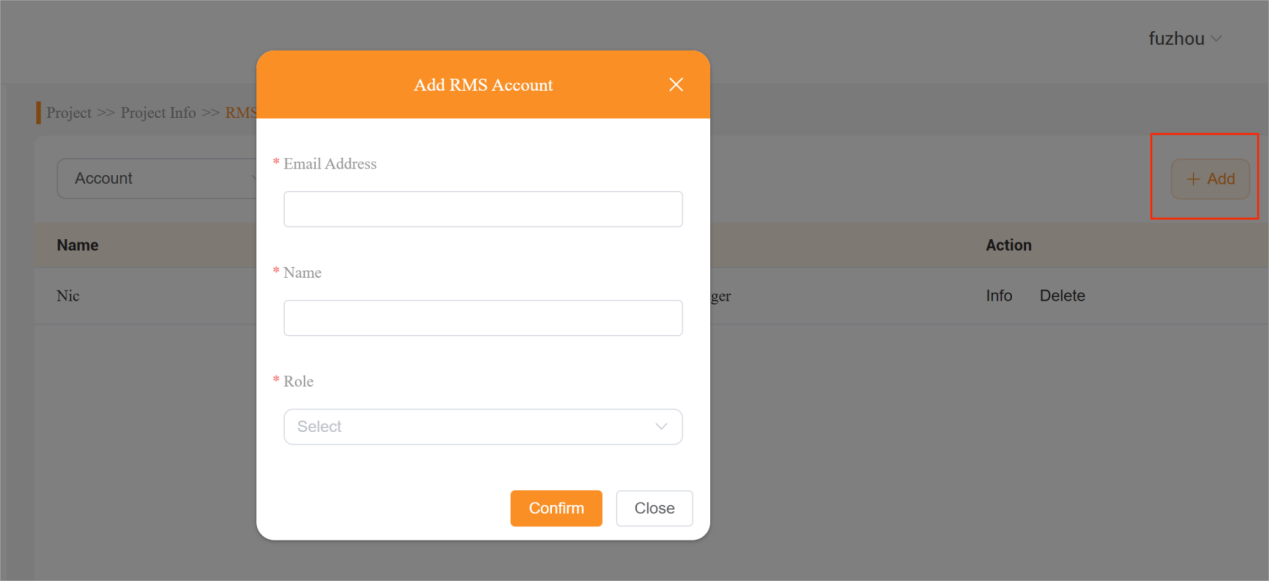
Add the hotel manager(s) and staff: On the project’s Details screen, click RMS > Add.
NOTE:
RMS access must be enabled for your installer account. Contact technical support if the RMS option is not visible.

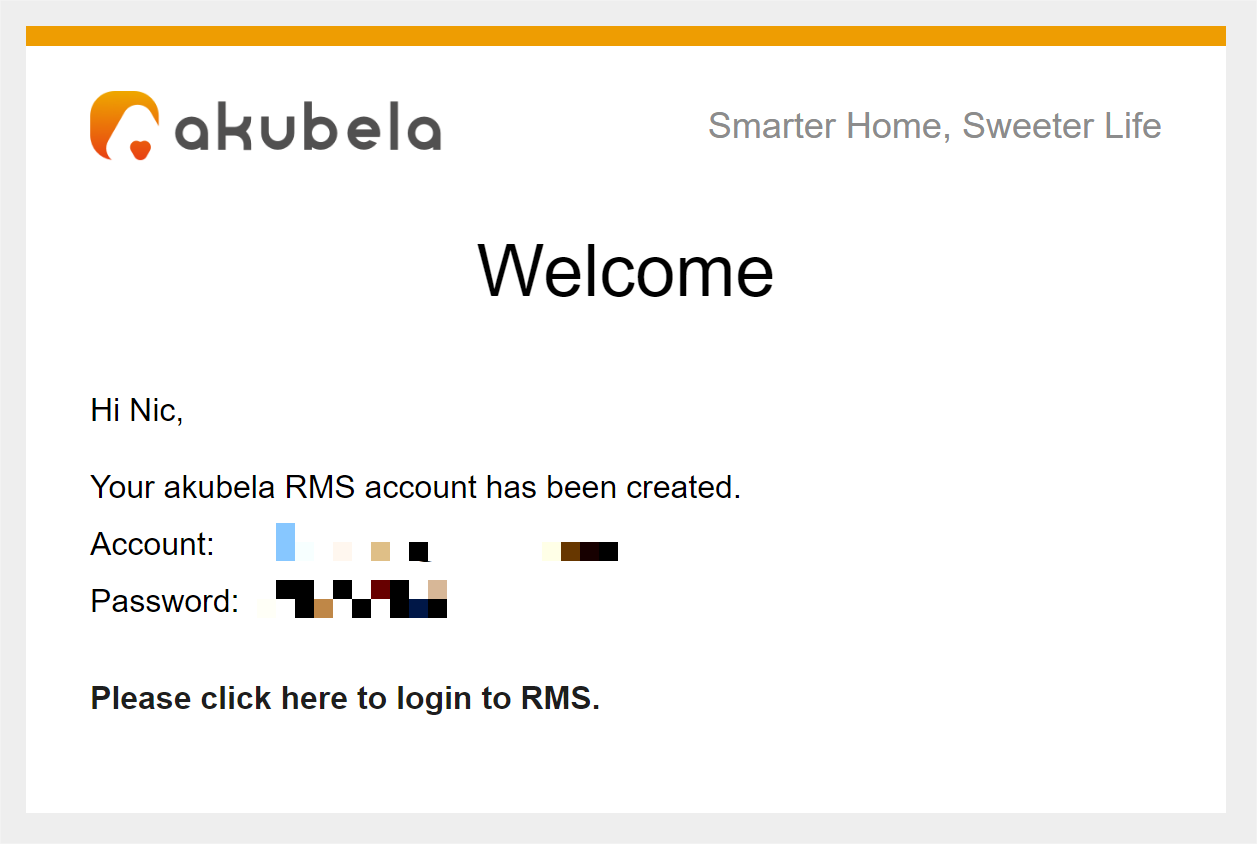
Once added, the system will automatically send an email to the staff members containing their login credentials and the specific GRMS portal link.