Modify Web Interface Password
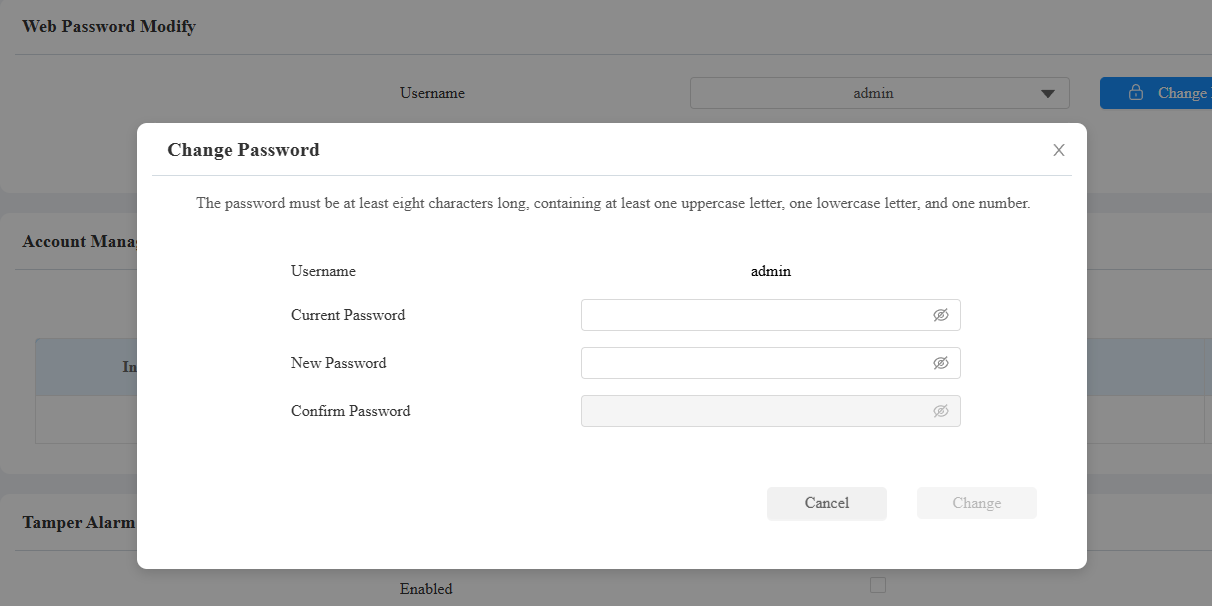
You can modify the device web interface login password for both administrator and user accounts.
Go to the System > Security > Web Password Modify interface. Select admin for the administrator account and select user for the user account.
Click Change Password to modify the password.

Modify Security Questions
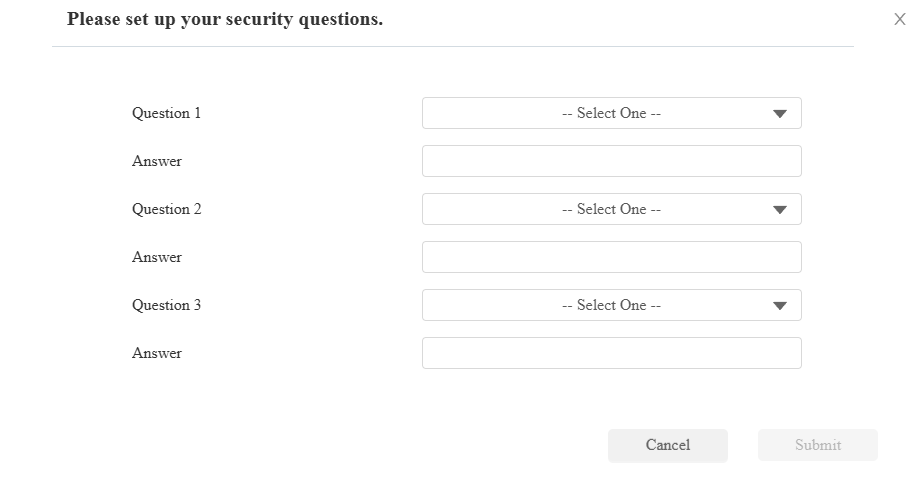
Sicherheitsfragen erlauben es dir, das Web-Passwort zurückzusetzen, falls du es vergisst. Nachdem Sie die Sicherheitsfragen eingerichtet haben, können Sie auf der Anmeldeoberfläche auf "Passwort vergessen" klicken, die Antworten eingeben und ein Passwort-Zurücksetzungsfenster erscheint.
Wenn Sie die Sicherheitsfragen nicht einrichten, wird Sie mit dem Klick auf "Sicherheitsfragen beantworten" aufgefordert: "Bitte kontaktieren Sie Ihren Dienstanbieter".
To set it up, go to the System > Security > Web Password Modify interface. Click Modify Security Questions.
You need to first enter the right password for verification and then set up the security questions.
Modify Administrator Credentials
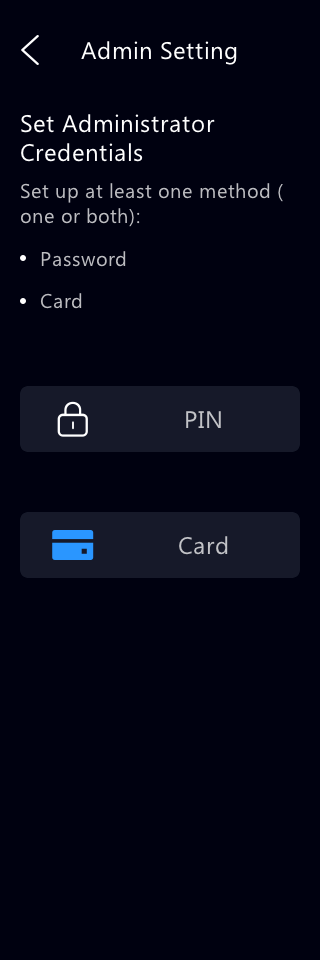
The administrator credentials are used to access the device’s system settings. You can set both(PIN and RF Card) or choose one.
To set it up, go to the System > Security > Administrator Credentials interface.

PIN Code: Set the 6 to 8 digits.
RF Card: Click Obtain while placing the card on the device.
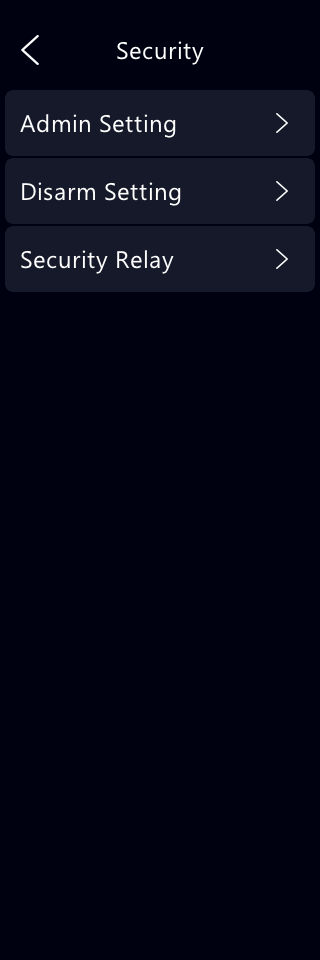
You can also modify the credentials on the Setting > Security > Admin Setting screen.