Use the Energy feature to track the power consumption of your devices, rooms, and whole home.
NOTE:
The Energy feature only applies to smart devices that support energy data collection.
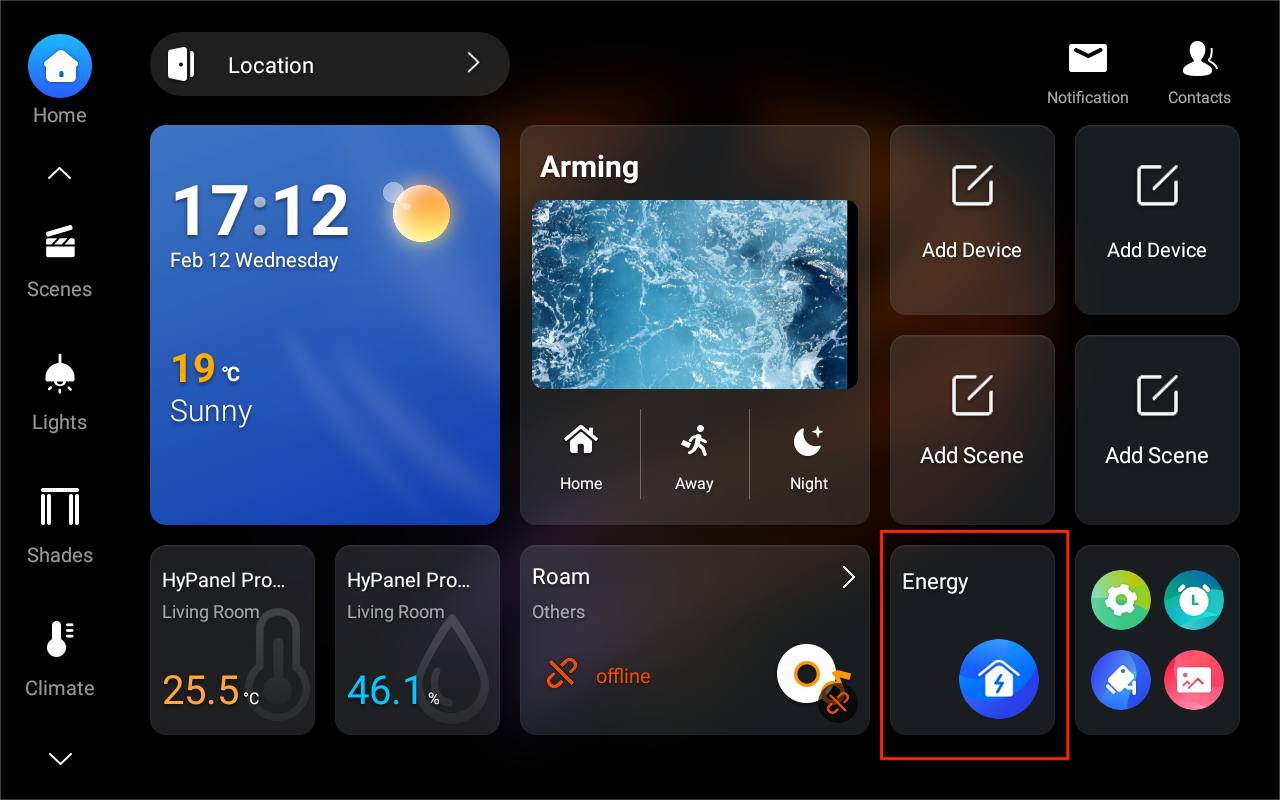
Tap the Energy card on the Home screen.
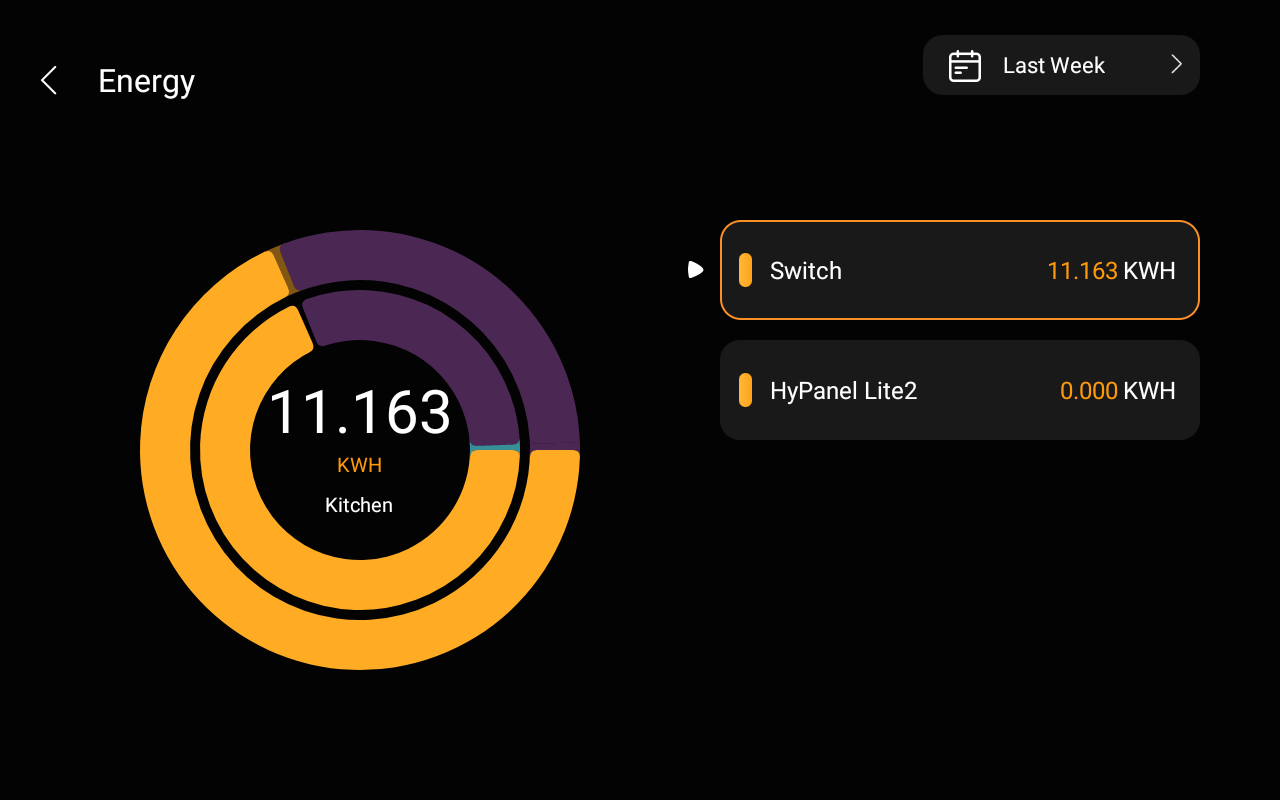
On the Energy screen, you can see the previous day’s data, including:
Center circle: Total home power usage for the previous day.
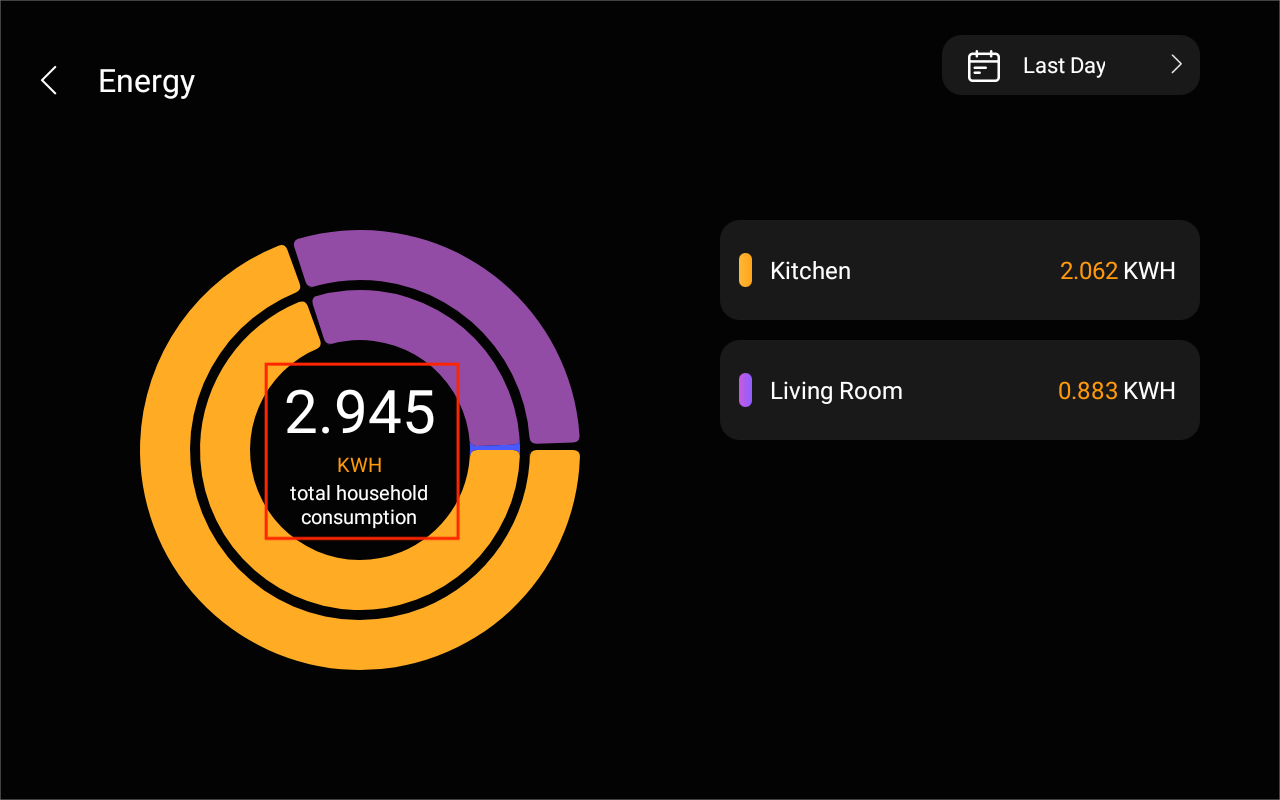
Inner circle: Each room’s power consumption.
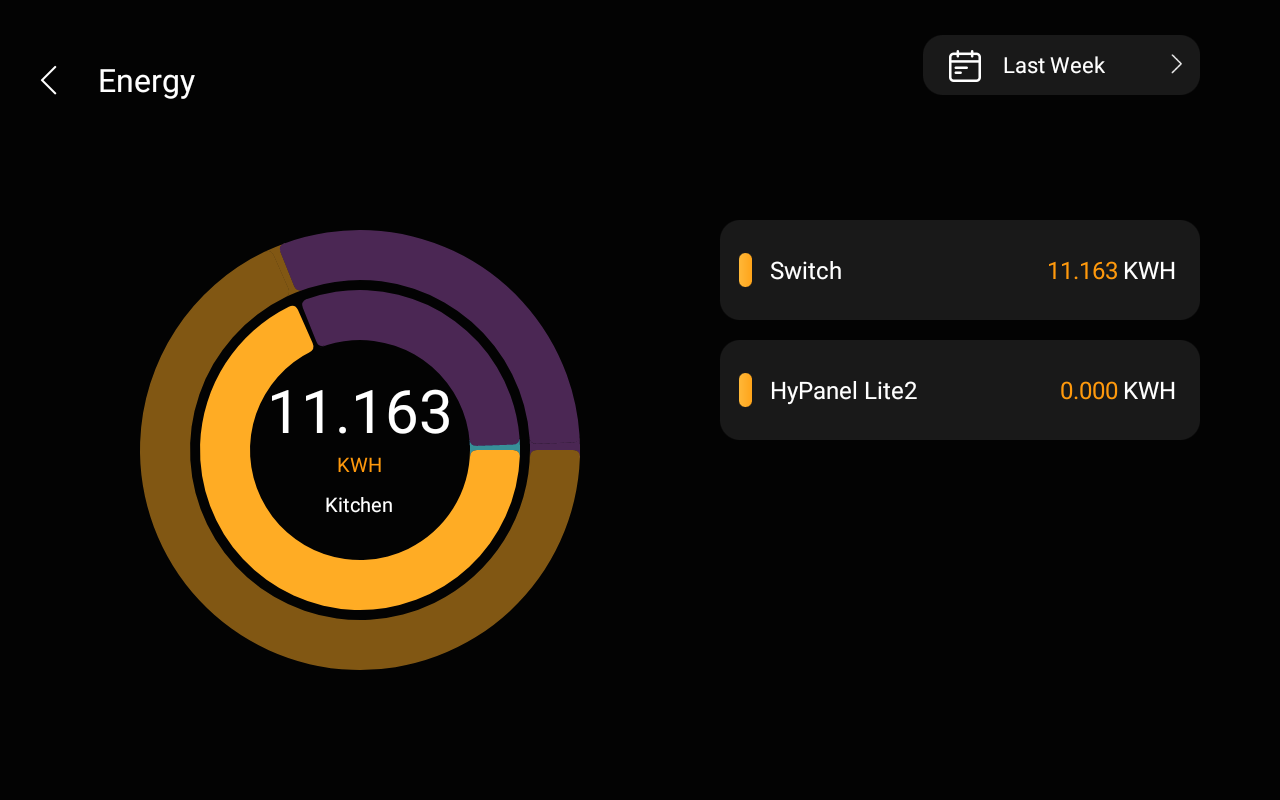
Outer circle: Device power usage within each room.
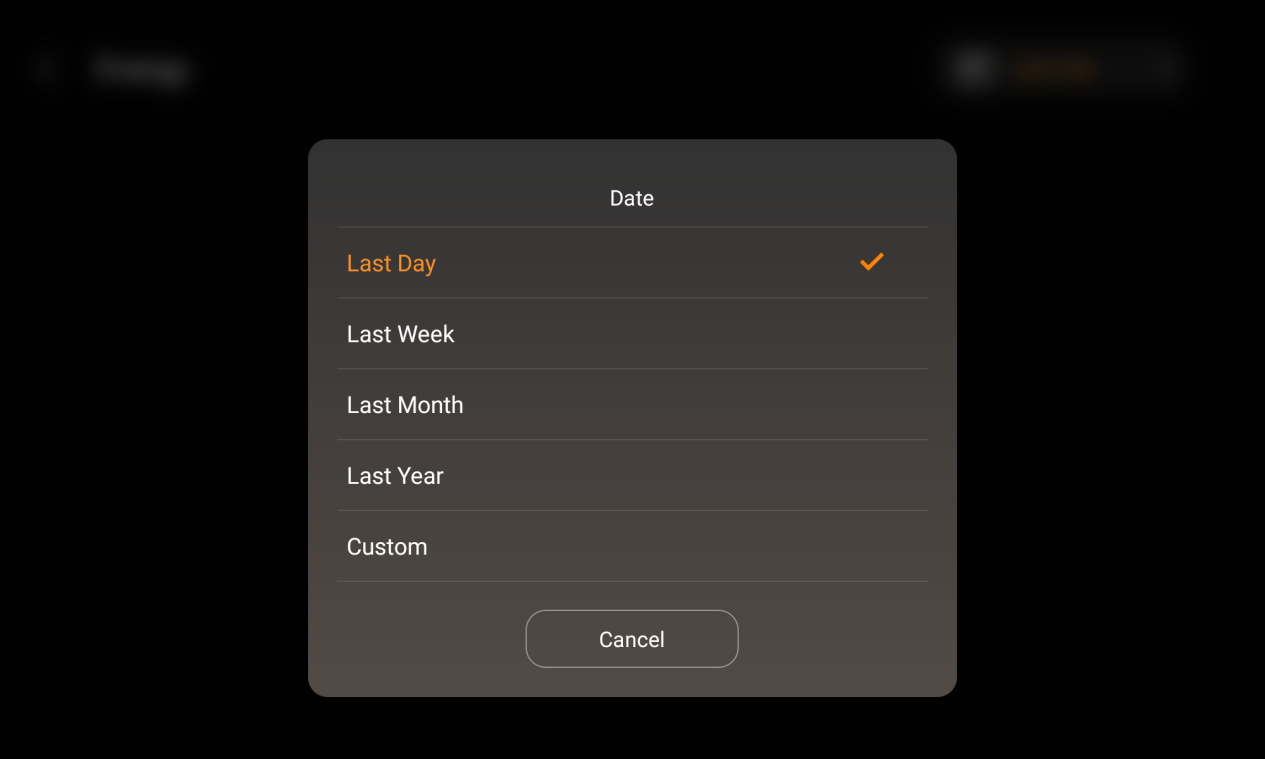
To see energy consumption of other time period or a specific day, tap
 at the upper right.