Smart Living Setting
You can control the home sensor through an HTTP command.
To set it up, go to the web Device > Smart Living interface.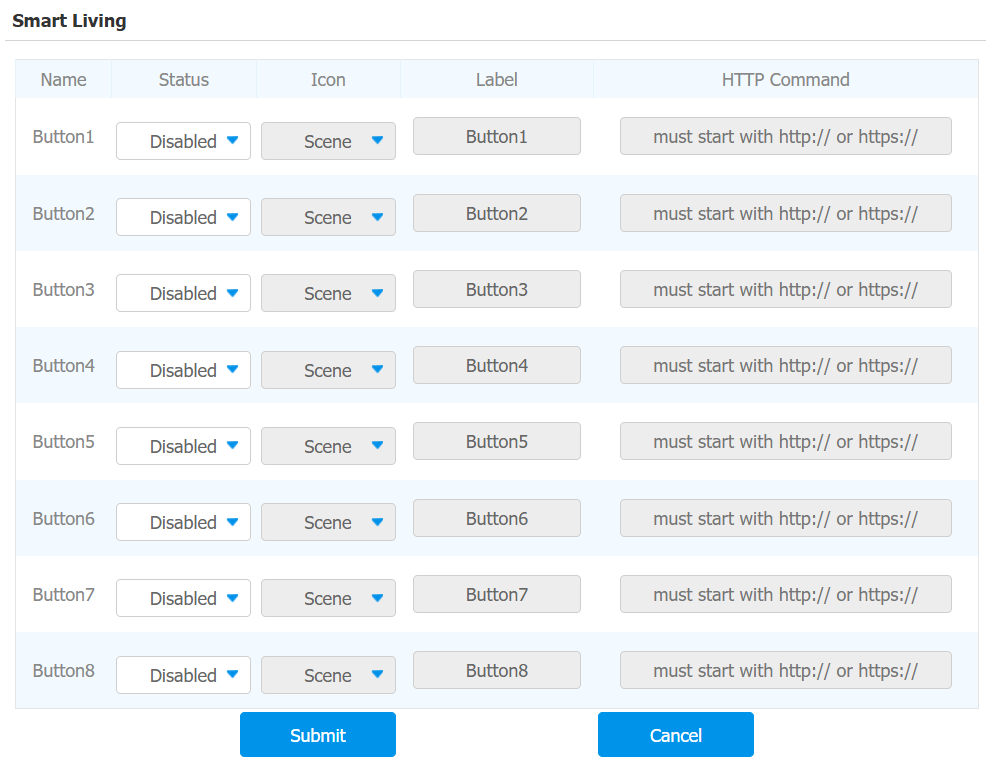
Status: Enable or disable this button. If disabled, the button won't appear on the home control page.
Icon: Select the preferred icon image.
Label: Customize the button display name.
HTTP Command: The HTTP command to trigger the sensor.
Note
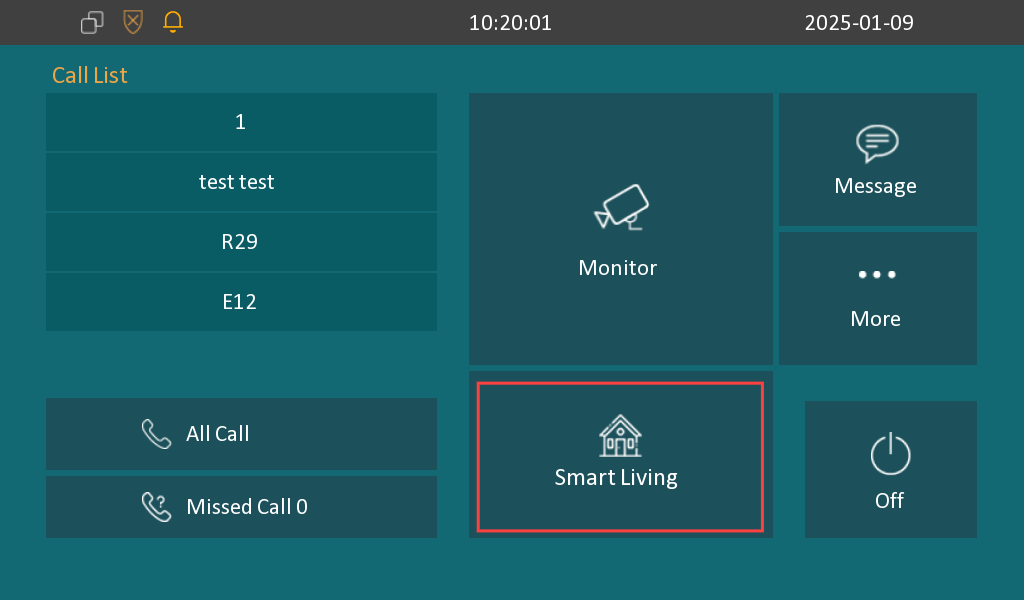
Set the Smart Living button to be displayed on the Device > Key/Display interface before using this feature.
Integration with Control 4
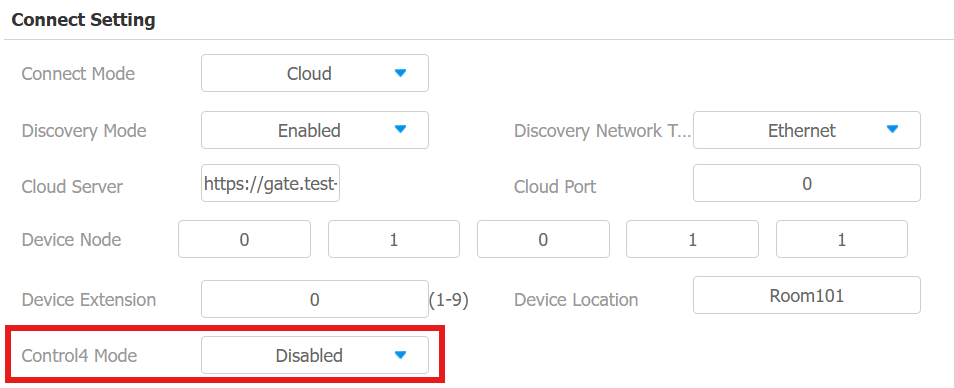
You need to enable the Control 4 mode before you can integrate the device with the Control 4 home center. To enable it, go to Network > Advanced > Connect Setting mode.
Note
Click here to view the detailed integration steps with Control4.