Language
Configurez la langue lors de la configuration initiale de l’appareil ou plus tard via l’appareil ou l’interface web selon vos préférences.
Note
R29Z/R29Z-L's language is Chinese by default, so there is no such option the first time it boots up.
On the Web
Select the device LCD language on the Setting > Time/Lang > LCD Language interface.
The device screen supports the following languages:
English, Simplified Chinese, Spanish, Danish, French, Czech, Traditional Chinese, Turkish, Japanese, German, Polish, Portuguese, Hungarian, Russian, Norsk, Korean, Swedish, Ukrainian, Azerbaijani, Slovak, Hebrew, Dutch, Slovenian, Italian, Vietnamese, and Bosnian.
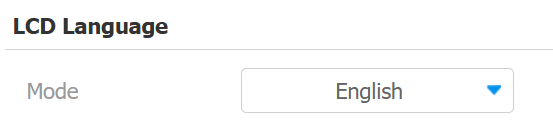
Select the device web language on the Setting > Time/Lang > Web Language interface.
The device web supports the following languages:
English, Simplified Chinese, Traditional Chinese, Polish, Korean, Dutch, French, German, Japanese, Russian, Italian, Slovenian, Arabic, and Vietnamese.
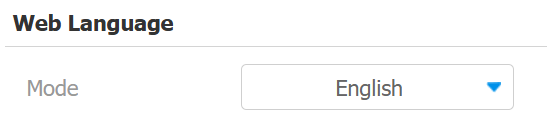
Custom Language
You can customize the configuration names and prompt texts on the device and its web portal, such as the file name error warning.
Export the .json file for editing. You may edit it with Notepad on your computer.
Import the .json file, and its size should be smaller than 1 MB.
File Example:
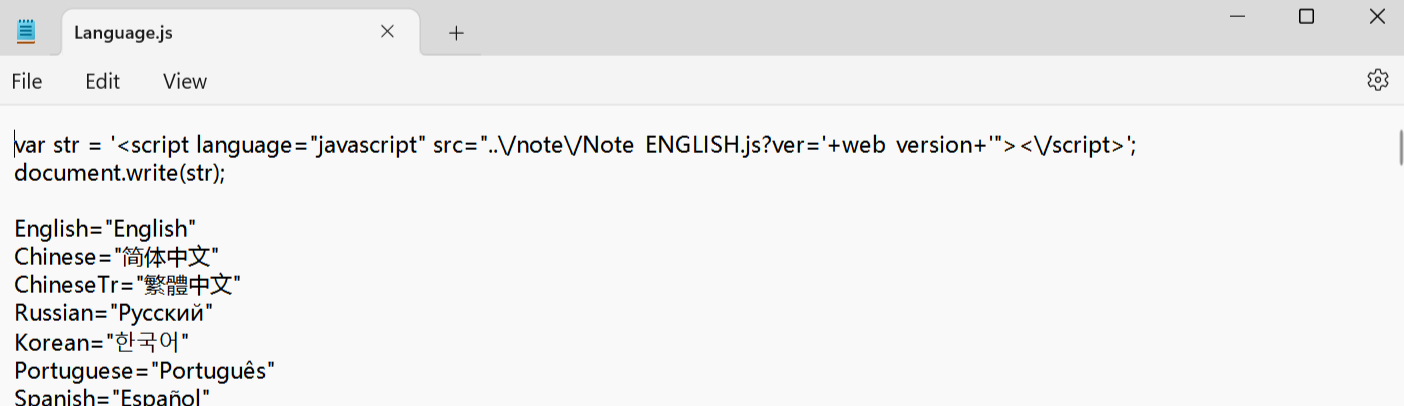
Set it up on the Setting > Time/Lang > Words of Language Upload interface. You can click Reset to clear the uploaded texts.

Note
R29Z/R29Z-L only supports English and Chinese for LCD and web display.
On the Device
Select the LCD language on the Setting > Language screen.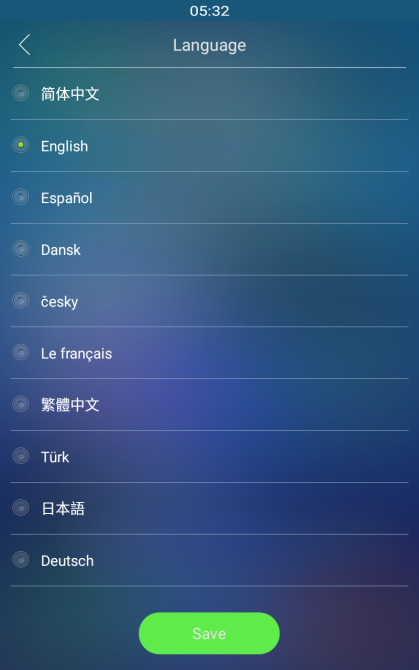
Time
Les réglages horaires, y compris le fuseau horaire, le format de date et d’heure, et plus encore, peuvent être configurés soit sur l’appareil, soit sur l’interface web.
On the Web
Les réglages d’heure de l’interface web permettent de configurer l’adresse du serveur NTP pour une synchronisation automatique de l’heure et de la date. Une fois un fuseau horaire sélectionné, l’appareil notifiera le serveur NTP du fuseau horaire choisi, lui permettant de synchroniser les réglages du fuseau horaire sur votre appareil.
Set up time on the Setting >Time/Lang >Time interface.
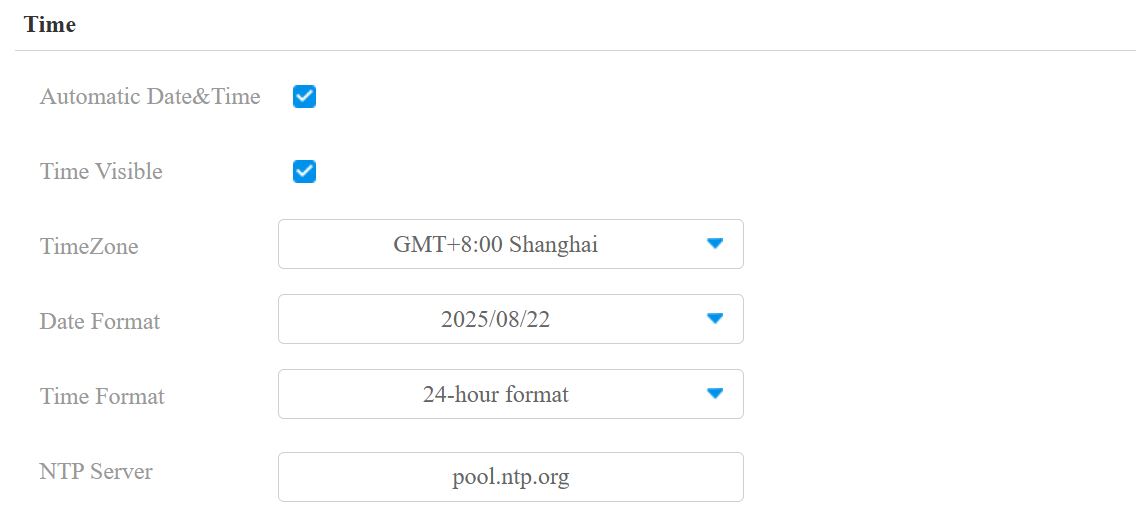
Automatic Date & Time: When enabled, the device’s date and time are automatically set up and synchronized with the default time zone and the NTP server (Network Time Protocol).
Time Visible: Decide whether to display time on the device screen.
NTP Server: The NTP server address.
On the Device
Set up time on the Setting > Time screen.
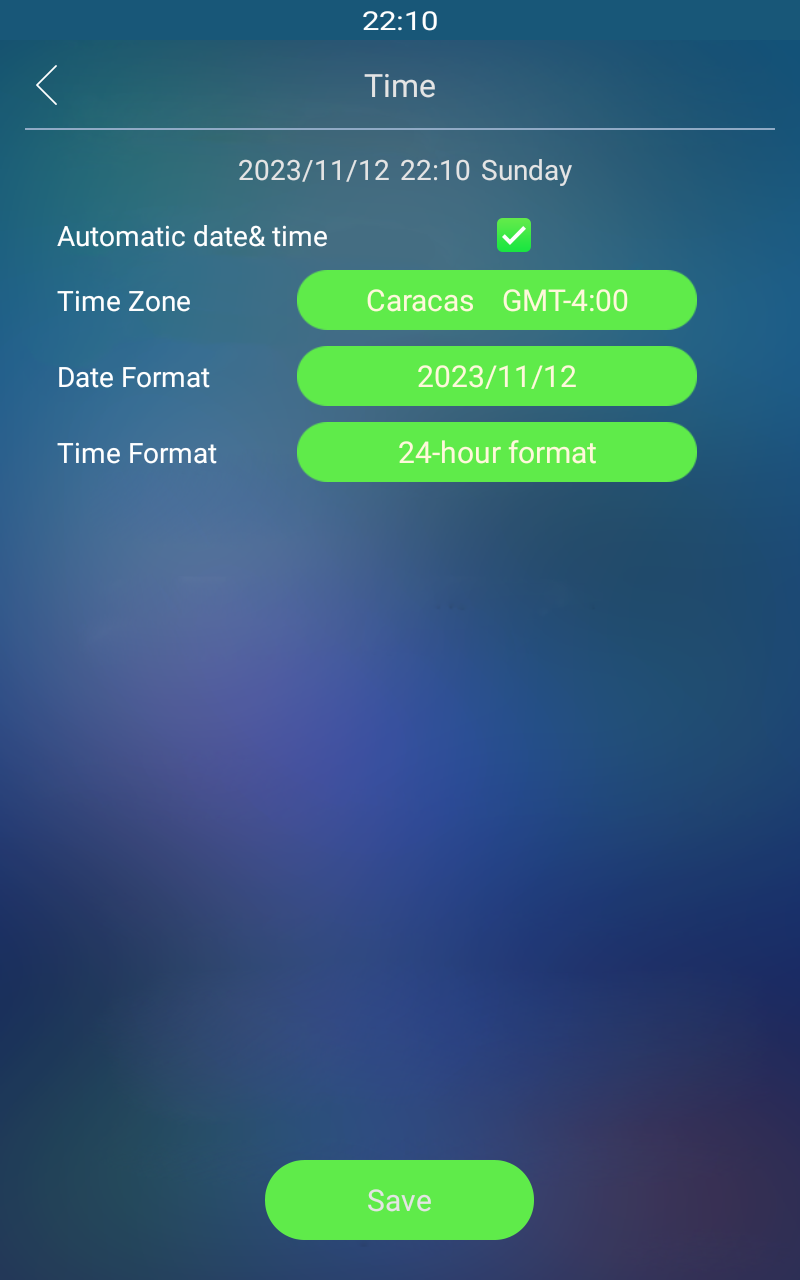
Automatic Date & Time: When enabled, the device’s date and time are automatically set up and synchronized with the default time zone and the NTP server (Network Time Protocol).