Manage Messages
You can check, create and clear messages as needed on the device Messages screen.
Tap +New to create a message and tap Clear to delete messages.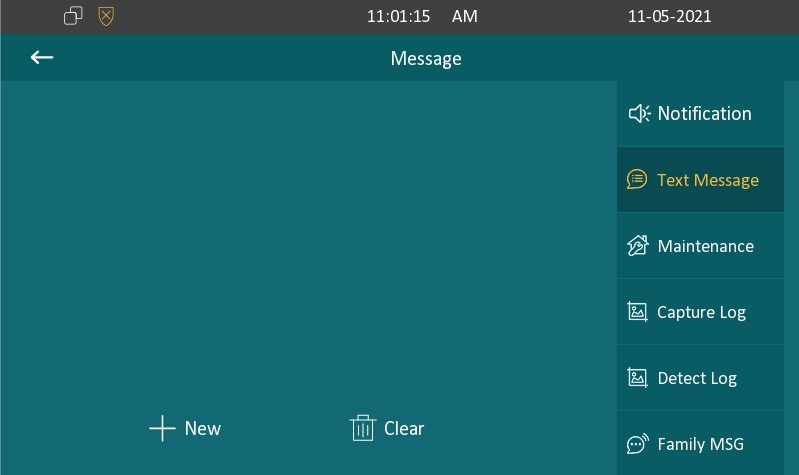
Notification: The message from the property manager. This feature is only available when using SDMC or Akuvox SmartPlus.
Text Message: To send, receive, or manage the text message here.
Maintenance: Users can report some function abnormality to the property manager.
Capture Log: Display the snapshots during calling. The maximum storage is 30 pictures.
Detect Log: Display motion detection snapshots. The maximum storage is 30 pictures.
Family Message: Audio messages recorded for family members.