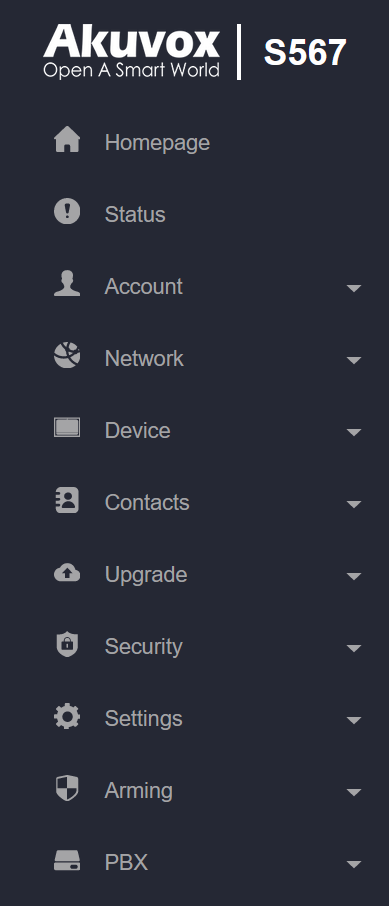
Status: This section gives you basic information such as product information, network information, account information, etc.
Account: This section concerns the SIP account, SIP server, proxy server, transport protocol type, audio & video codec, DTMF, session timer, NAT, user agent, etc.
Network: This section mainly deals with DHCP & static IP settings, RTP port settings, device deployment, etc.
Device: This section includes time, language, call feature, NTP, display setting, audio, multicast, relay, third-party app, intercom, relay monitor, lift control, etc.
Contacts: This section allows the user to configure the local contact list stored on the device and check call logs.
Upgrade: This section covers firmware upgrade, device reset & reboot, screenshots, configuration file auto-provisioning, and PCAP.
Security: This section is for password modification, account status & session time-out configuration, client certificate, as well as service location.
Settings: This section includes the RTSP setting, voice assistant, and brightness adaptation.
Arming: This section covers the configuration including arming zone setting, arming mode, disarm code, and alarm action.
PBX: This section allows you to create SIP numbers and manage SIP account settings.