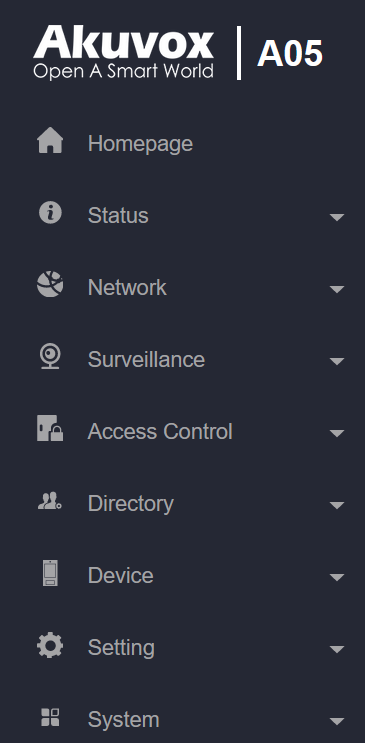
Status: This section gives you basic information such as product information, network information, and log-related configurations such as access logs.
Network: This section mainly deals with DHCP and static IP settings, device network deployment, etc.
Surveillance: This section includes audio and video-related settings such as Live stream, RTSP, ONVIF, and MJPEG.
Access Control: This section includes input settings, relay settings, and door access control in terms of facial recognition, RF card, Bluetooth settings, and body temperature settings.
Directory: This section includes access schedule management and user management.
Device: This section includes light, Wiegand, lift control, LCD, audio, and so on.
Setting: This section deals with relay schedule, security notification settings, web relay, time, action, and HTTP API settings.
System: This section covers firmware upgrade, device reset, reboot, configuration file auto-provisioning, system log, remote debug server, PCAP, password modification as well as device backup.