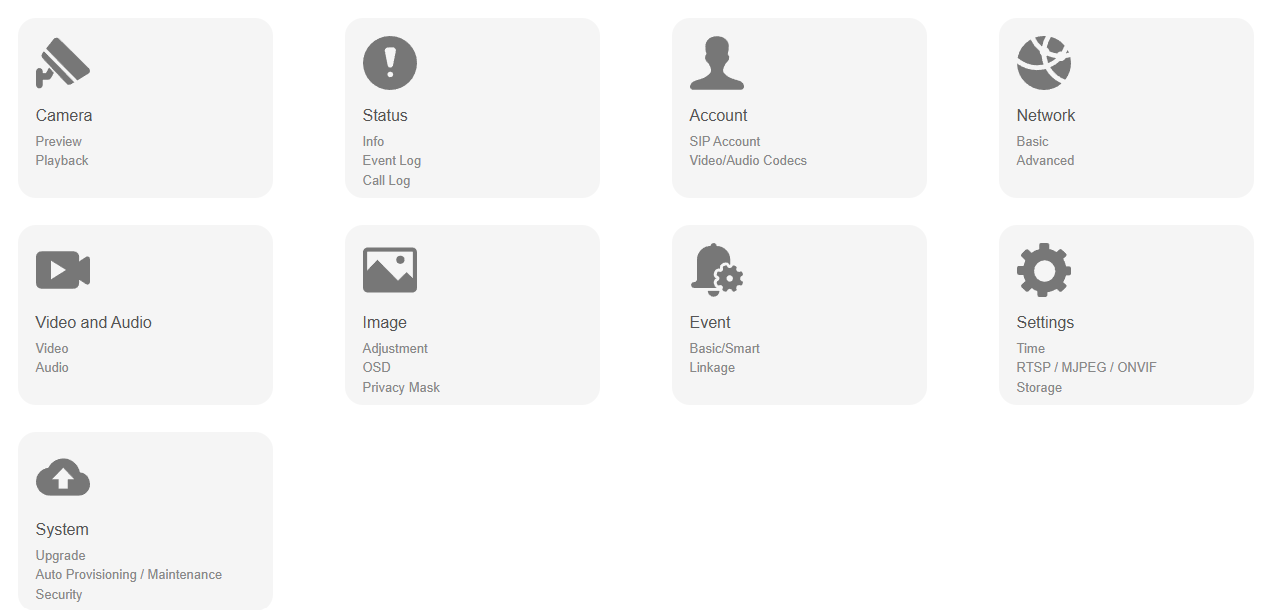
Camera: The entry for video preview and playback.
Status: This section gives you basic information such as product information and network information.
Account: This section concerns audio & video codecs.
Network: This section mainly deals with DHCP and Static IP settings and RTP port settings.
Video and Audio: This section is for adjusting the main stream parameters.
Image: This section is for adjusting the image brightness, contrast, saturation, etc.
Event: This section covers the configuration of motion detection, video tampering, scene change, and ROI events.
Settings: This section includes time, language, RTSP, MJPEG, and ONVIF settings.
System: This section covers firmware upgrade, device reset and reboot, backup, etc.