To check calls—including dial-out, received, and missed calls—within a specific period, you can view the call log on the device's web interface. If needed, you can also export the call log from the device.
Check call logs on the Device > Call Log interface.
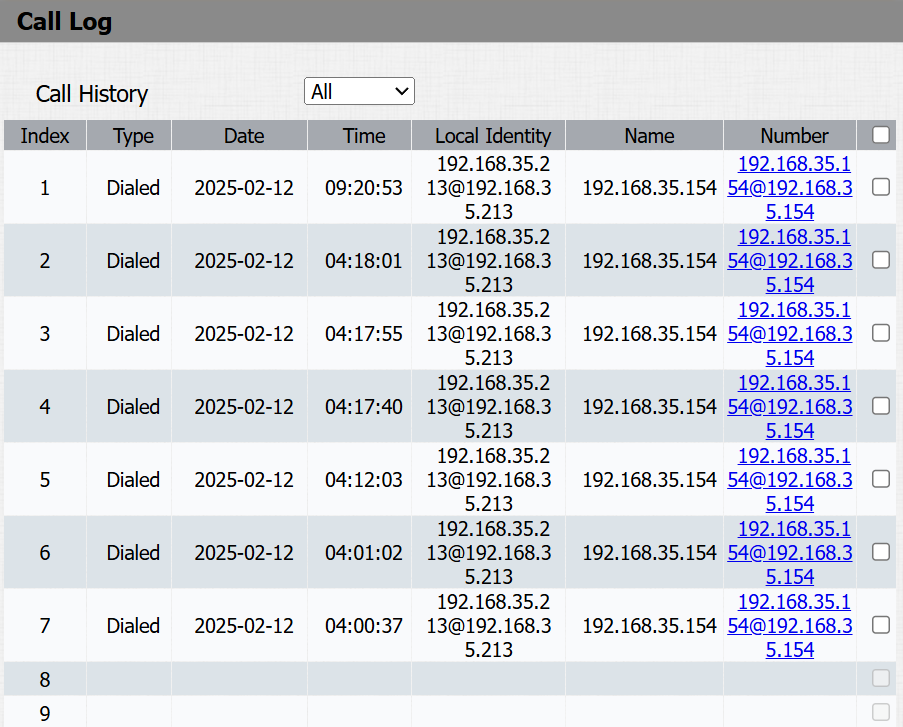
Call History: Four types of call history are available: All, Dialed, Received, and Missed。
Local Identity: Display the device's SIP account or IP number that receives incoming calls.