Call Log
If you want to check on the calls inclusive of the dial-out calls, received calls, and missed calls in a certain period, you can check and search the call log on the device web interface and export the call log from the device if needed.
Go to Contacts > Call Log interface.
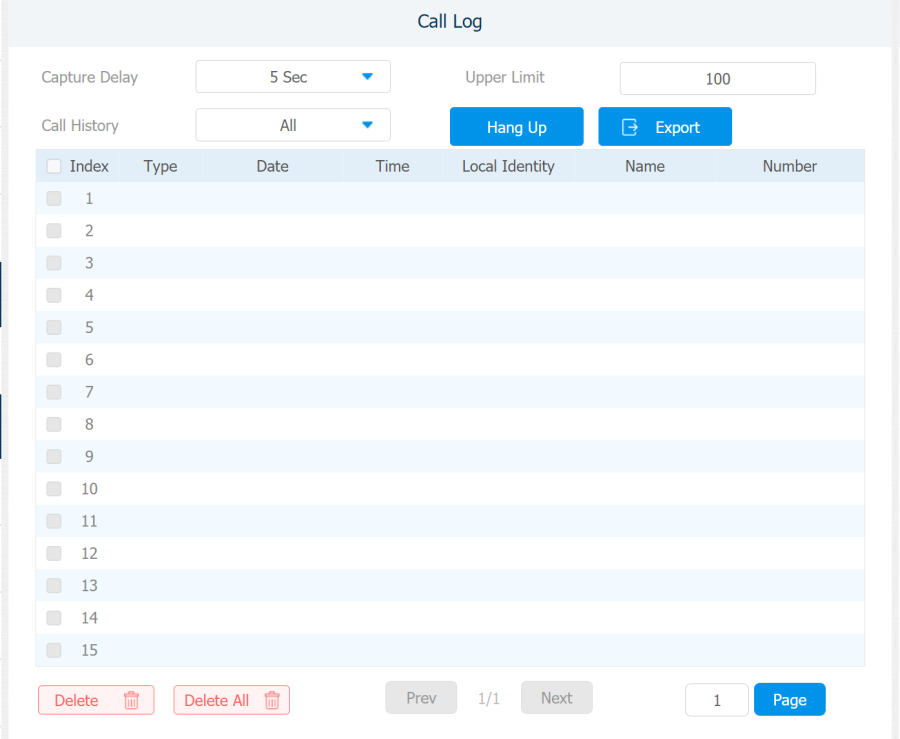
Parameter Set-up:
- Capture Delay: set the image capturing starting time when the device goes into video preview.
- Upper Limit: set the maximum screenshot storage capacity, when the capacity is reached the previous screenshots would be overwritten.
- Call History: select call history among four options: All, Dialed, Received, and Missed for the specific type of call log to be displayed.