Modify Device Web Interface Password
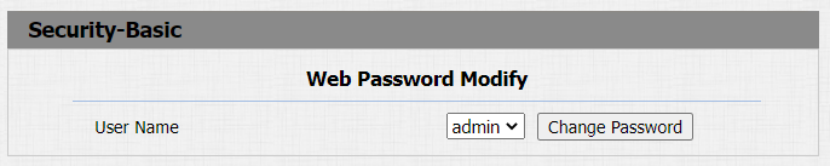
To change the default web password on web Security > Basic interface.
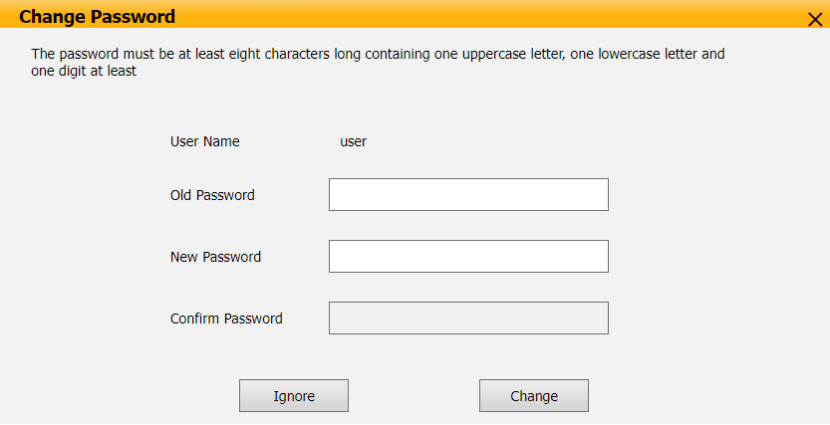
Select Admin for the administrator account and User for the user account. Click the Change Password tab to change the password.
Parameters Set-up:
-
User Name: modify the admin or user password if needed.
-
User: enable the user account if needed.
Configure Web Interface Automatic Logout
You can set up the web interface's automatic log-out timing, requiring re-login by entering the user name and the passwords for security purposes or for the convenience of operation.
Path: Security > Basic > Session Time Out.

Parameters Set-up:
- Session Time Out Value: the range from 60 to 14400 sec. If there is no operation over time, you need to log in to the website again.