Modify Web Interface Password
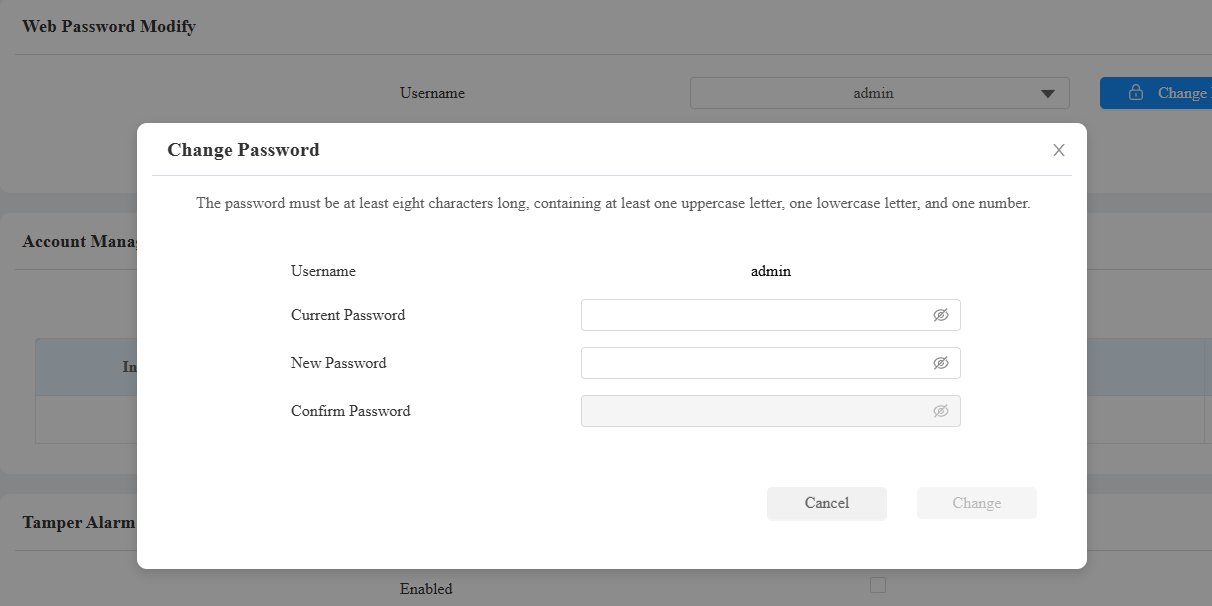
You can modify the device web interface login password for both administrator and user accounts.
Go to the System > Security > Web Password Modify interface. Select admin for the administrator account and select user for the user account.
Click Change Password to modify the password.

Modify Security Questions
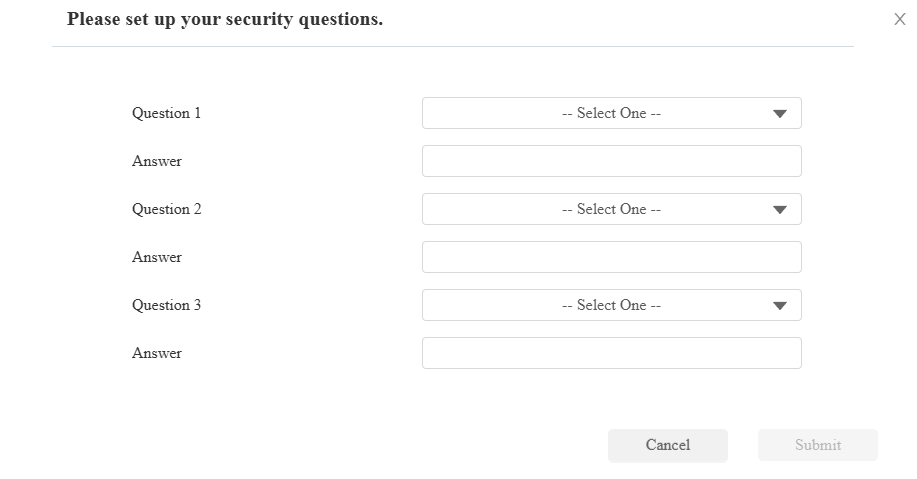
Security questions allow you to reset the web password if you forget it. After setting up the security questions, you can click "Forget Password" on the login interface, enter the answers, and a password reset window will pop up.
If you do not set up the security questions, clicking "Answer security questions" will prompt you to "Please contact your service provider".
To set it up, go to the System > Security > Web Password Modify interface. Click Modify Security Questions.
You need to first enter the right password for verification and then set up the security questions.
Modify Administrator Credentials
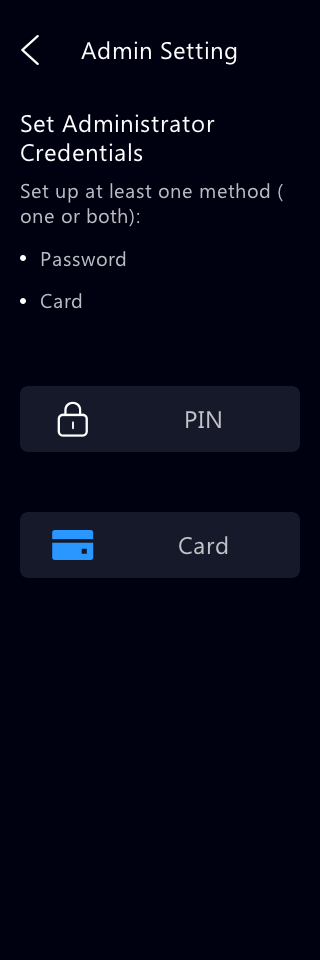
The administrator credentials are used to access the device’s system settings. You can set both(PIN and RF Card) or choose one.
To set it up, go to the System > Security > Administrator Credentials interface.

PIN Code: Set the 6 to 8 digits.
RF Card: Click Obtain while placing the card on the device.
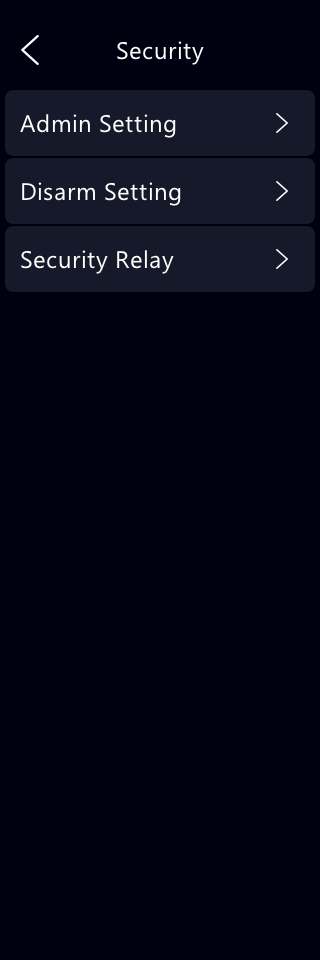
You can also modify the credentials on the Setting > Security > Admin Setting screen.