You can add RF cards for door access.
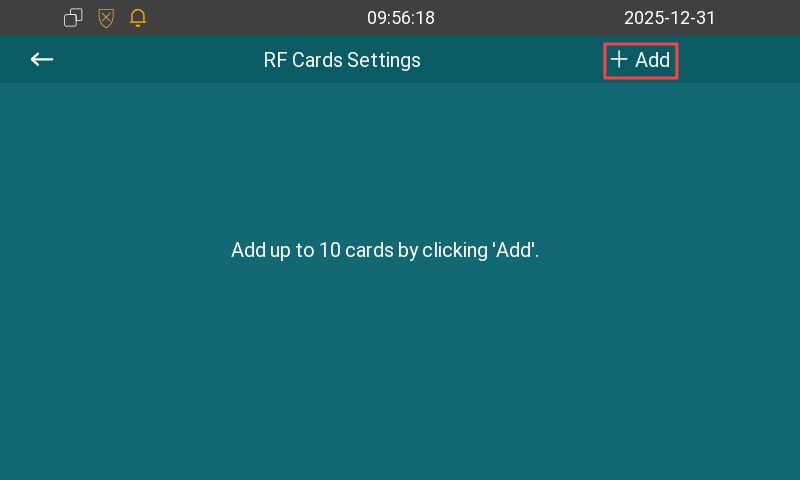
Go to the More > Settings > RF Cards screen.
Tap +Add and place the card on the door phone. The door phone will play a “ding” sound to indicate that it has entered card-reading mode.
Each added card is bound to a user. You can directly swipe the card on the door phone to open the door.
Note
Currently, E12S-2 does NOT support this feature.