Reboot
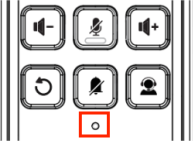
You can reboot the device by inserting a pin into the reset hole and holding it for three seconds.
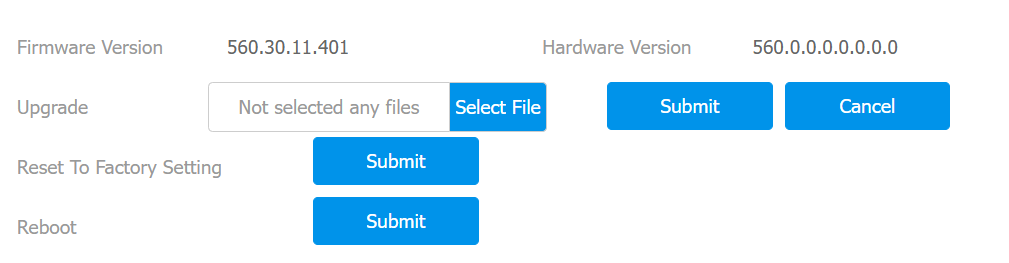
You can also reboot it on the Upgrade > Basic interface.
Reset
You can reset the device by inserting a pin into the reset hole and holding it for about 5 seconds.
You can also reset it on the Upgrade > Basic interface.