Reboot
The access controller can be rebooted manually or with a reboot schedule on the web interface.
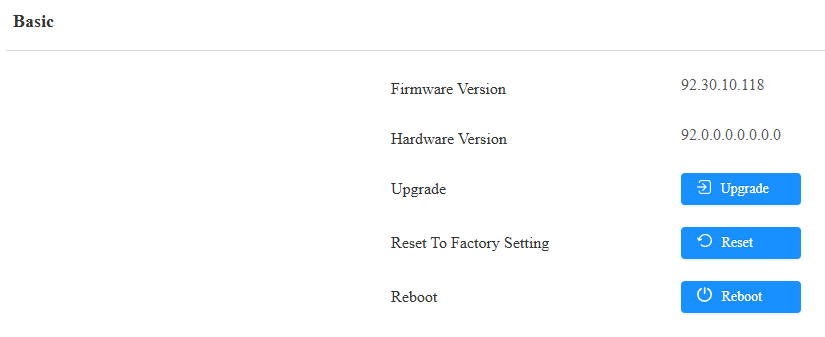
To reboot the system manually
Navigate to the web System > Upgrade interface.
To set up the device reboot schedule
Navigate to the web System > Auto Provisioning interface.

Reset
Reset the device on the web System > Upgrade interface.