Reboot
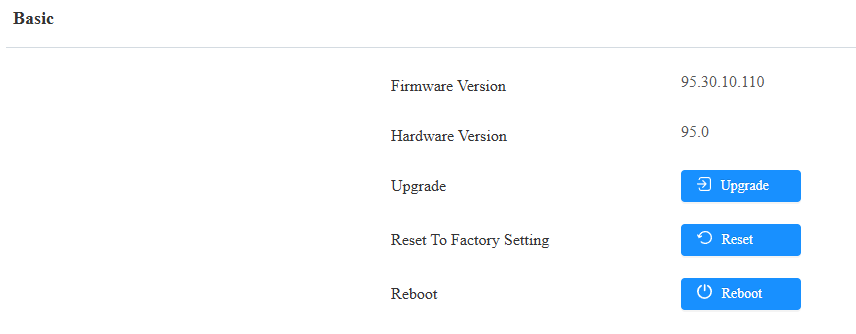
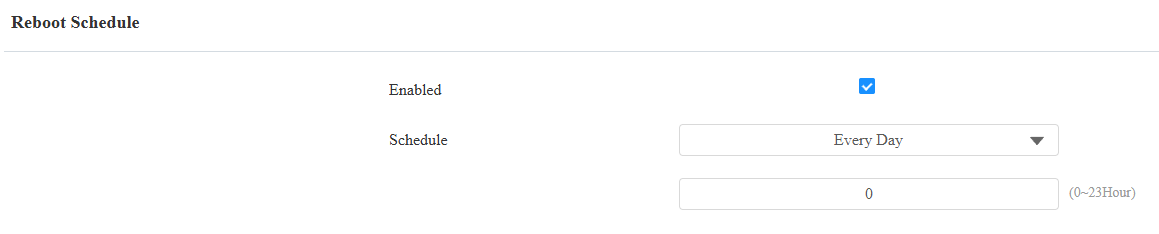
The access controller can be rebooted manually or with a reboot schedule on the web interface.
To reboot the system manually
Navigate to the web System > Upgrade interface.
To set up the device reboot schedule
Navigate to the web System > Auto Provisioning interface. Set the time when the device reboots.
The device can also be rebooted by holding the reset button for 6 seconds.
.png)
Reset
Reset the device on the web System > Upgrade interface.
The device can also be reset by holding the reset button for about 15 seconds until the RUN indicator light stops flashing. Then, the device will automatically reset and restart.