Reboot
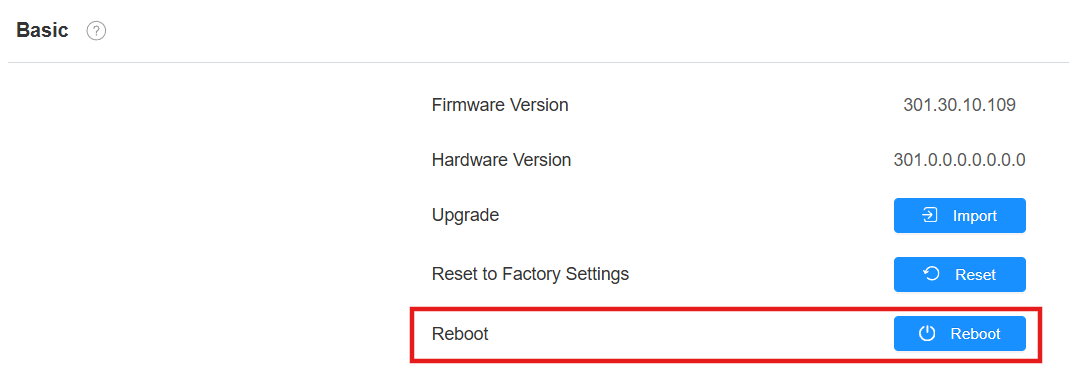
Reboot the device on the Upgrade > Basic interface.
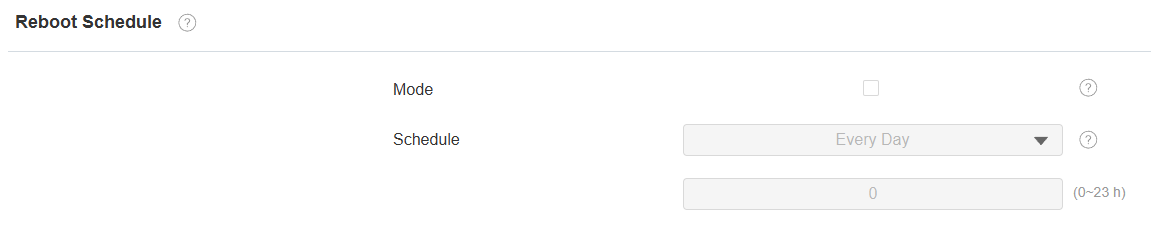
Besides, you can set up a reboot schedule to make the device restart at designated times.
Set it up on the Upgrade > Advanced > Reboot Schedule interface.
Reset
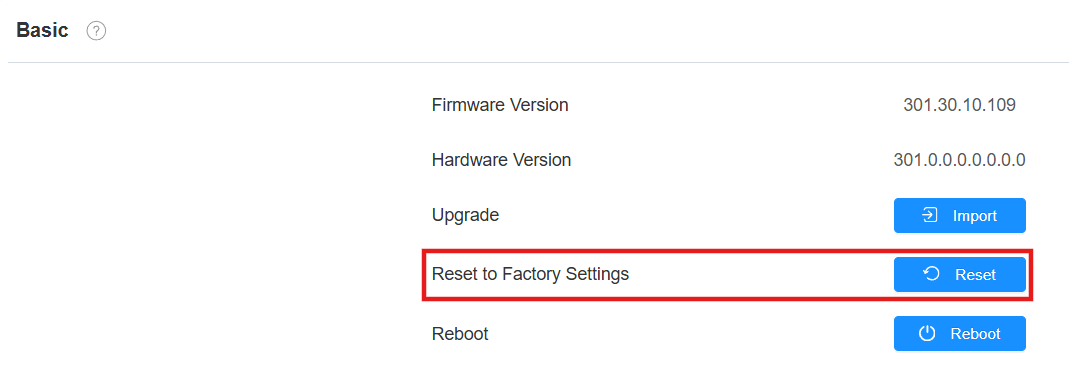
Reset the device on the Upgrade > Basic interface.
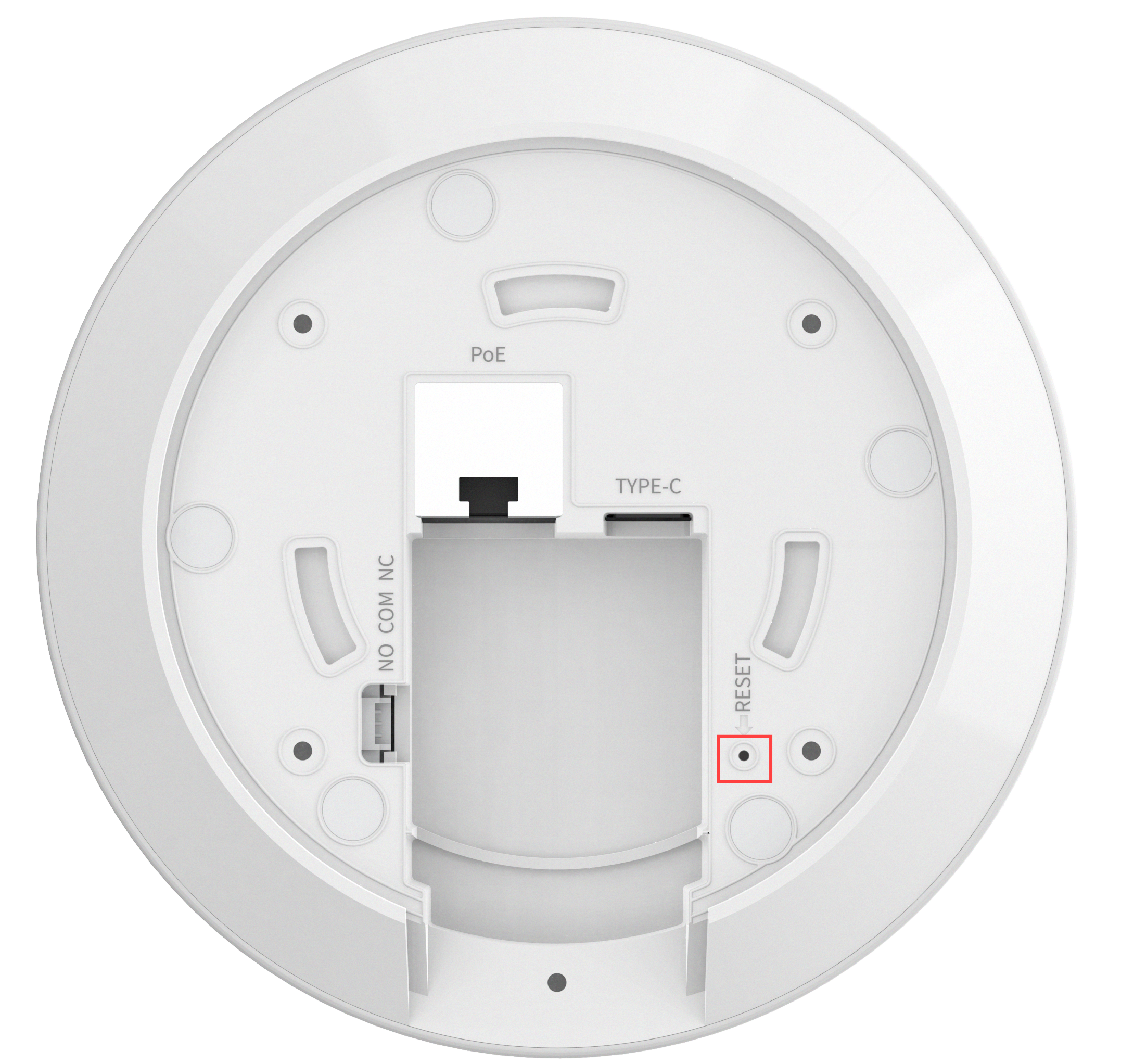
You can also reset the device by pressing the physical button.
Insert a PIN into the hole on the device’s back.
Press and hold the button for about 3 seconds.
The indicator light flashes red slowly. Then, the device enters reset and reboot.