Reboot
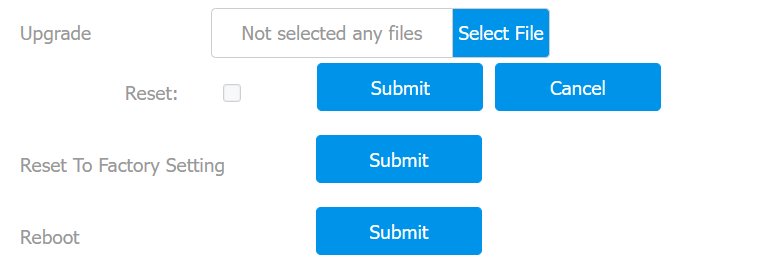
Reboot the device on the Upgrade > Basic interface.
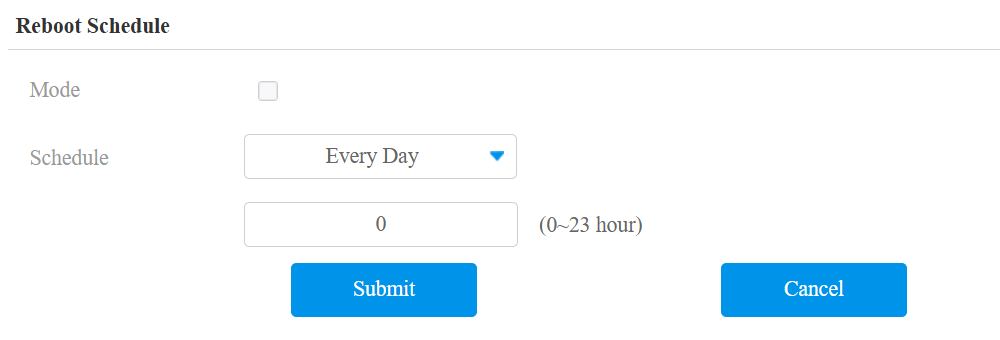
You can set up the reboot schedule on the Upgrade > Advanced interface
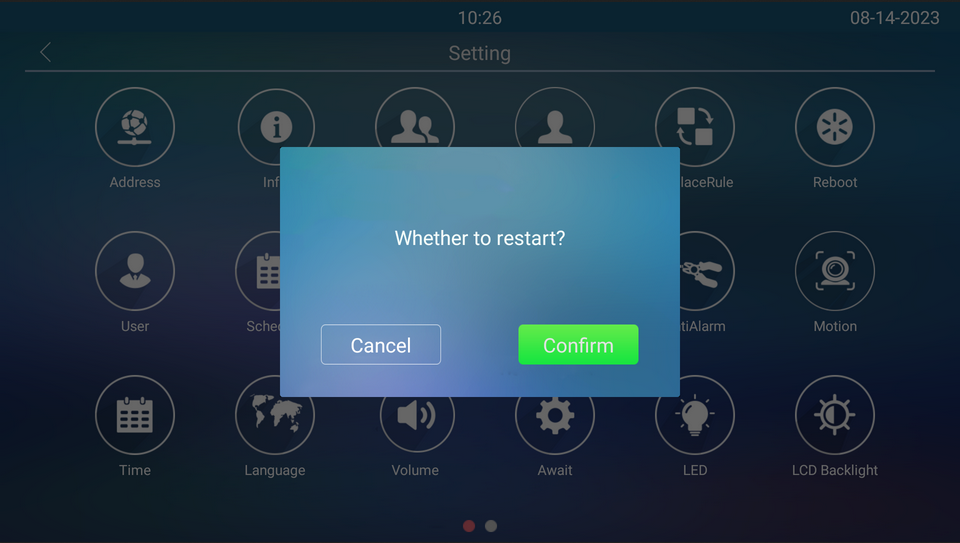
You can also reboot the device on the Setting screen.
Reset
Reset the device on the Upgrade > Basic interface.
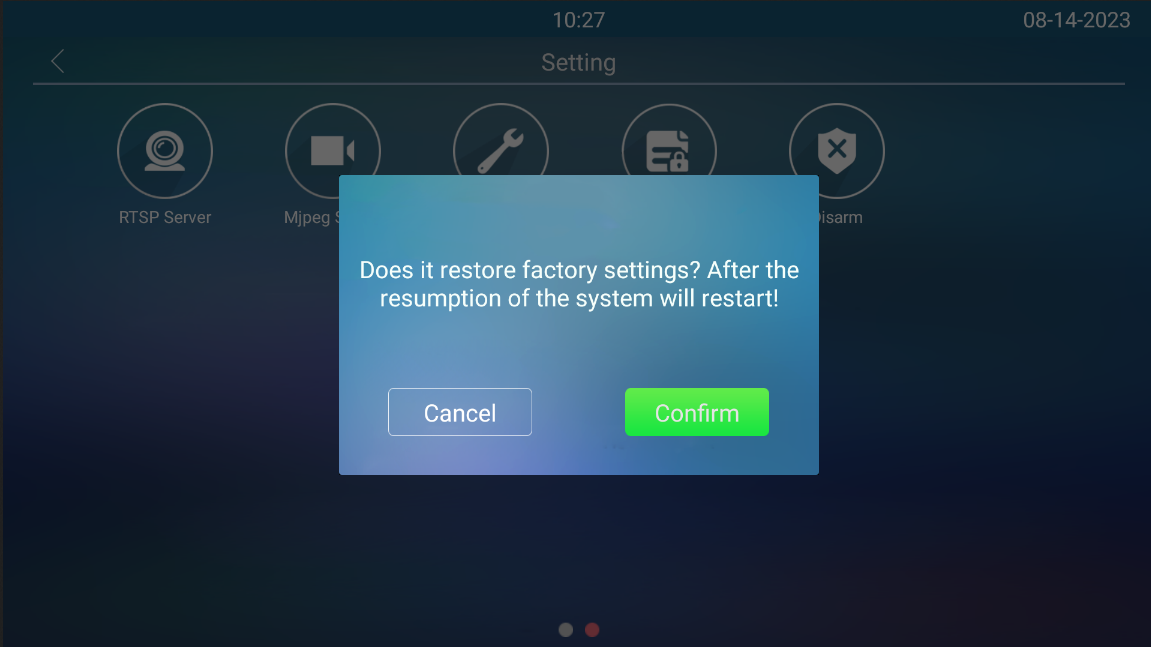
You can also reset it on the Setting screen. Tap Restore.
Tip
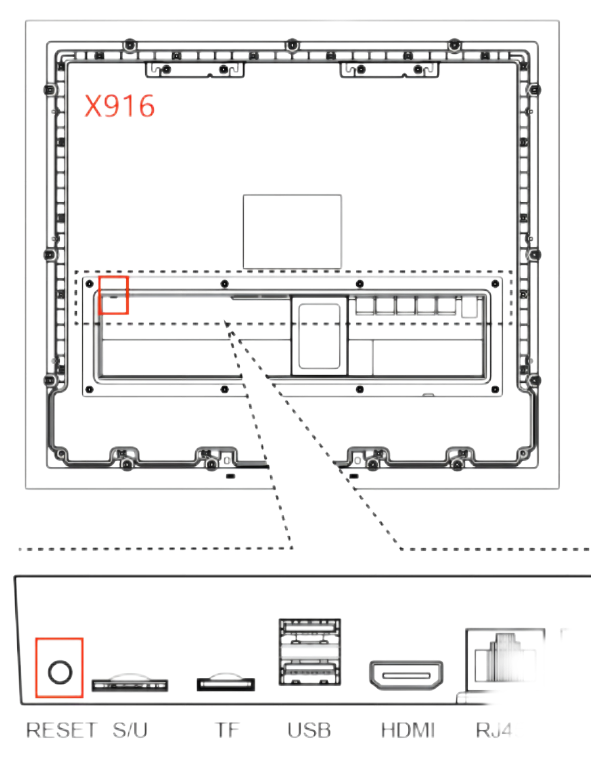
The device also supports resetting via a physical button on its back.
Remove its back cover, and press the reset button for about 3 seconds.
The backlight of the card reader area and fill light will light up, and the device will go into factory reset and reboot.