Update the system
Device update requires cloud connection. Please contact your service provider for assistance.
To update the device to the latest version:
Swipe down from the top edge of any screen.
Tap
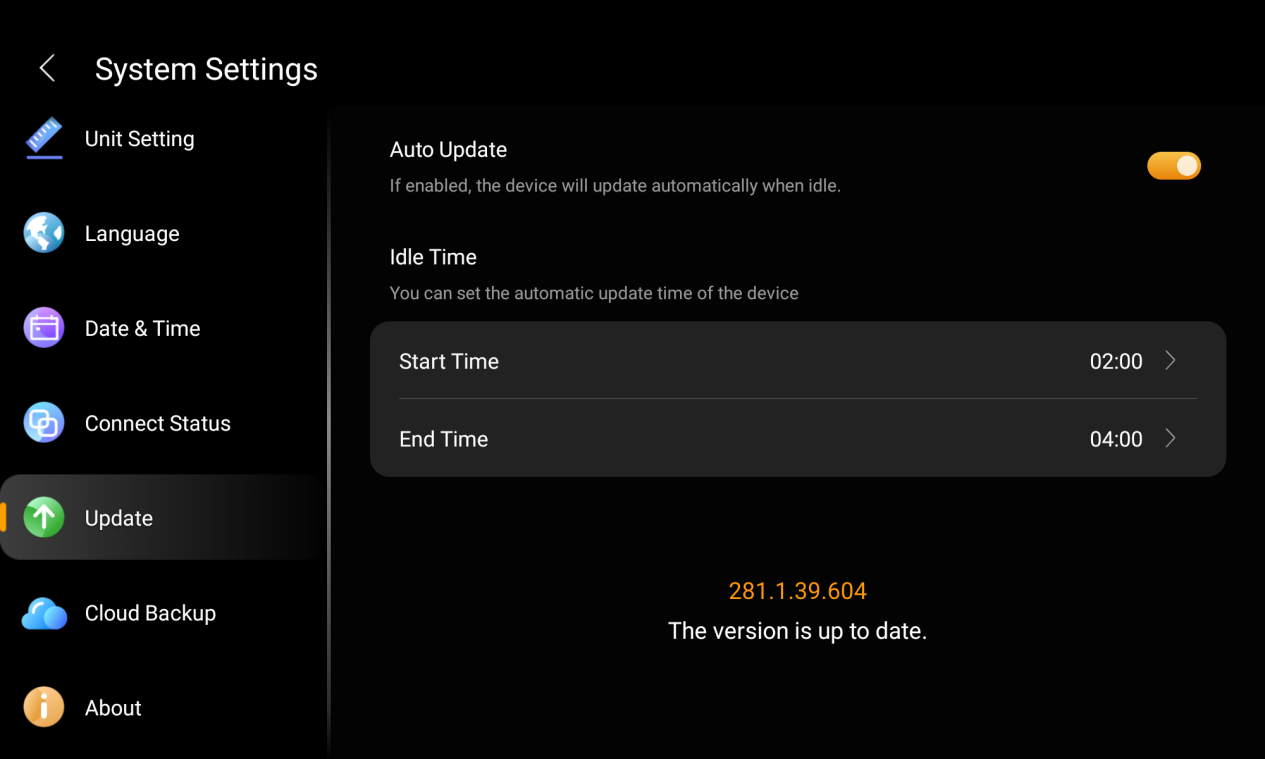
 > System Settings > Update.
On the Update screen, do any of the following:
Enable Auto Update to automatically download and install firmware during idle time. You can also set a preferred update time period.
NOTE:
Updates will occur at the scheduled time only if:
The device has been in standby mode for the past hour, and
No alarms and countdowns are set within the next hour.
Disable Auto Update to download updates automatically but install them manually. If a new version is available, tap Install.
Restart HyPanel Ultra
To restart the system, do any of the following:
Press the restart button at the right-side edge(refer to the picture) using a paperclip or needle until the display turns off.

Swipe down from the top edge of any screen to open Control Center, and tap
 > Reboot.
Clear all user data
Before resetting the device, consult your service provider.
To clear all user data, go to  > Installer Settings(default password: 000000) > Reset. The device will remain connected to the network and continue to function normally.
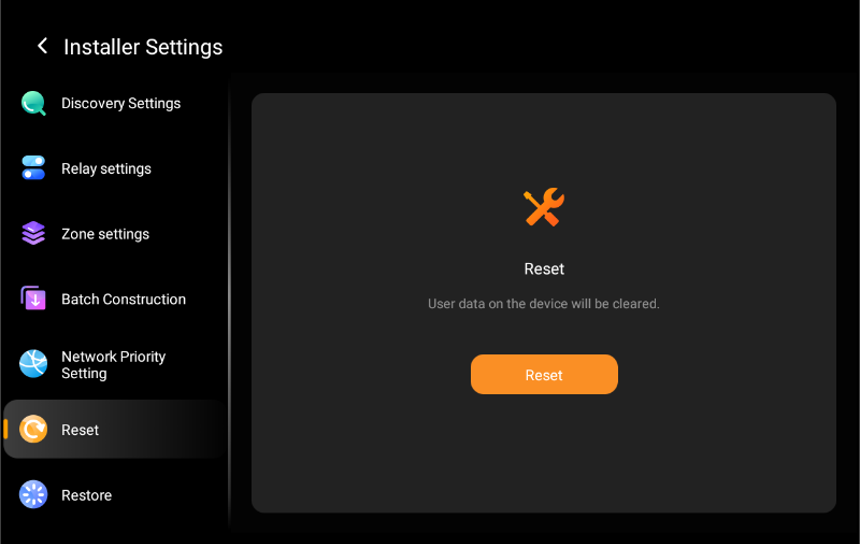
The reset action will:
Clear call logs and records
Delete photo wall content
Remove energy consumption and notification data
Restore display, sound, Do Not Disturb, and other settings to default
The following will be retained:
Home and room layout
Added sub-devices
Scene configurations
Device and account binding
Factory reset
Before performing a factory reset, consult your service provider.
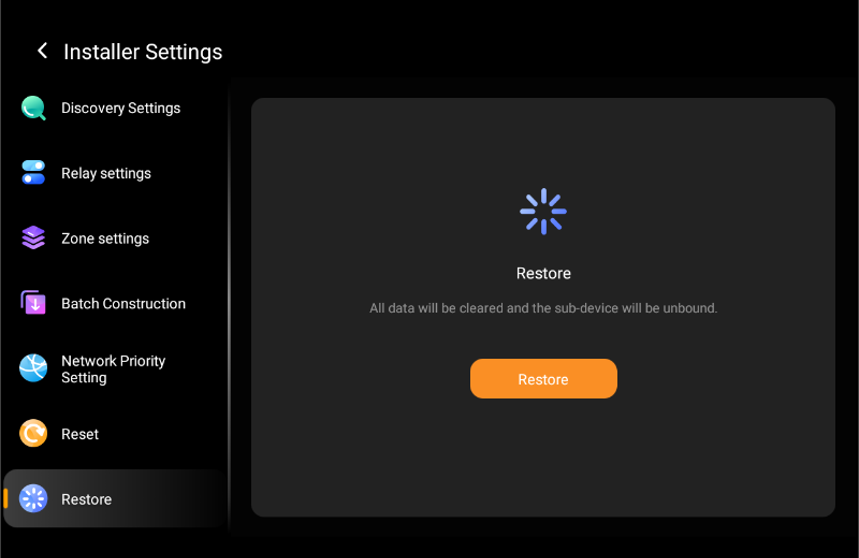
To perform a factory reset, go to  > Installer Settings(default password: 000000) > Restore.
All configurations and initial settings will be erased.The device will return to the initial setup wizard as if it were newly installed.