To check calls—including dial-out, received, and missed calls—within a specific period, you can view the call log on the device's web interface. If needed, you can also export the call log from the device.
To set it up, go to the Contacts > Call Logs interface. The device supports 1,000 call logs or more.
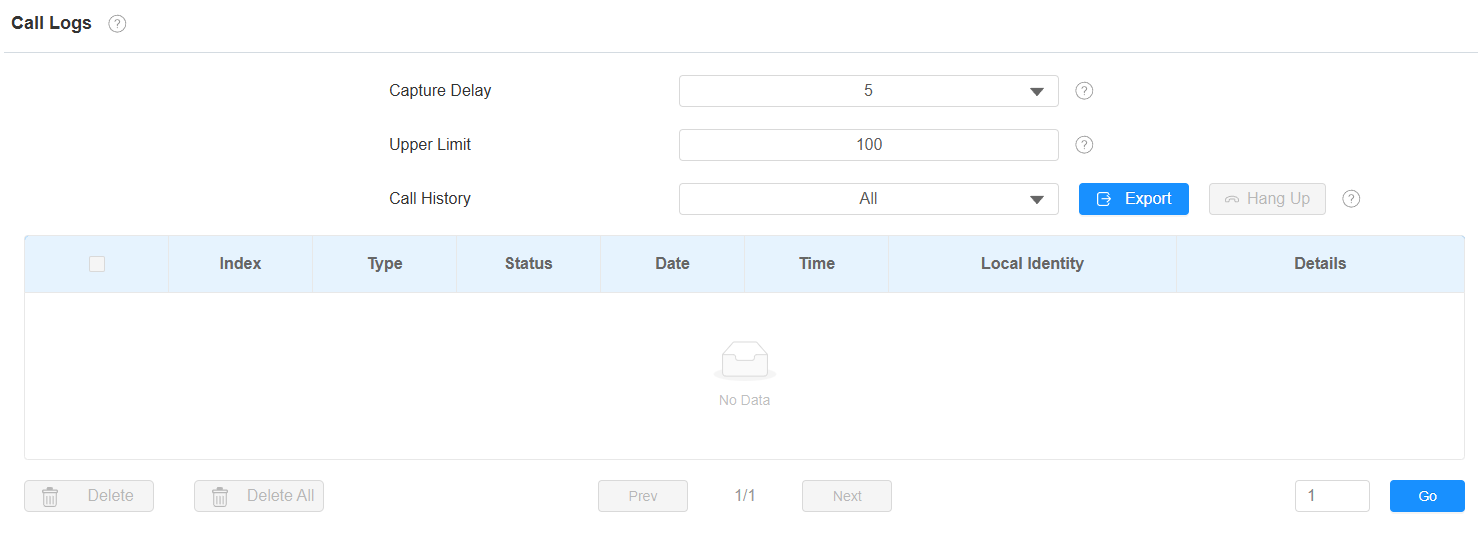
Capture Delay(Sec): Set the image capturing starting time when the device goes into a video preview.
Upper Limit: The maximum screenshot storage capacity. When the capacity reaches its limit, the previous screenshots will be overwritten.
Call History: There are five types of call history: All, Incoming, Outgoing, Incoming(Group Call), and Forwarded.
Local Identity: Display the device's SIP account or IP number that receives incoming calls.