Door phones' system settings can be either accessed on the device or on its interface.
Access the Device Settings
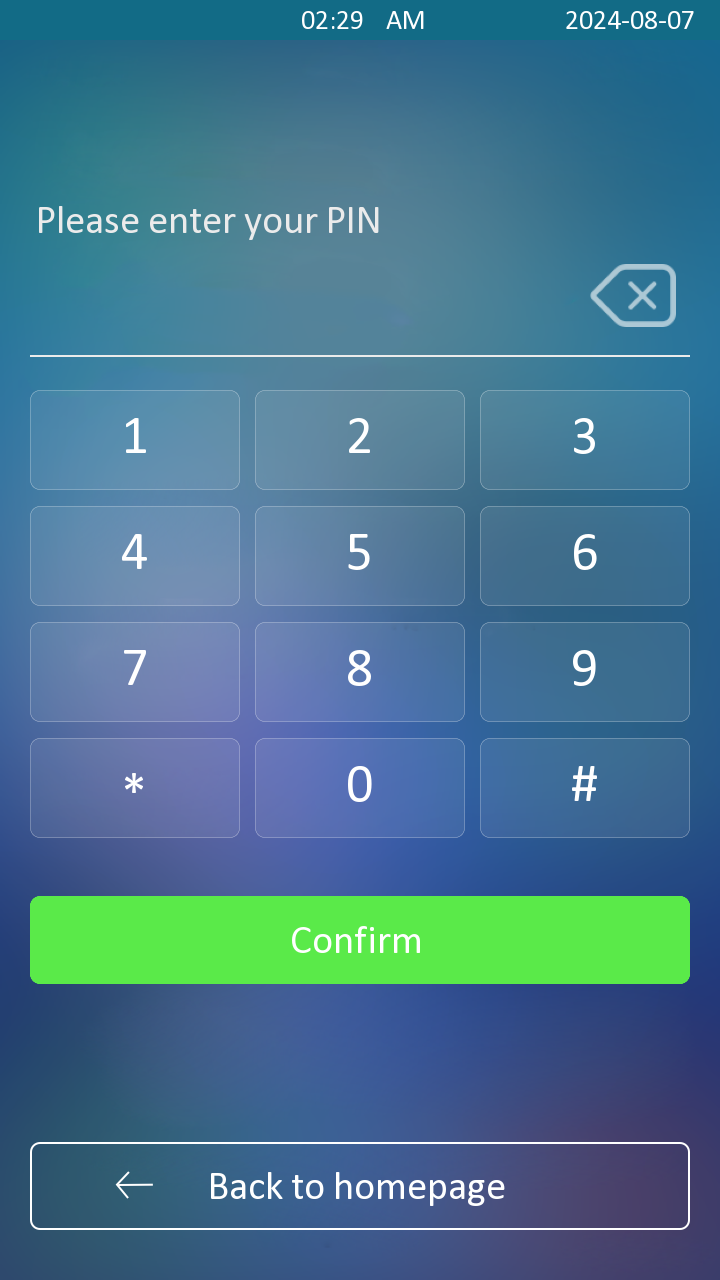
To access the device settings, long-press on the initial screen for approximately five seconds, then enter the default PIN code and press Confirm.
The default PIN depends on your firmware version:
Firmware version 216.30.10.121 or earlier:
adminAll other versions:
Admin321.

Access the Device’s Web Settings
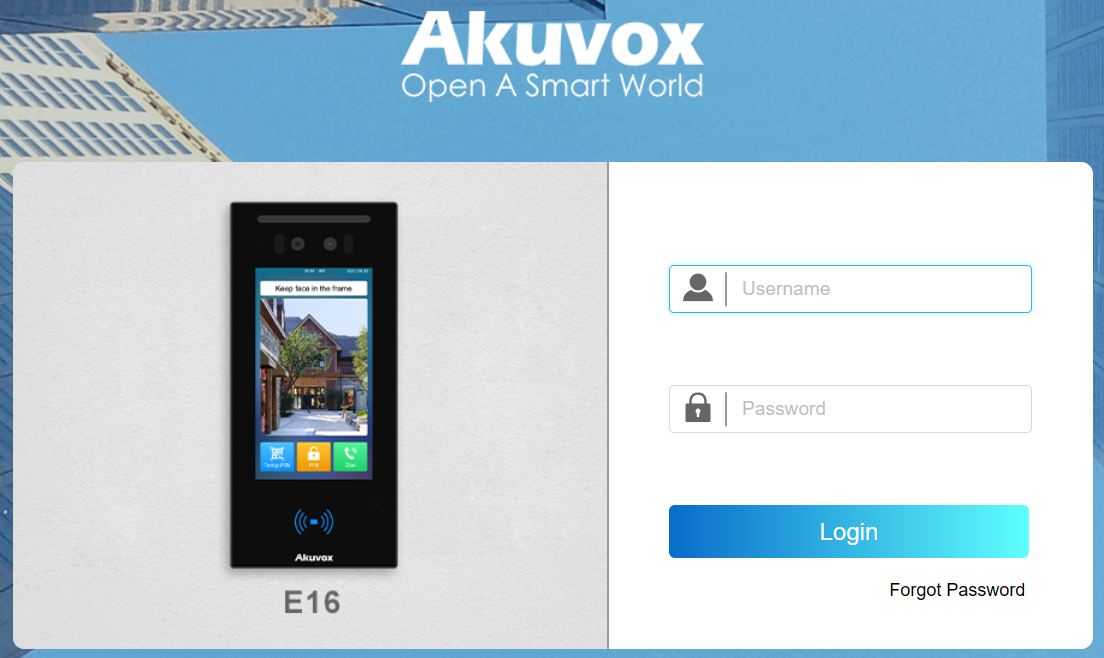
You can enter the device IP address in a browser and log into the device web interface where you can configure and adjust parameters.
Check the device IP on the Setting > System Info screen or use the Akuvox IP scanner tool to search for the device's IP address on the same LAN.
Note
Download IP scanner:
https://knowledge.akuvox.com/docs/akuvox-ip-scanner?highlight=IPSee the detailed guide:
https://knowledge.akuvox.com/v1/docs/en/how-to-obtain-ip-address-via-ip-scanner?highlight=IP%20ScannerGoogle Chrome browser is strongly recommended.
The initial username and password are both admin.
Your computer should be on the same network as the device.