Door phones' system settings can be either accessed on the device or on its interface.
Obtain Device IP Address
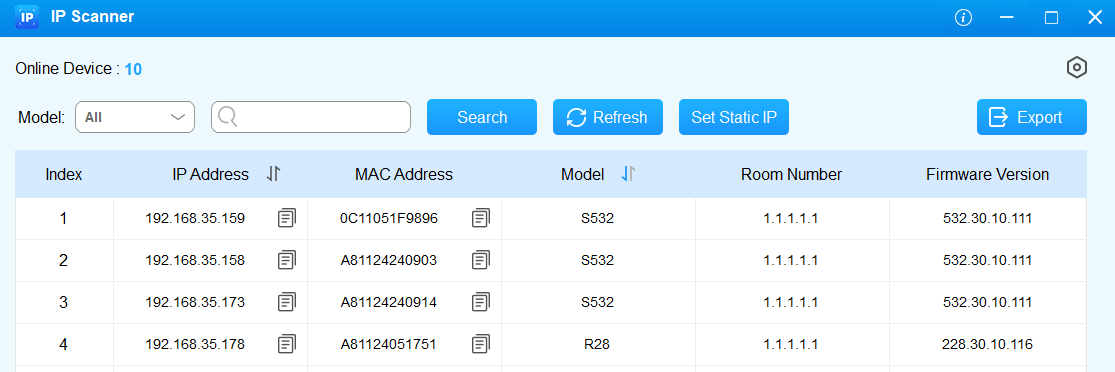
Search for the device IP using the IP scanner in the same local network(LAN). Click Refresh to update the list.
Your computer should be on the same LAN as the device.
Access the Device Settings
Press “*2396#” to access the device’s admin settings, including:
system information;
admin card, admin code, and service code management;
system network settings;
system reset.
You can check the device’s IP, MAC, and firmware version on the System Information screen.
Access Device’s Web Settings
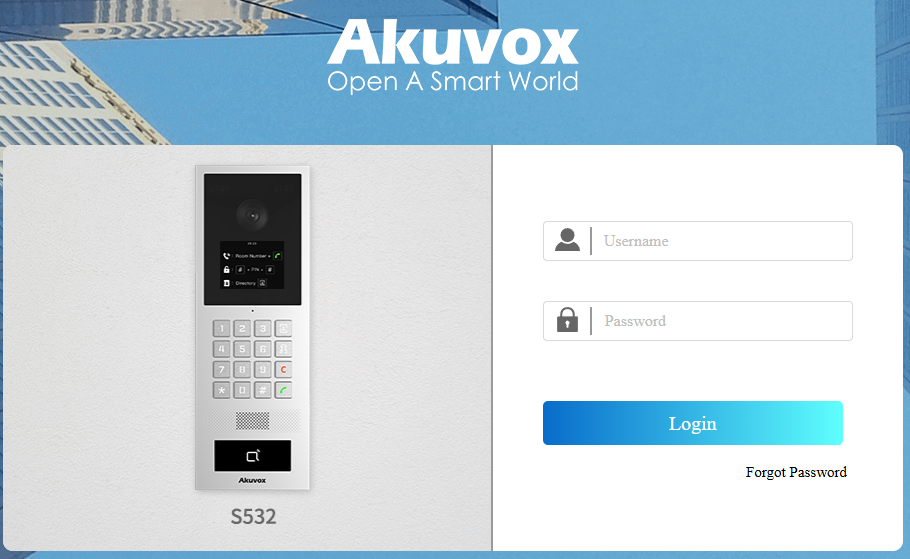
You can enter the device IP address in a browser and log into the device web interface where you can configure and adjust parameters.
The initial user name and password are both admin and please be case-sensitive to the user names and passwords entered.
Note
Download IP scanner:
https://knowledge.akuvox.com/docs/akuvox-ip-scanner?highlight=IPSee the detailed guide:
https://knowledge.akuvox.com/v1/docs/en/how-to-obtain-ip-address-via-ip-scanner?highlight=IP%20ScannerGoogle Chrome browser is strongly recommended.