Akuvox A094 access controller system settings can be accessed on the device web interface.
Obtain Device IP Address
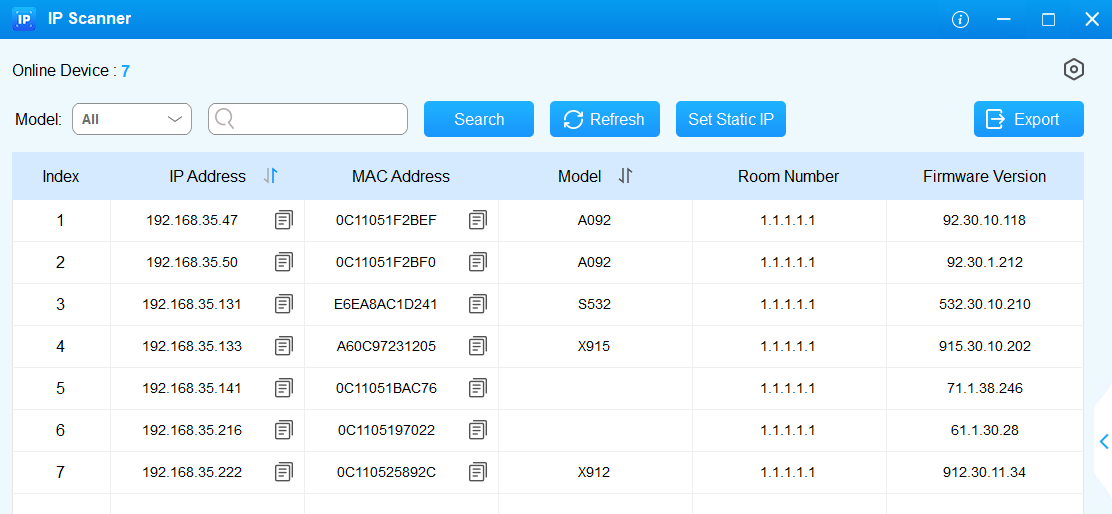
Before configuring the device, please make sure the device is installed correctly and connected to a normal network. Using the Akuvox IP scanner tool to search the device IP address in the same LAN.
Access the Device Web Interface
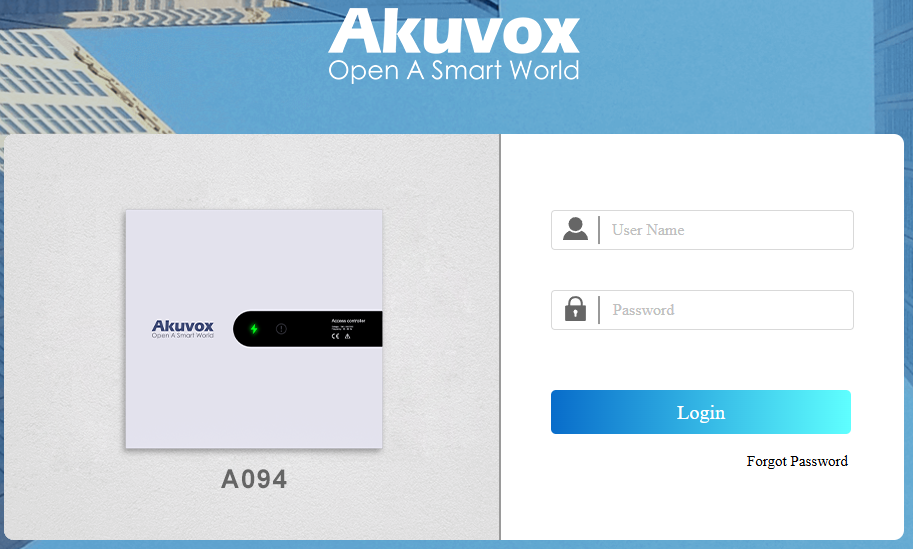
Enter the device IP address on the web browser to log in to the device web interface where you can set up features. The initial user name and password are admin and please be case-sensitive to the user names and passwords entered.
Note
Download IP scanner:
https://knowledge.akuvox.com/docs/akuvox-ip-scanner?highlight=IPSee detailed guide:
https://knowledge.akuvox.com/v1/docs/en/how-to-obtain-ip-address-via-ip-scanner?highlight=IP%20ScannerGoogle Chrome browser is strongly recommended.