Obtain Device IP Address
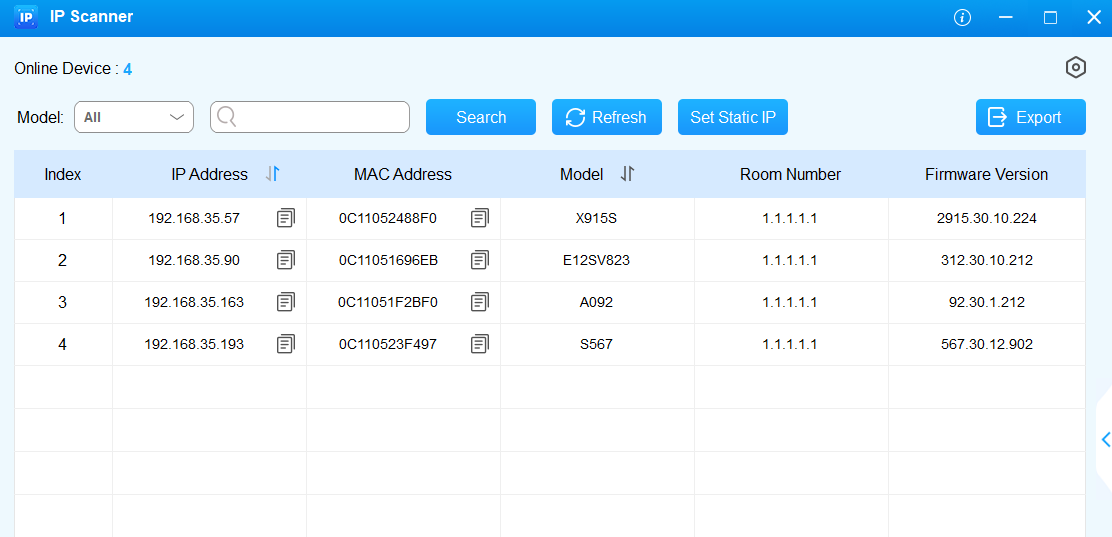
Check the device IP address by holding the push button for 5s. Or, search the device IP by the IP scanner in the same network.
Access the Device Web Settings
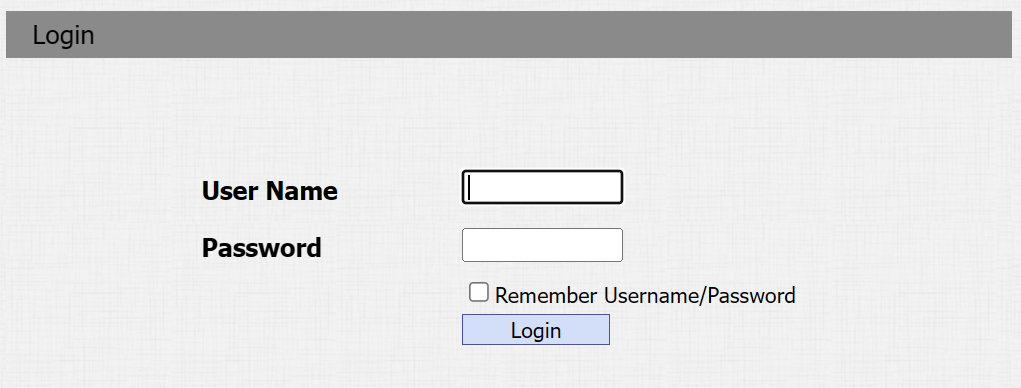
You can enter the device IP address in a browser and log into the device web interface where you can configure and adjust parameters.
The initial username and password are both admin and please be case-sensitive to the username and password entered.
Note
Download IP scanner:
https://knowledge.akuvox.com/docs/akuvox-ip-scanner?highlight=IP
See detailed guide:
Google Chrome browser is strongly recommended.
Your computer should be on the same network as the device.