Access the device’s settings by logging in to its web interface.
Obtain Device IP Address
Before configuring the device, please make sure the device is installed correctly and connected to a normal network.
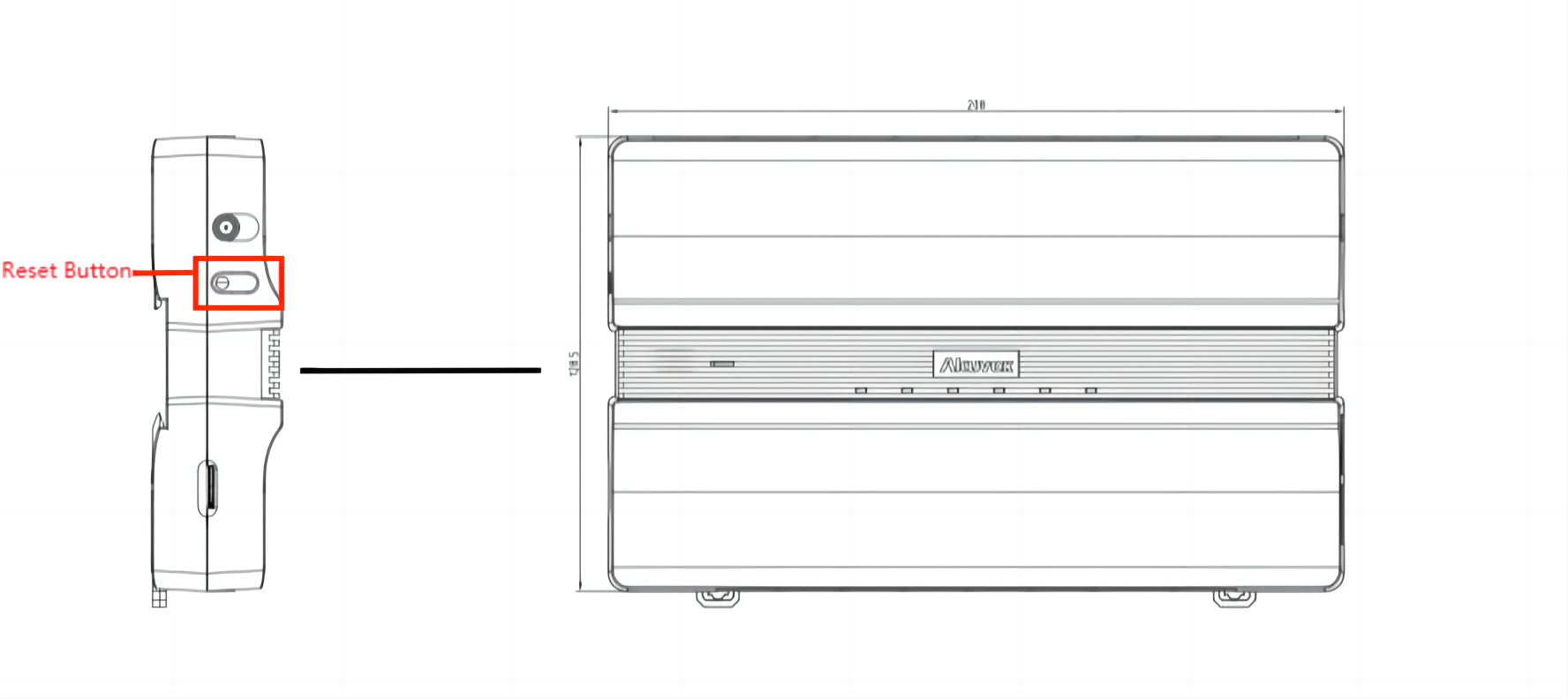
You can obtain the device IP by:
Pressing the reset button.
Search for it with the IP scanner tool on the same local network(LAN).
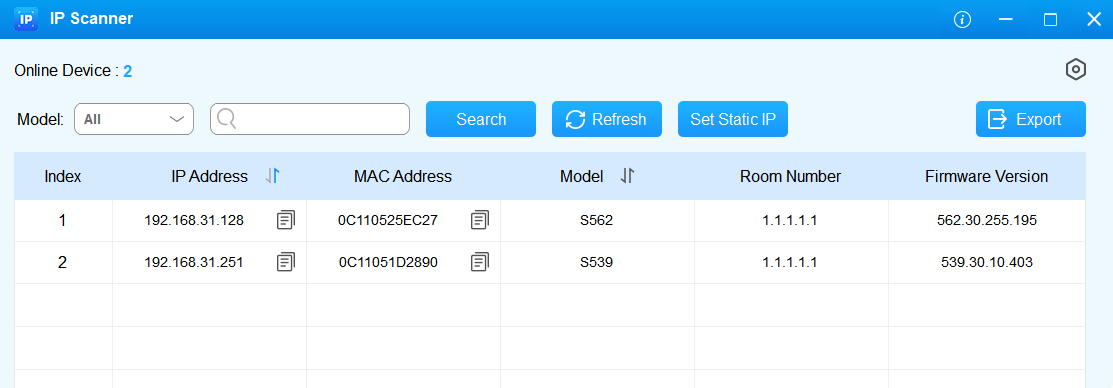
IP scanner
Access the Web Settings
Enter the device IP in a browser. The initial username and password(case-sensitive) are admin.
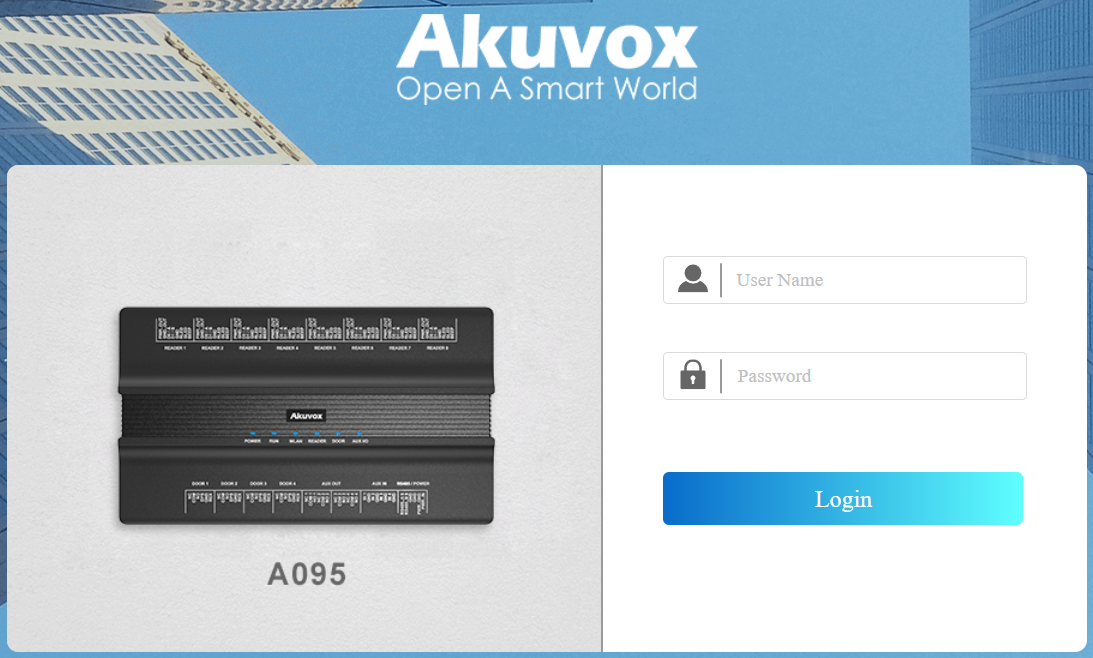
Note
Download IP scanner:
https://knowledge.akuvox.com/docs/akuvox-ip-scanner?highlight=IPSee detailed guide:
https://knowledge.akuvox.com/v1/docs/en/how-to-obtain-ip-address-via-ip-scanner?highlight=IP%20ScannerGoogle Chrome browser is strongly recommended.
Your computer should be on the same LAN as the device.
Set IP Announcement
You can set up the IP announcement loop times on the Device > Audio interface.

Loop Times: The value range is 1 to 5. The default is 1.