Access the device's system settings either on the device or on its interface.
Initial Setup
Before configuring the device, ensure the device is installed correctly and connected to a normal network.
During the initial setup, you will be guided to select the device language, set up admin credentials(PIN and/or card), and select the time zone.
The admin credentials are used to access the device’s system settings. Select at least one method and configure it.
PIN: 6 to 8 digits.
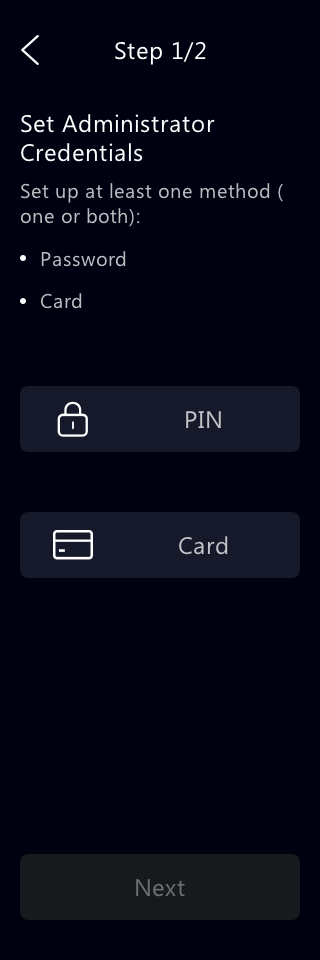
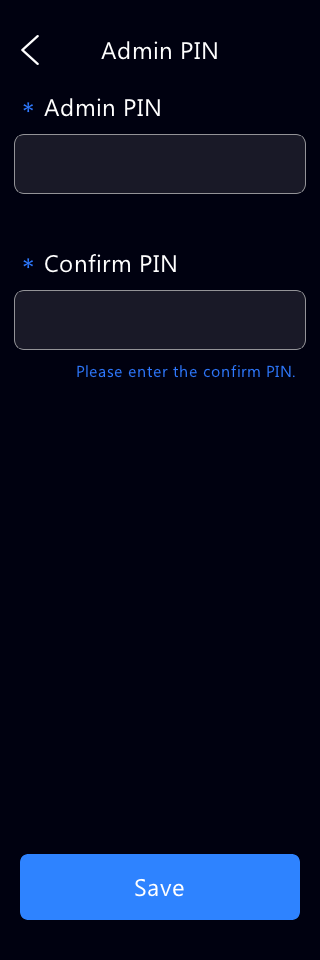
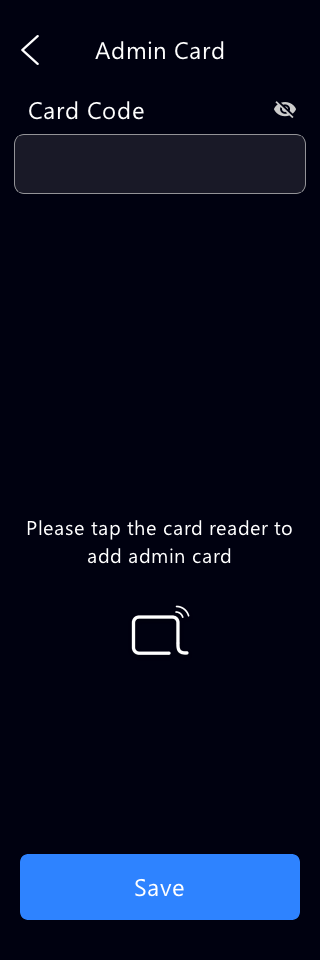
Tip
See the Password Modification chapter for modifying admin credentials.
Access the Device Settings
Long-press on any spot of the home screen for approximately five seconds, then enter the admin PIN or swipe the admin card.

Access the Device’s Web Settings
You can enter the device IP address in a browser and log into the device web interface where you can configure and adjust parameters.
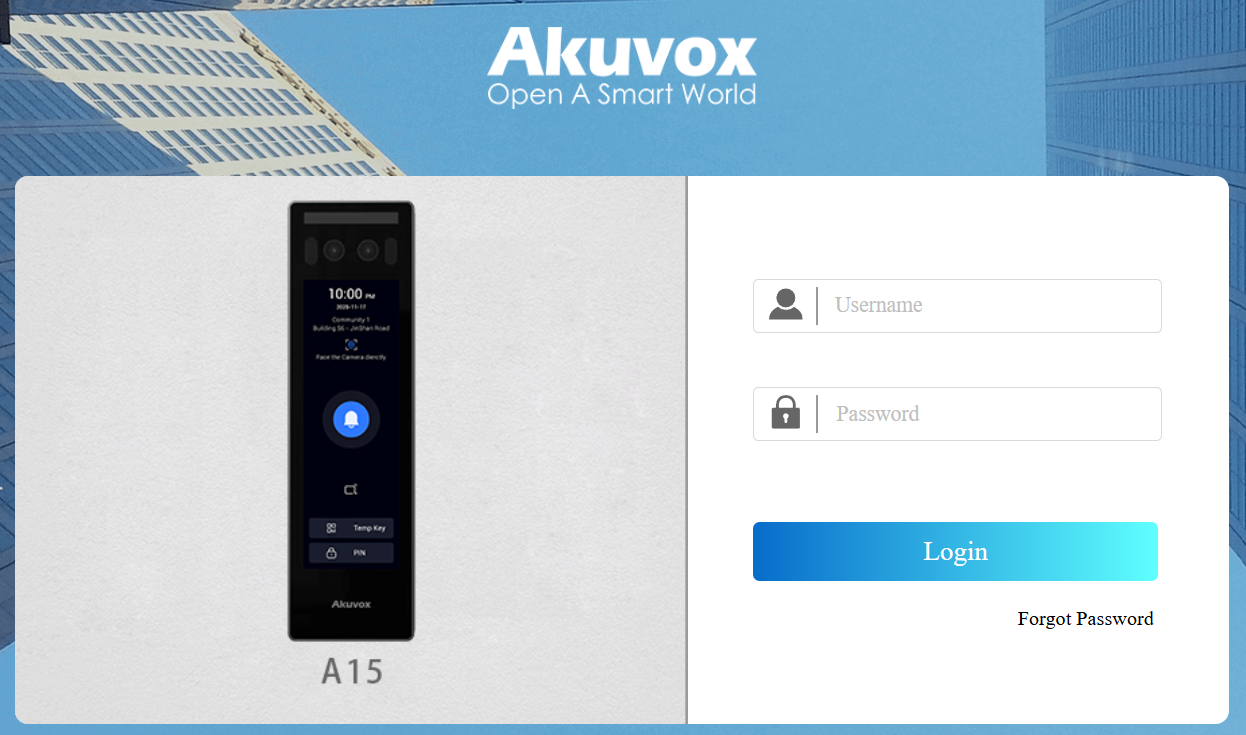
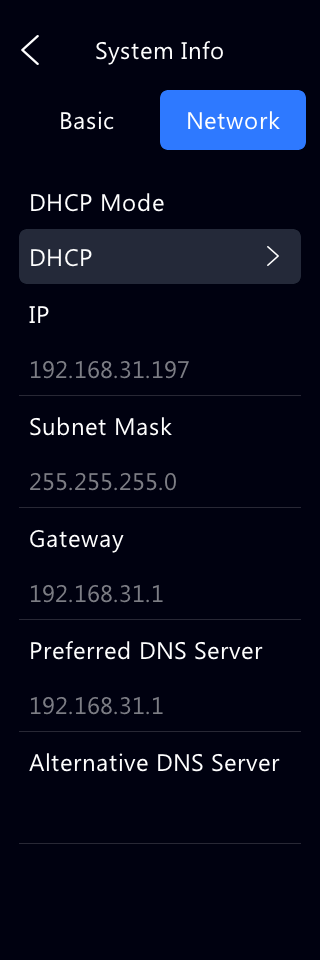
Check the device’s IP on the Setting > System Info > Network screen or use the Akuvox IP Scanner tool to search for the device's IP address on the same LAN.
Note
Download IP scanner:
https://knowledge.akuvox.com/docs/akuvox-ip-scanner?highlight=IP
See the detailed guide:
Google Chrome browser is strongly recommended.
The initial username and password are both admin.
Your computer should be on the same network as the device.