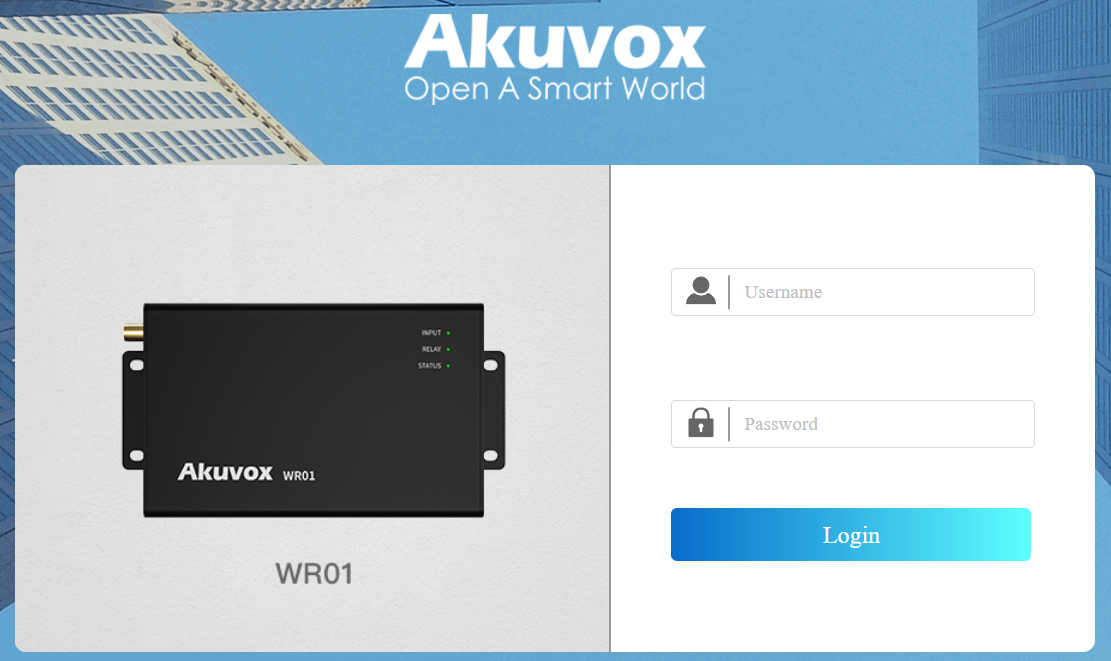
Before configuring the device, ensure it is properly installed and connected to a working network. Use the Akuvox IP Scanner tool to locate the device’s IP address within the same LAN. Then, enter the IP address in a web browser and log in with the default username and password(admin/admin).
Note
Download IP scanner:
https://knowledge.akuvox.com/docs/akuvox-ip-scanner?highlight=IPSee detailed guide:
https://knowledge.akuvox.com/v1/docs/en/how-to-obtain-ip-address-via-ip-scanner?highlight=IP%20ScannerGoogle Chrome browser is strongly recommended.
Your computer should be on the same LAN as the device.