Reboot
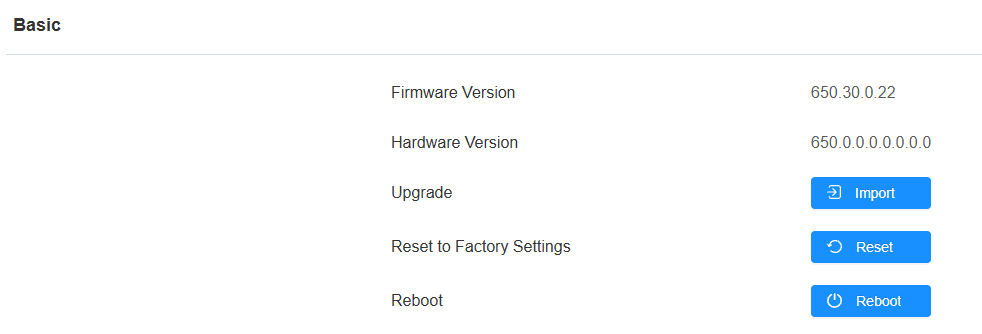
Reboot the device on the System > Upgrade interface.
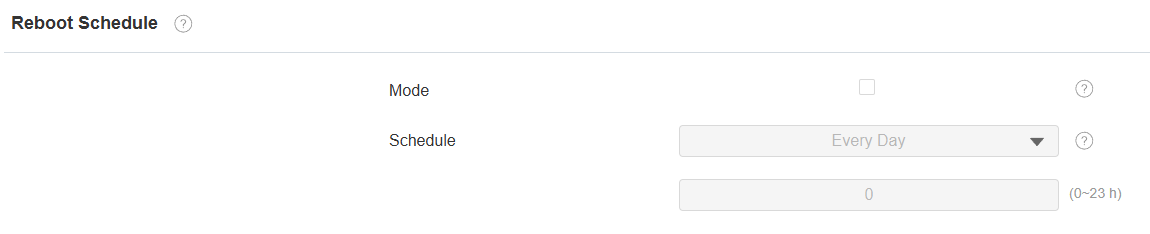
You can set up the reboot schedule on the System > Auto Provisioning > Reboot Schedule interface.
Reset
Reset the device on the System > Upgrade interface.
Tip
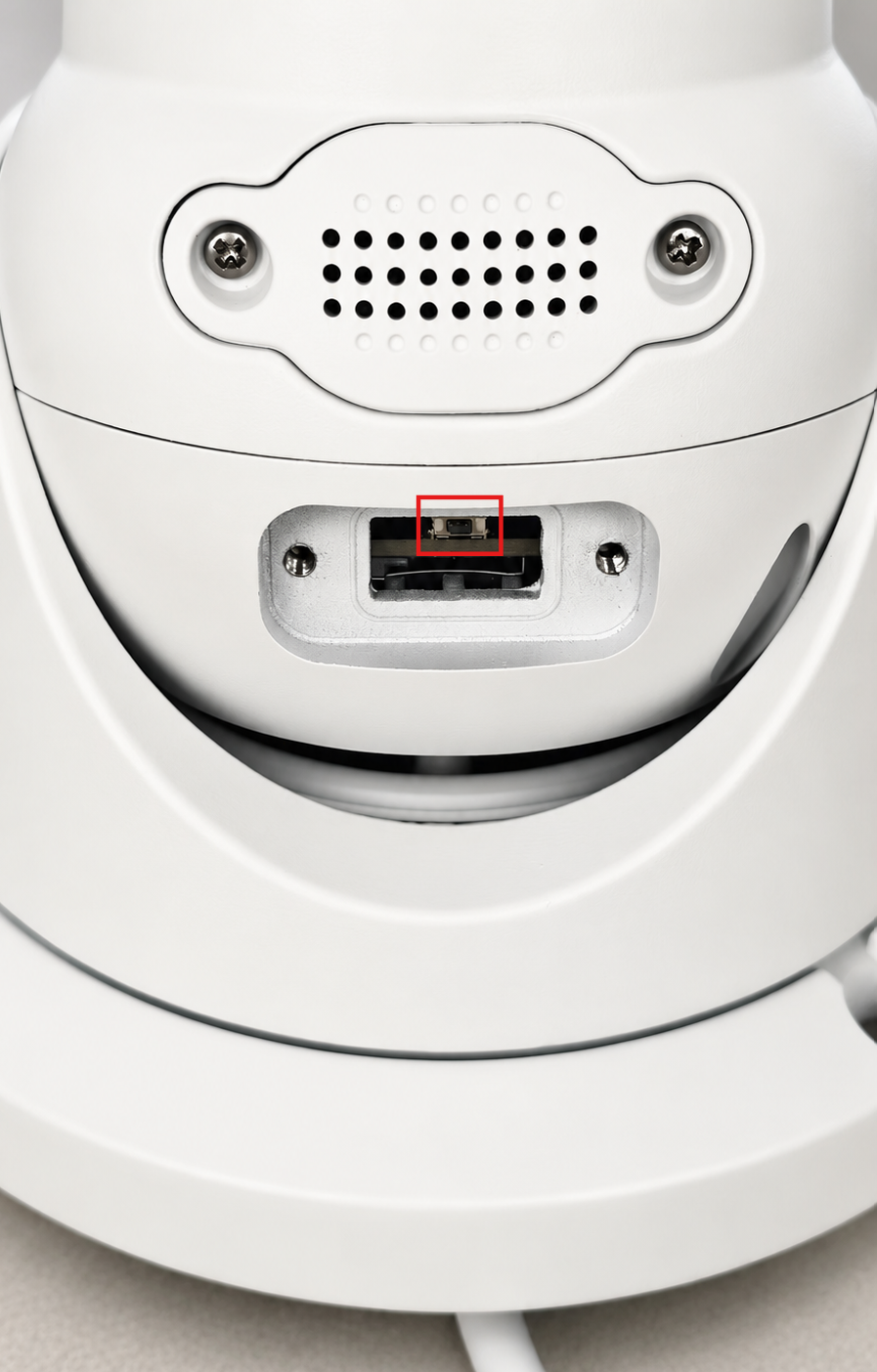
You can reset the camera via a physical button.
Power on the device.
Remove the Reset cover on the camera.
Long-press the reset button for about 5 seconds. Then, the camera will flash white light and go into factory reset and reboot.