SD Card Information
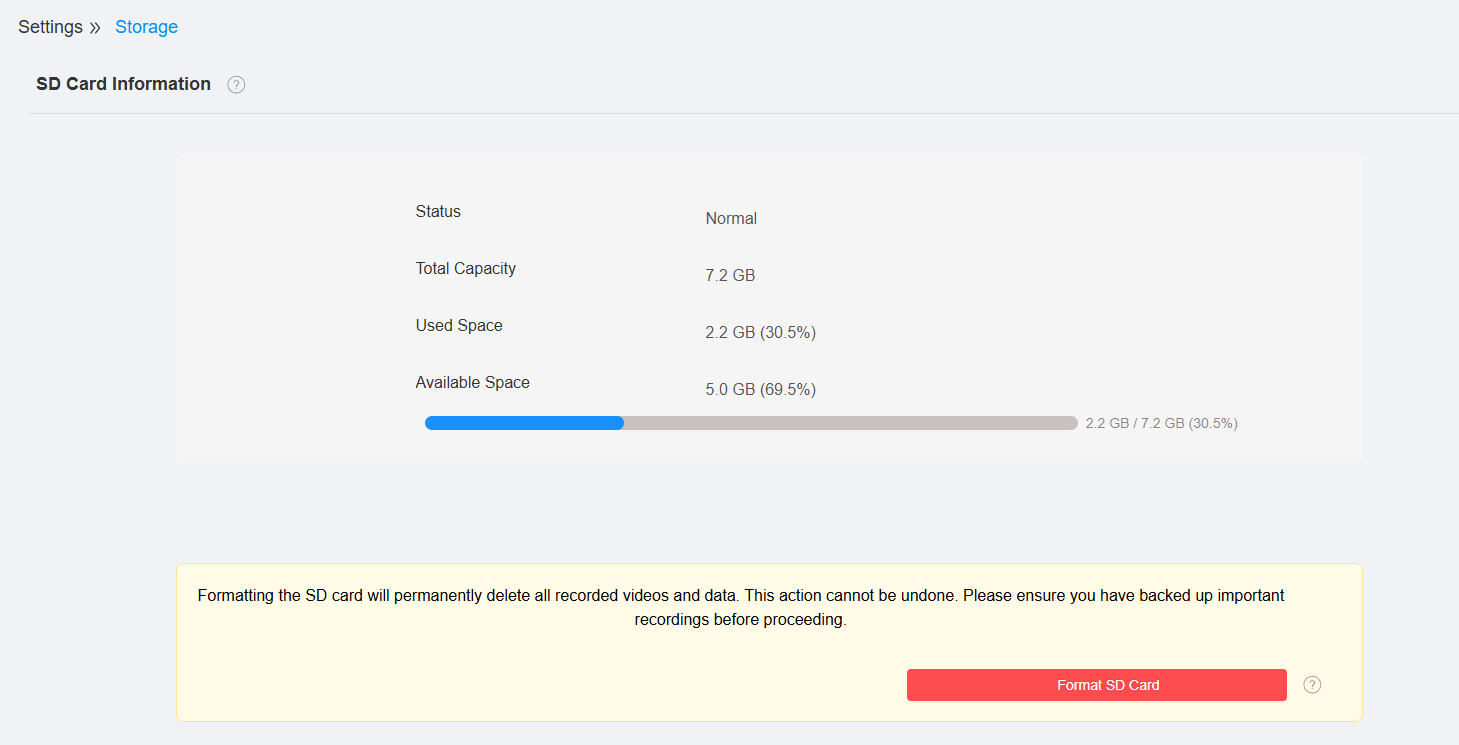
You can check the status and capacity of the installed SD card on the Settings > Storage interface. You can format the installed SD card before using it for recording.
The camera supports local storage via a microSD card of up to 512GB.
Record Settings
You can configure how recordings are stored on the SD card, including normal recording, recording stream selection, and overwrite behavior.
Set it up on the Settings > Storage interface.

Normal Record: Enable continuous recording to the SD card. When disabled, the camera records only when triggered by configured recording events.
Record Stream: Select the Main Stream or Sub Stream for recording based on your storage and image quality requirements.
Overwrite Recording: Determine whether the oldest recordings are automatically overwritten when the SD card becomes full.