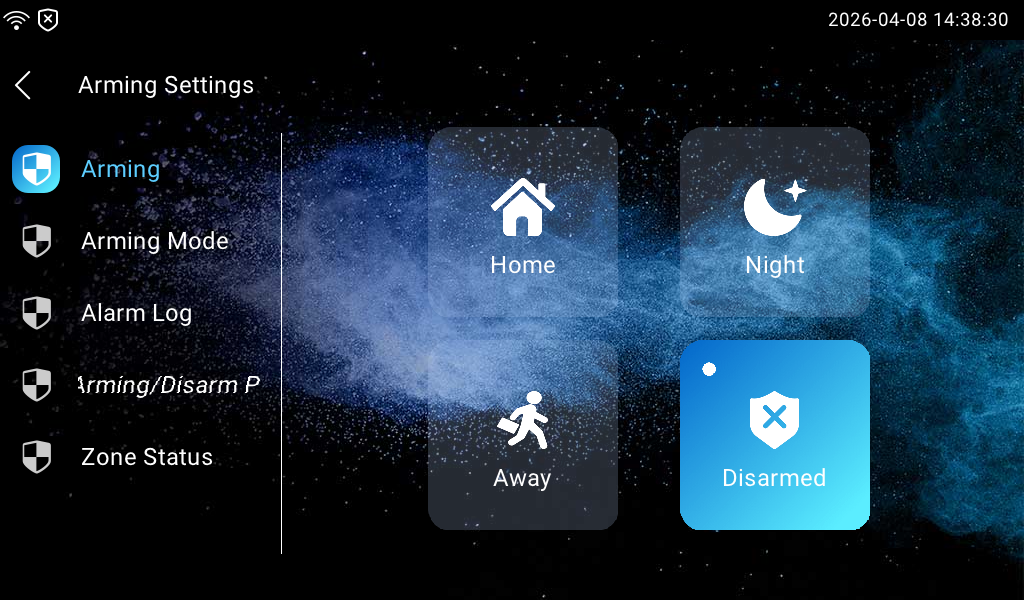
The Arming function is designed to enhance home security by offering three modes with custom zone settings for connected sensors. When armed, the device will sound a siren and notify specific people if a sensor detects something unusual.
Switch Arming Mode
Switch arming mode on the More > Arming screen.
Set up Alarm Sensors in Different Arming Modes
You can set up alarm sensors on the More > Arming > Arming Mode screen.
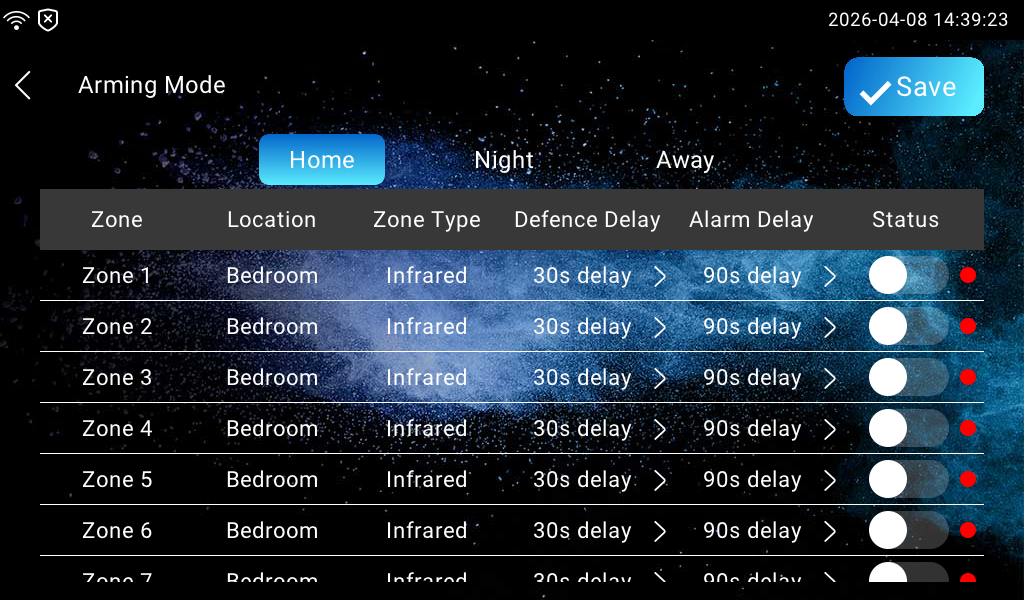
Location: Display the location of the detection device.
Zone Type: Display the alarm sensor type, including Infrared, Drmagnet, Smoke, Gas, and Urgency.
Defence Delay: It means when you change the arming mode from other modes, there will be 30 seconds delay time to get activated.
Alarm Delay: It means when the sensor is triggered, there will be 90 seconds delay time to announce the notification.
Status: Enable or disable Arming Mode on the corresponding zone.
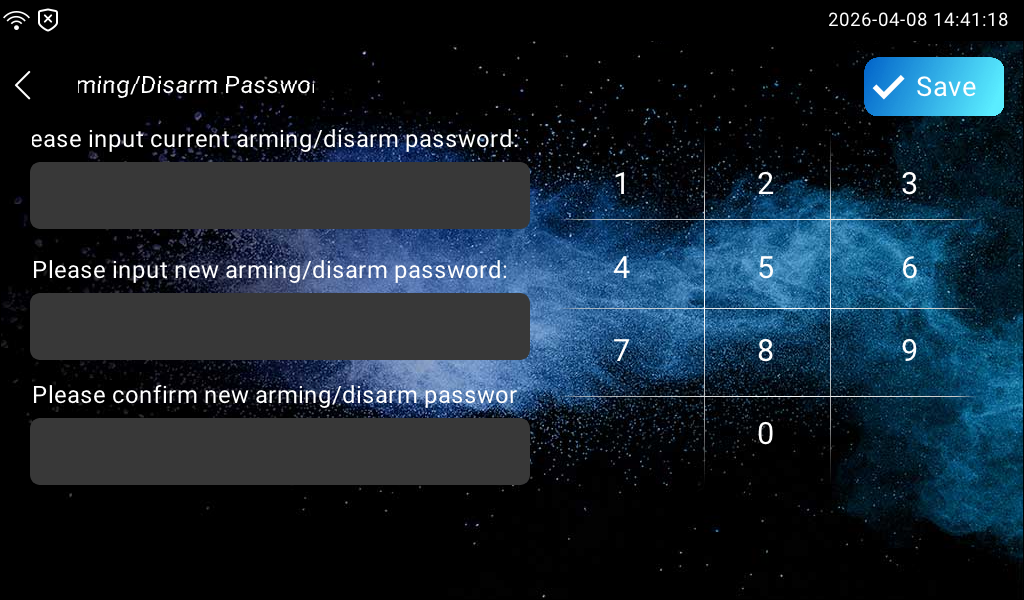
Set up the Disarm Password
You can set up the disarm code on the Arming > Arming/Disarm Password screen. The default code is 0000.
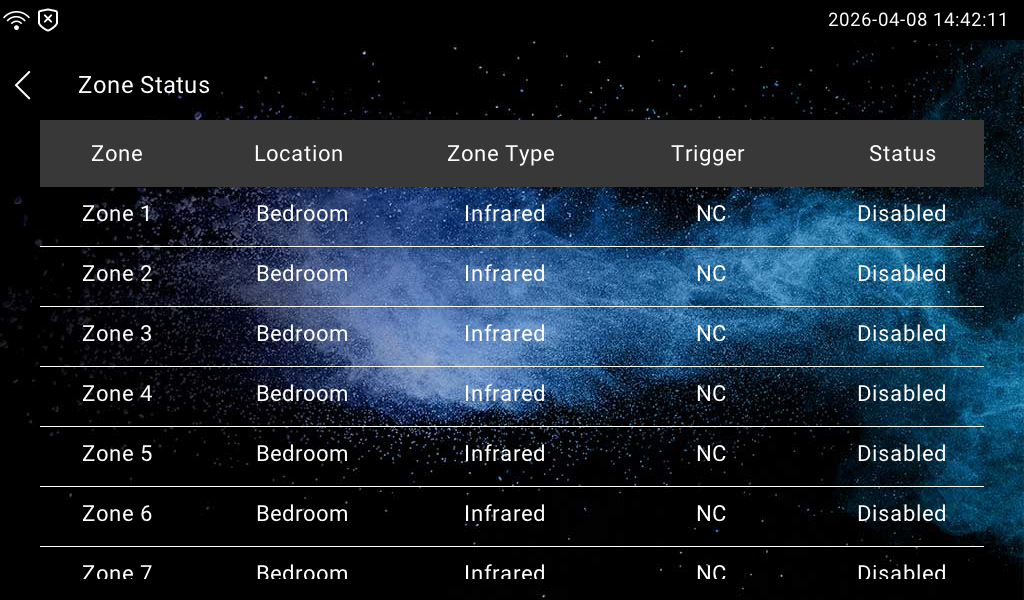
Check Zone Status
You can check the zone status on the More > Arming > Zone Status screen.
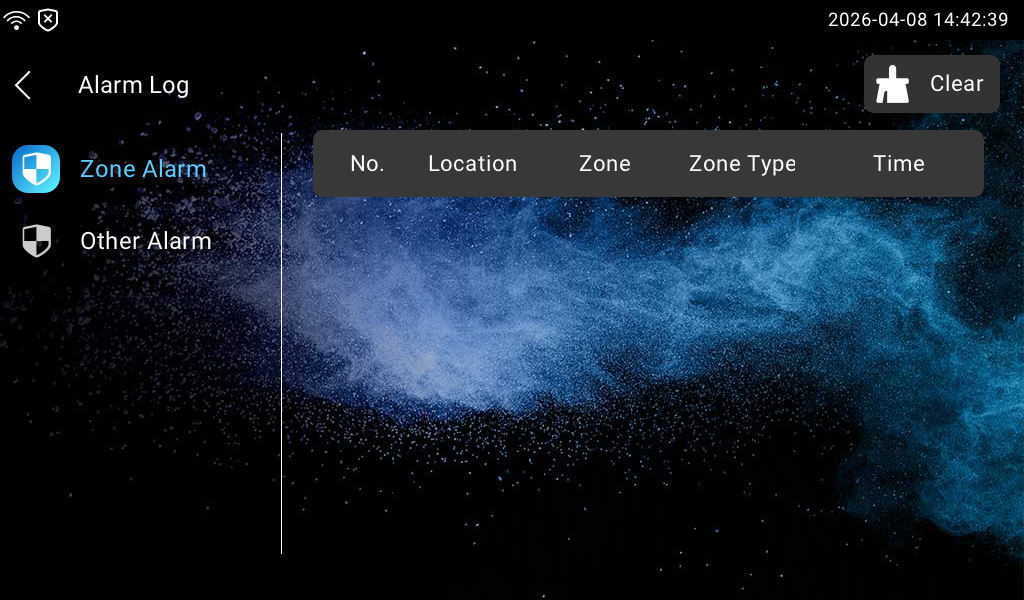
Check Alarm Logs
You can check the alarm log on the More > Arming > Alarm Log screen.