The network detection feature allows for troubleshooting network problems quickly. You can provide feedback on the problem to your administrator.
Go to the More > Settings > Network Detection screen. Tap Diagnose to start the detection.
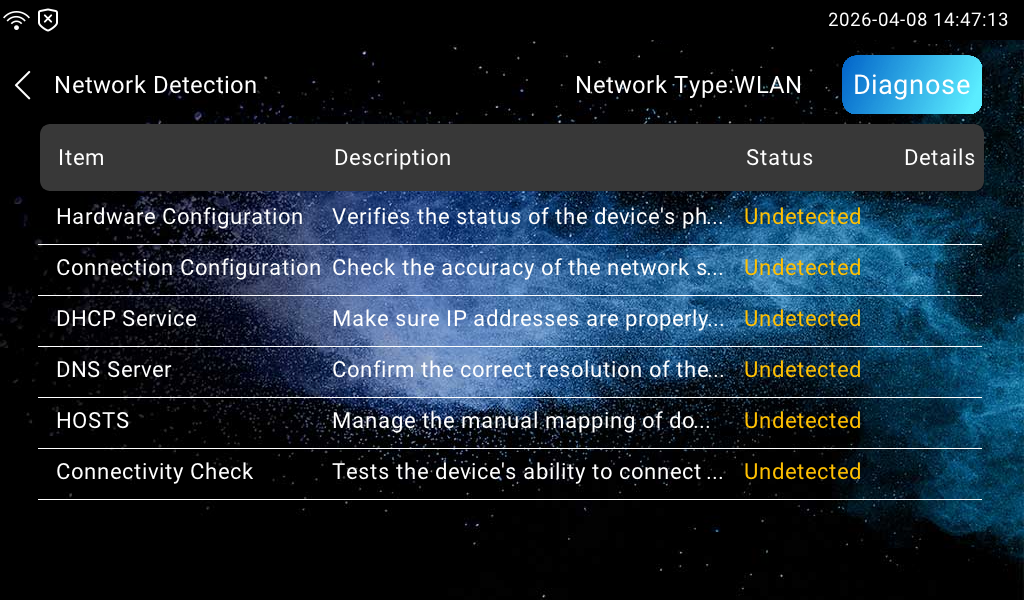
Status: Display a loading icon when the detection starts; display ✔ for normal results and X for abnormal results.
Details: Tap to view the detection details.