To login to the user web portal, do one of the following based on device’s cloud connection status.
Make sure your computer and the devices are on the same local network.
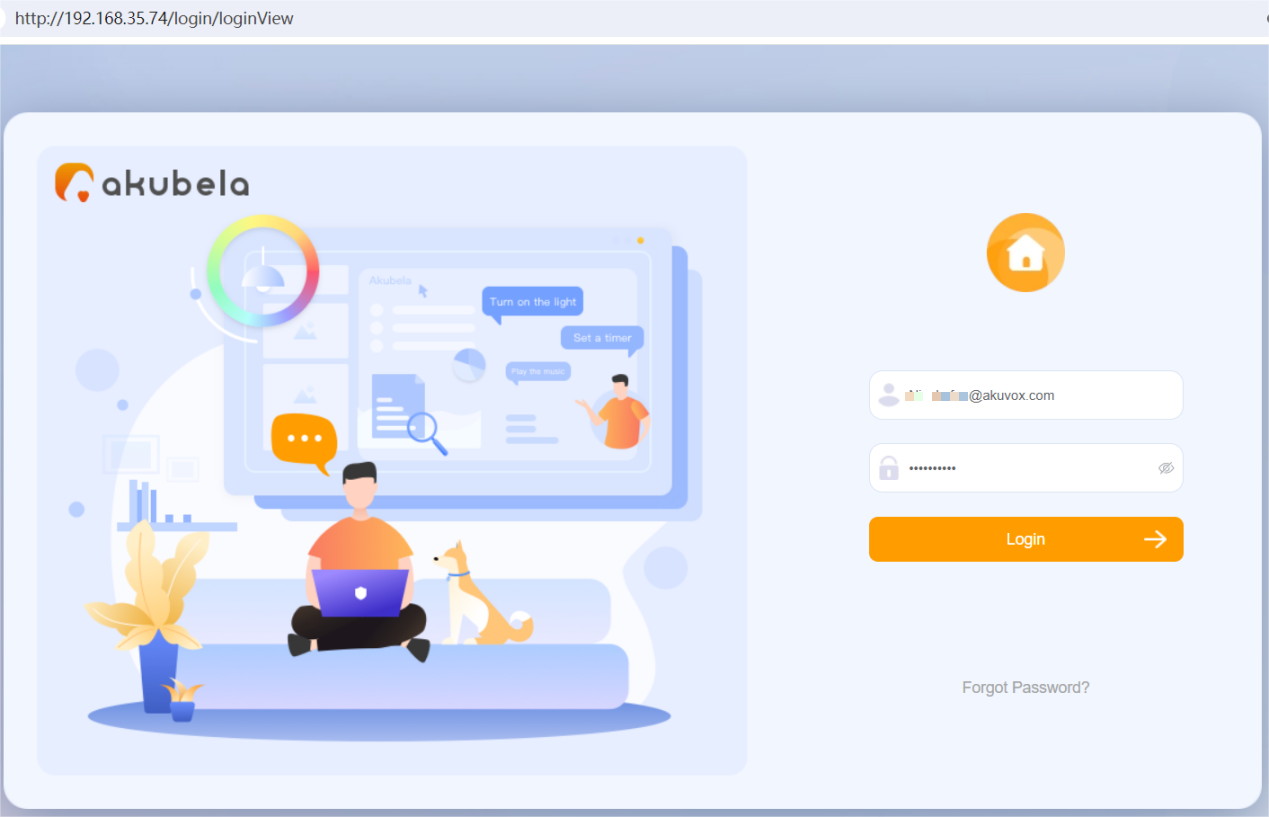
Type in the home center device’s IP address into the browser.

Enter the default username and the password which are both Admin888.
Make sure your computer and the devices are on the same local network.
Enter enter the home center device’s IP address in the browser, or go to https://my.akubela.com.
Log in with the family’s administrator account.
How to Obtain a Family Administrator Account?
Option 1: Request from Your Service Provider
Contact your service provider and provide a valid email address and any required information. A welcome email with your login credentials will be sent to that address.
After the devices are connected to the cloud, tap Account Registration on the panel to create an administrator account.
Open the BelaHome app and tap Sign Up in the lower-left corner. After registering, log in and scan the family QR code to become the administrator.