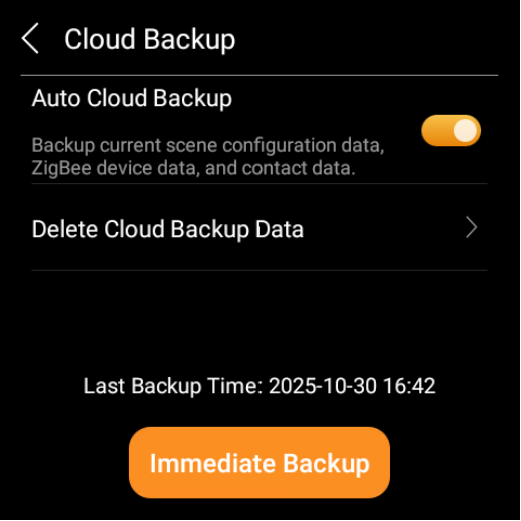
When your device is connected to the cloud, enabling the cloud backup feature allows you to securely store current scene configurations, Zigbee device information, room details, contacts, and more. This ensures that if the device is replaced in the future, you won’t need to reconfigure it.
Go to
 > System Settings > Cloud Backup.
Choose from the following options:
Enable automatic cloud backup.
NOTE:
The device must be connected to the cloud for automatic backups; the backup occurs once a month.
Tap Immediate Backup to manually back up your current data.
Tap Delete Cloud Backup Data to remove any existing cloud backups.