When a 2-gang switch module is connected to a shade motor, you can calibrate the curtain and adjust its movement direction before use. Proper setup ensures accurate positioning and smooth, reliable operation.
Before You Start
Make sure your akubela panels are running the required firmware versions.
Supported Device | Required Version |
HyPanel Lite (KS41) | 41.1.36.55 or later |
HyPanel (PS51) | 51.1.36.416 or later |
HyPanel V2 (PS51 V2) | 251.1.36.407 or later |
HyPanel Plus (PS52) | 52.1.36.406 or later |
HyPanel KeyPlus (KS53) | 53.1.36.411 or later |
HyPanel Pro (PG71) | 71.1.38.425 or later |
HyPanel Ultra (PH81) | 281.1.38.416 or later |
HyPanel Supreme (PHX1) | 1001.1.38.413 or later |
HyPanel Elite 10 (PH59) | 159.1.39.137 or later |
SmartPanel (X933H) | 933.1.38.408 or later |
SmartPanel Elite 10 (PH58) | 119.1.38.407 or later |
Make sure the 2-gang switch module is running firmware version 90.1.1.42 or later.
Set the switch module’s relay types to Shade Open and Shade Close.
In the BelaHome app, open any relay card of the 2-gang switch module.
Tap
 > Relay Setting.
 Set its relay type to Shade Open. The other relay will automatically be set to Shade Close, and the two relay cards will merge into a single curtain control card.
Set the Correct Movement Direction
The reverse setting corrects the curtain’s running direction when the wiring or motor direction is reversed.
When to Use Reverse Direction
The curtain closes when you tap Open
The curtain opens when you tap Close
The motor direction is incorrect after installation
Reverse the Curtain Direction
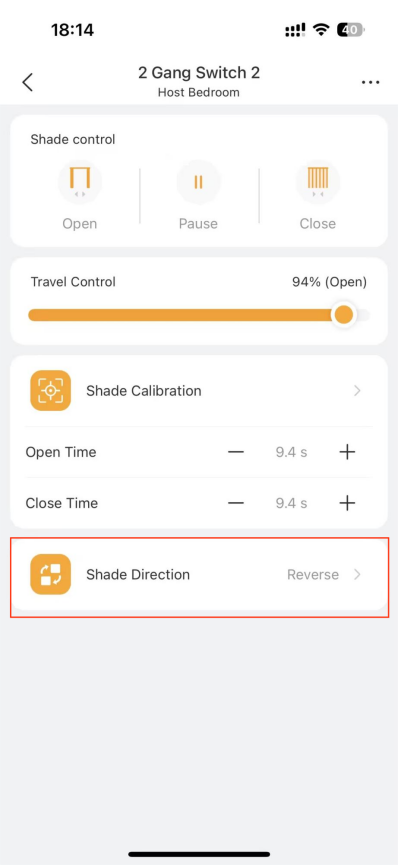
In the BelaHome app, tap the 2-gang switch module card.
Tap Shade Direction to reverse the direction.
TIP:
You can also change the curtain direction on akubela panels:
Large-screen panels: Go to Shades > [2-gang switch module card] >
> Shade Reversal.
Small-screen panels: Go to
> Device Management > [2-gang switch module card] > Reversal.
Calibrate the Curtain
The switch module has a default travel time of 15 seconds, which may not match the actual travel distance of your curtain track.
Without calibration, the curtain may not stop correctly or may fail to fully open or close.
Basic Calibration
Basic calibration allows the system to learn the curtain’s actual travel time.
When to Calibrate the Curtain
First-time setup after installing the shade motor
The curtain does not fully open or close
The curtain pauses at incorrect positions
Perform Calibration
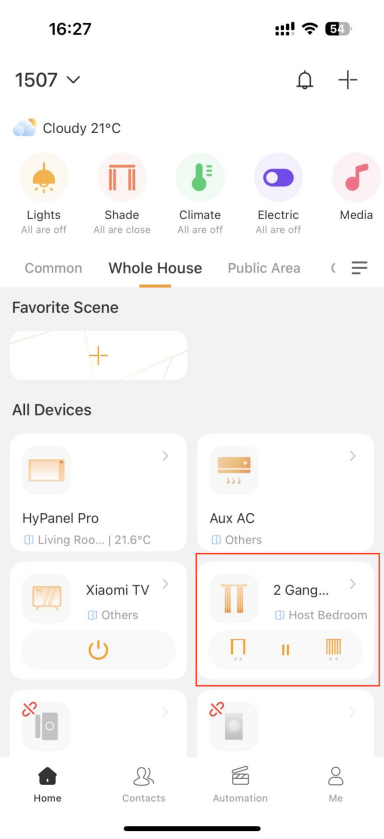
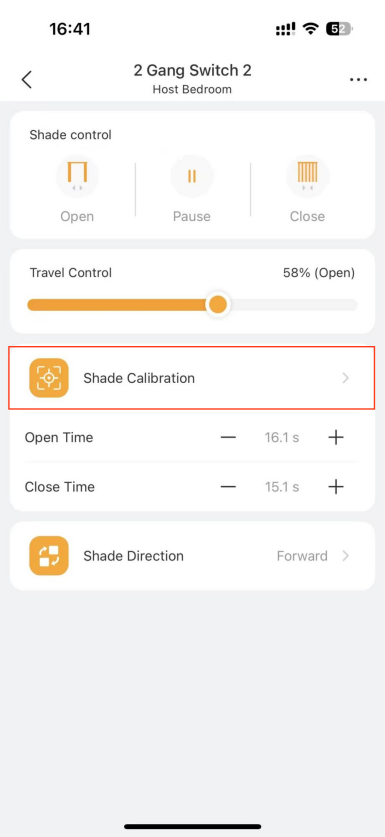
In the BelaHome app, tap [2-gang switch card] > Shade Calibration.
TIP:
You can also perform basic calibration on akubela panels:
Large-screen panels: Go to Shades > [2-gang switch module card] >
> Shade Calibration.
Small-screen panels: Go to
> Device Management > [2-gang switch module card] > Shade Calibration.
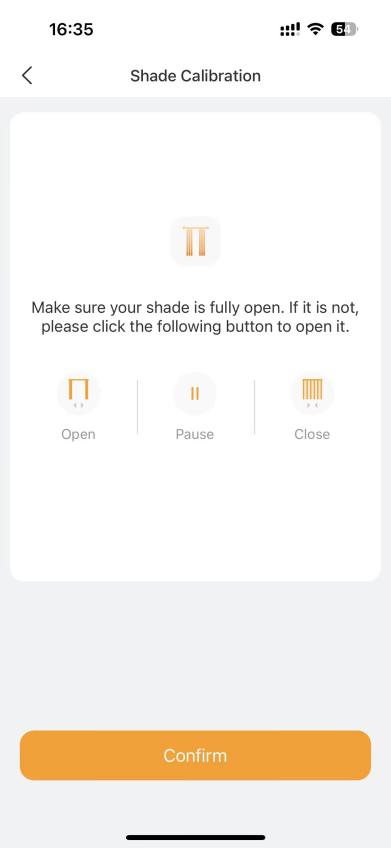
Make sure the curtain is fully open.
If it is already fully open, tap Confirm.
If not, tap Open, wait until the curtain is fully open, then tap Confirm.
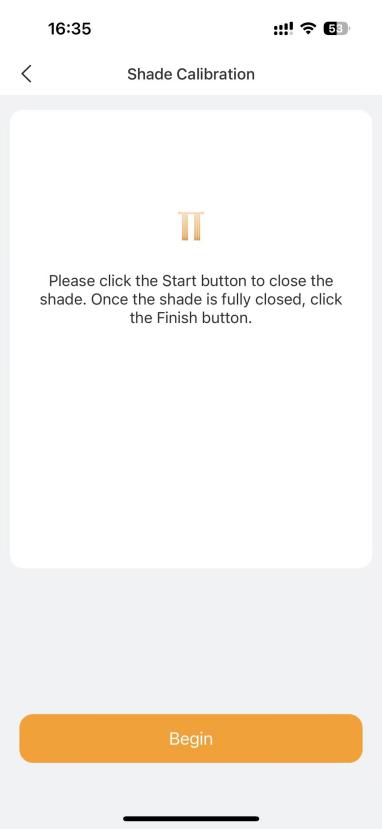
Tap Begin. The curtain will start closing automatically.
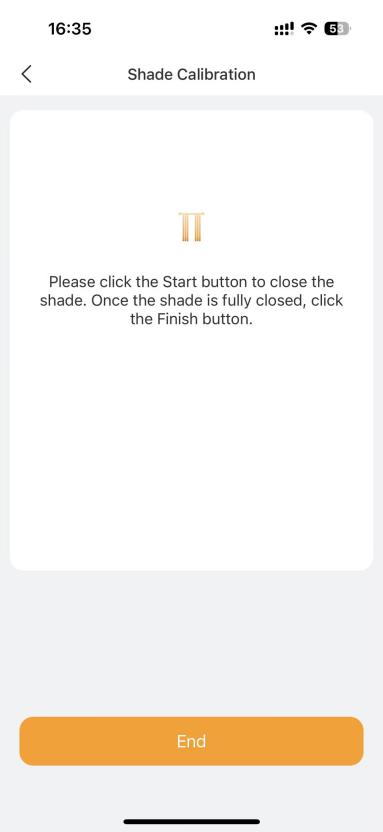
When the curtain is fully closed, tap End.
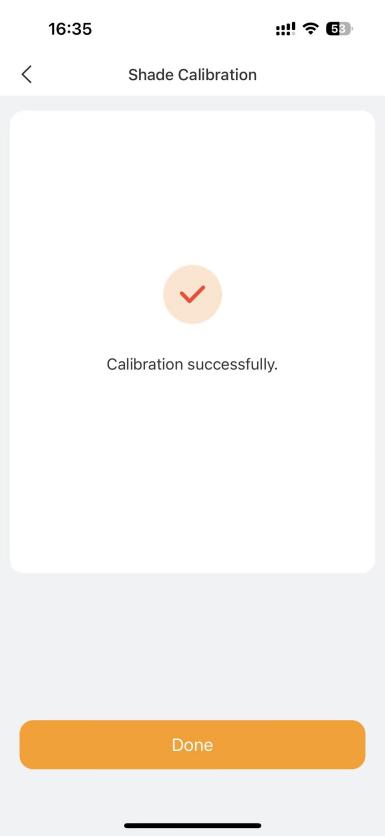
Tap Done. The system saves the actual travel time, and calibration is complete.
Fine Calibration
Fine calibration allows small adjustments for more precise curtain positioning after basic calibration.
When to Fine-Tune the Curtain
The curtain almost reaches the end position but stops slightly short
Minor differences caused by visual judgment during calibration
Curtain position changes after long-term use or motor wear
Fine-Tune the Curtain
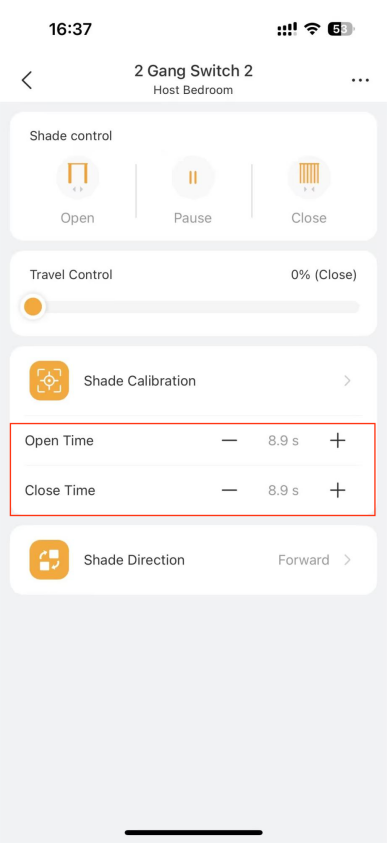
In the app, tap the 2-gang switch device card and go to Shade Calibration.
Tap + or – to next to Open Time or Close Time to adjust the travel time. The step is 0.5 s.
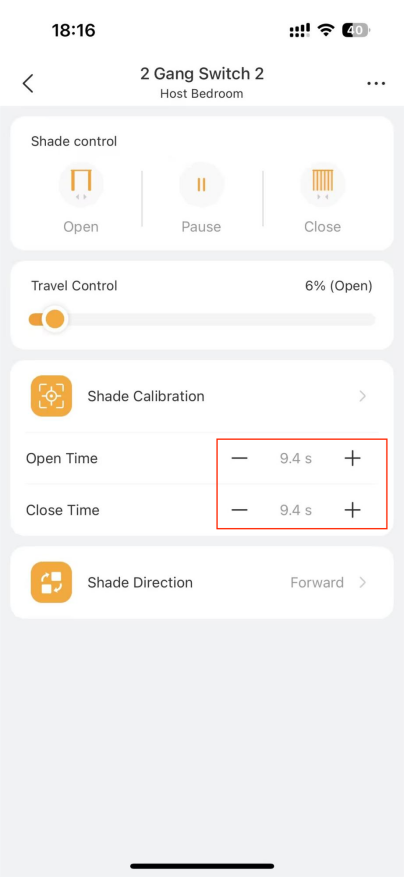
Make small adjustments until the curtain fully opens and closes at the desired positions.