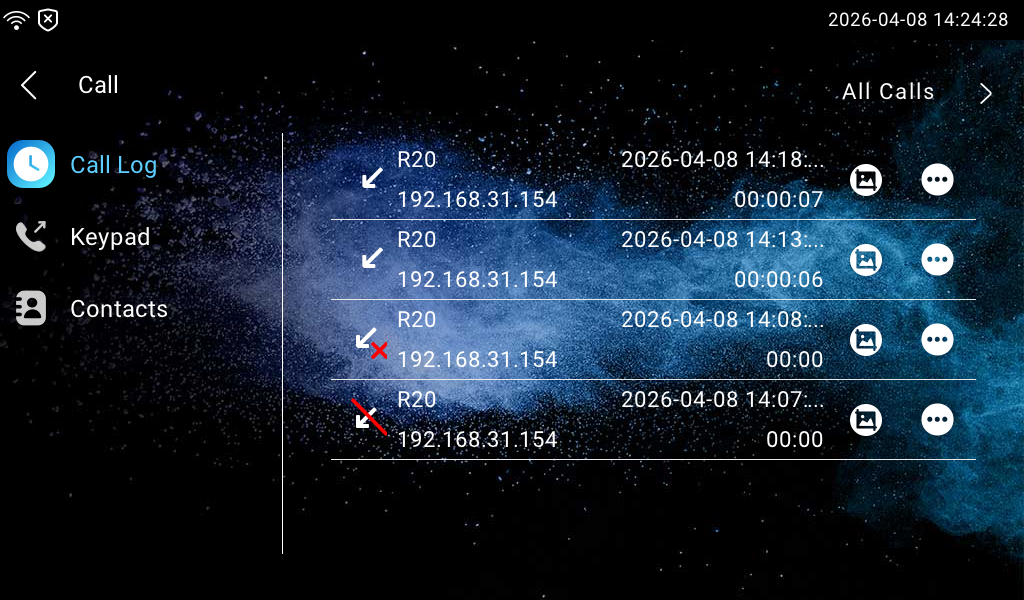
To check calls—including dial-out, received, and missed calls—within a specific period, you can view the call log on the device.
Tap More > Call > Call Log. You can check the captured image by tapping  next to the desired log.
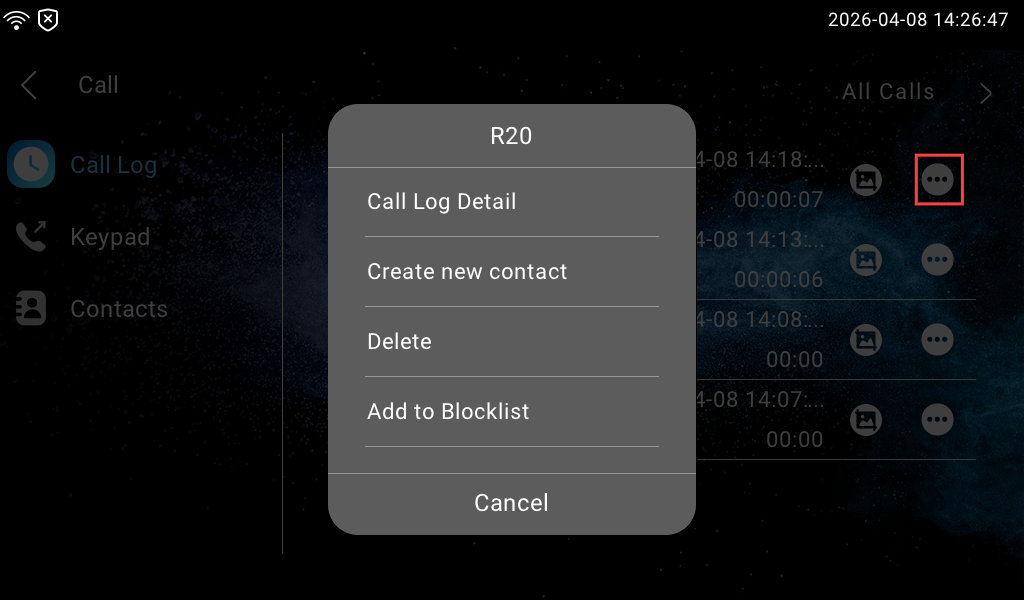
Furthermore, by tapping  of the desired call log, you can:
View the call log details, including the caller name, receiver name, when the call happened, and the call duration.
Add the calling number as a new contact.
Delete the log.
Add the calling number to the blocklist.