Packet capture (PCAP) allows you to record real-time data packets from akubela panels for analysis, helping diagnose network or performance issues.
Steps
Connect your computer to the same network as the panel.
NOTE:
In community projects with a local-to-cloud setup (where HyPanels use Wi-Fi while the public door phone and HyPanels communicate over LAN), before capturing packets, disable Wi-Fi on the HyPanel, connect your computer to the public PoE switch, and assign it a static IP address on the same subnet as the HyPanel.
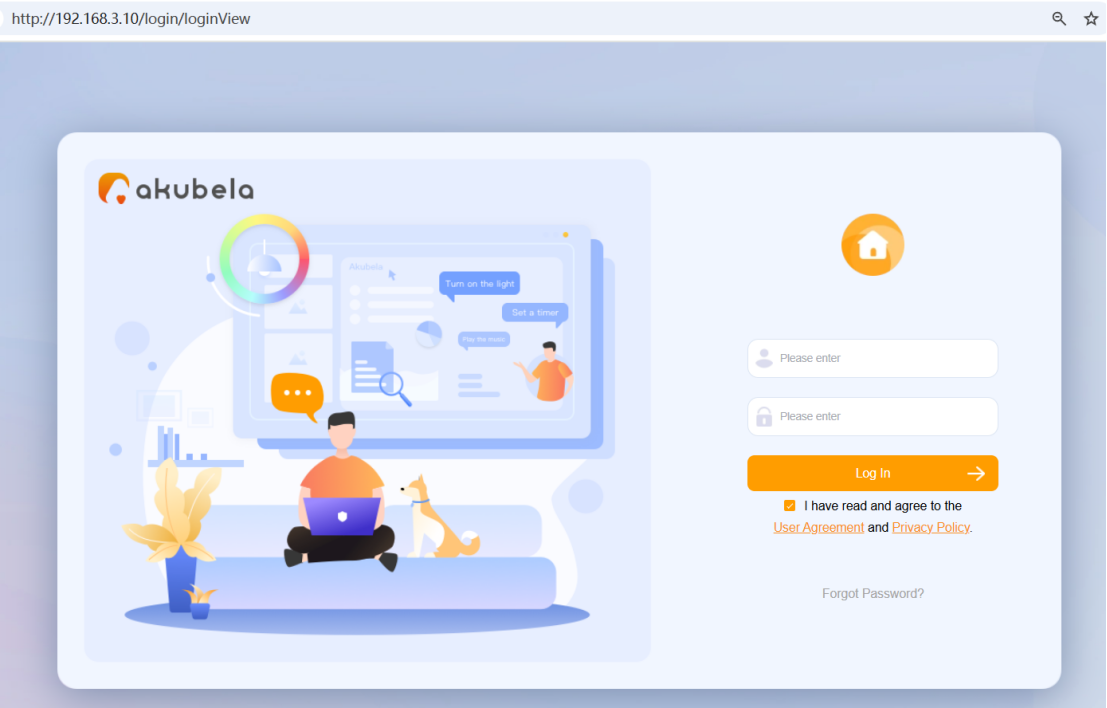
Log in to the panel’s own device web portal by entering its IP address into the browser. The default username and password are both admin.
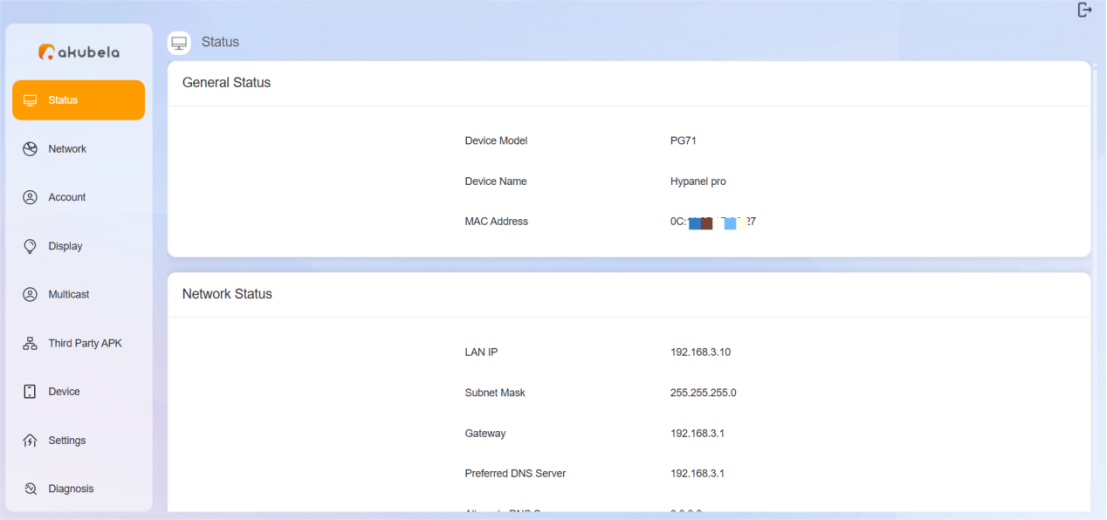
Confirm you are accessing the correct panel’s web portal.
If you see the page below, click
 of the corresponding panel to enter its device web portal.
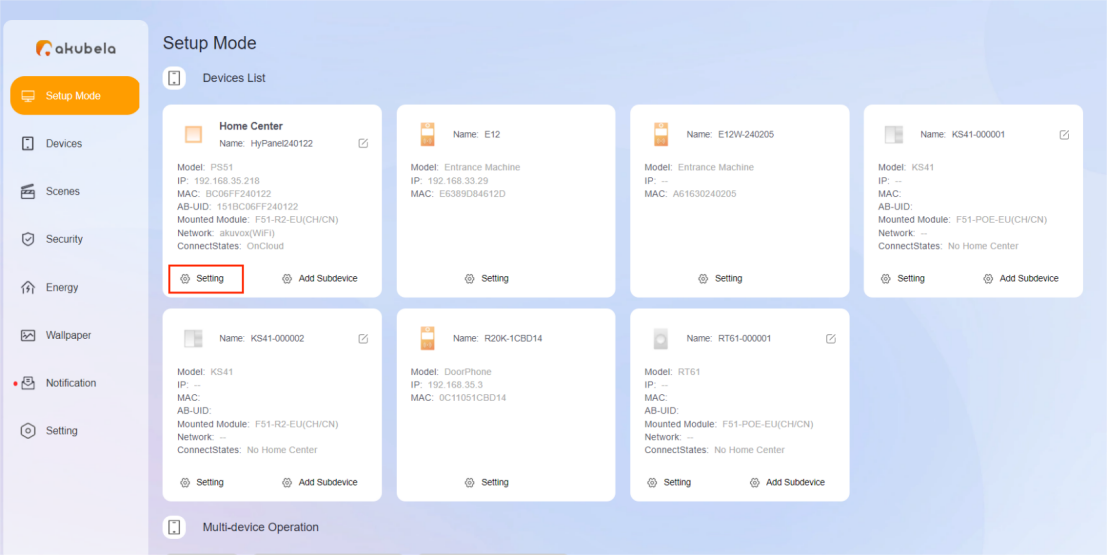
If you see the following page, you are already on the correct panel’s web portal.
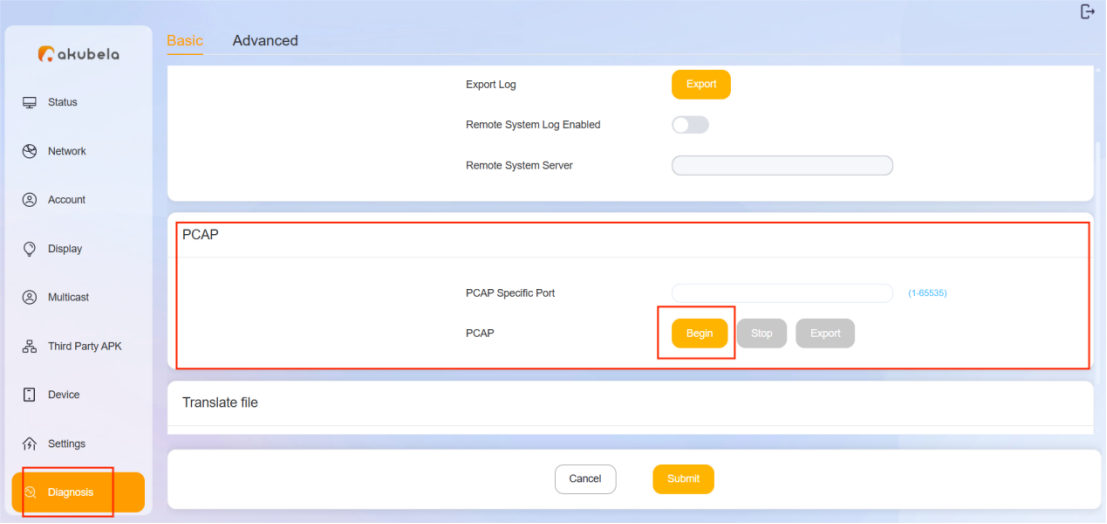
Go to Diagnosis > PCAP, then click Begin to start capturing packets.
Reproduce the issue.
Click Stop once the issue has been reproduced.

Click Export to download the pcap file.

Send the pcap file to akubela technical support for further analysis and troubleshooting.