Note
AK-Partner only supports checking and editing the old commercial projects created before October 15, 2024.
Check/Edit Commercial Projects
On the homepage, select Commercial project type.
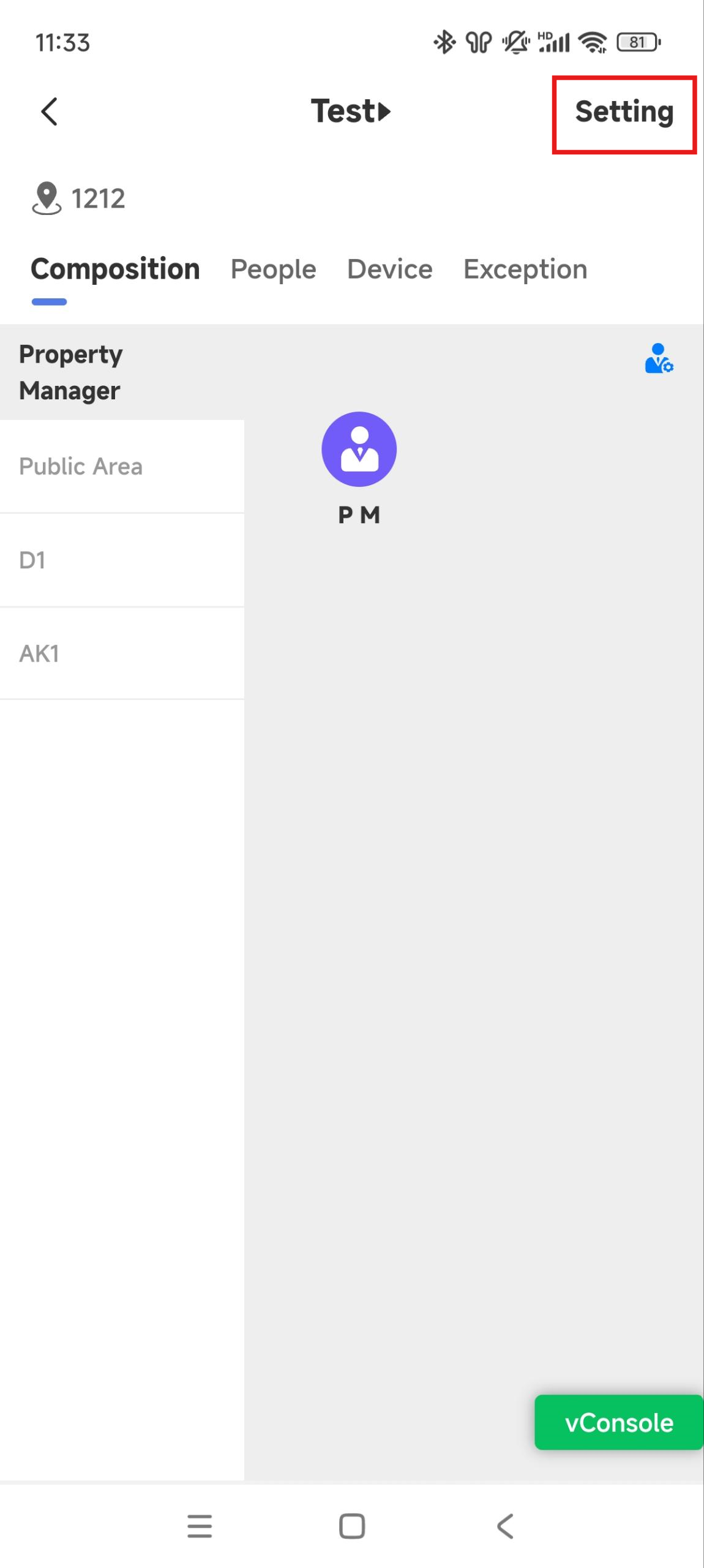
Tap the desired commercial project name, or search for it by entering its name in the upper search box.
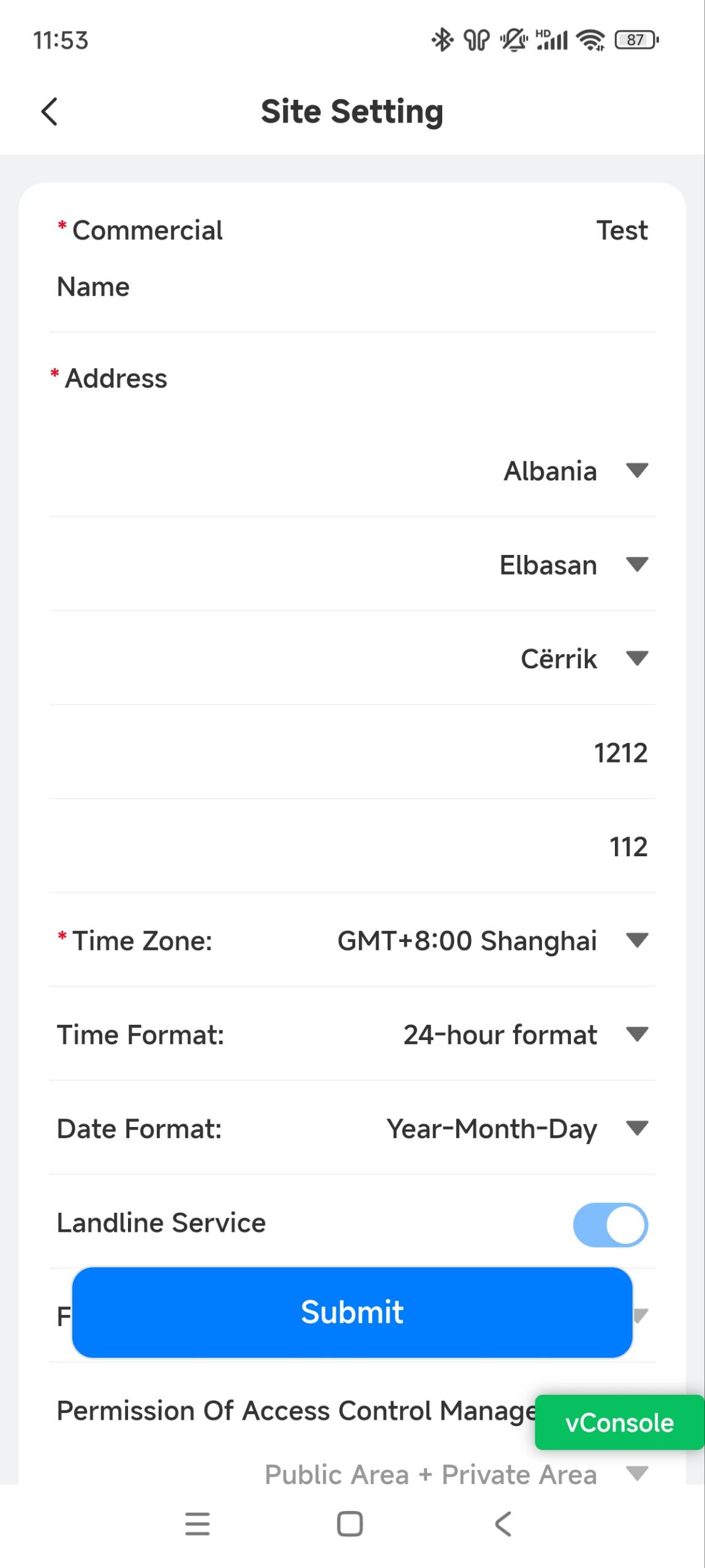
Tap Setting in the upper right corner to enter the editing page.
Modify the information and tap Submit to save the setting.
User Management
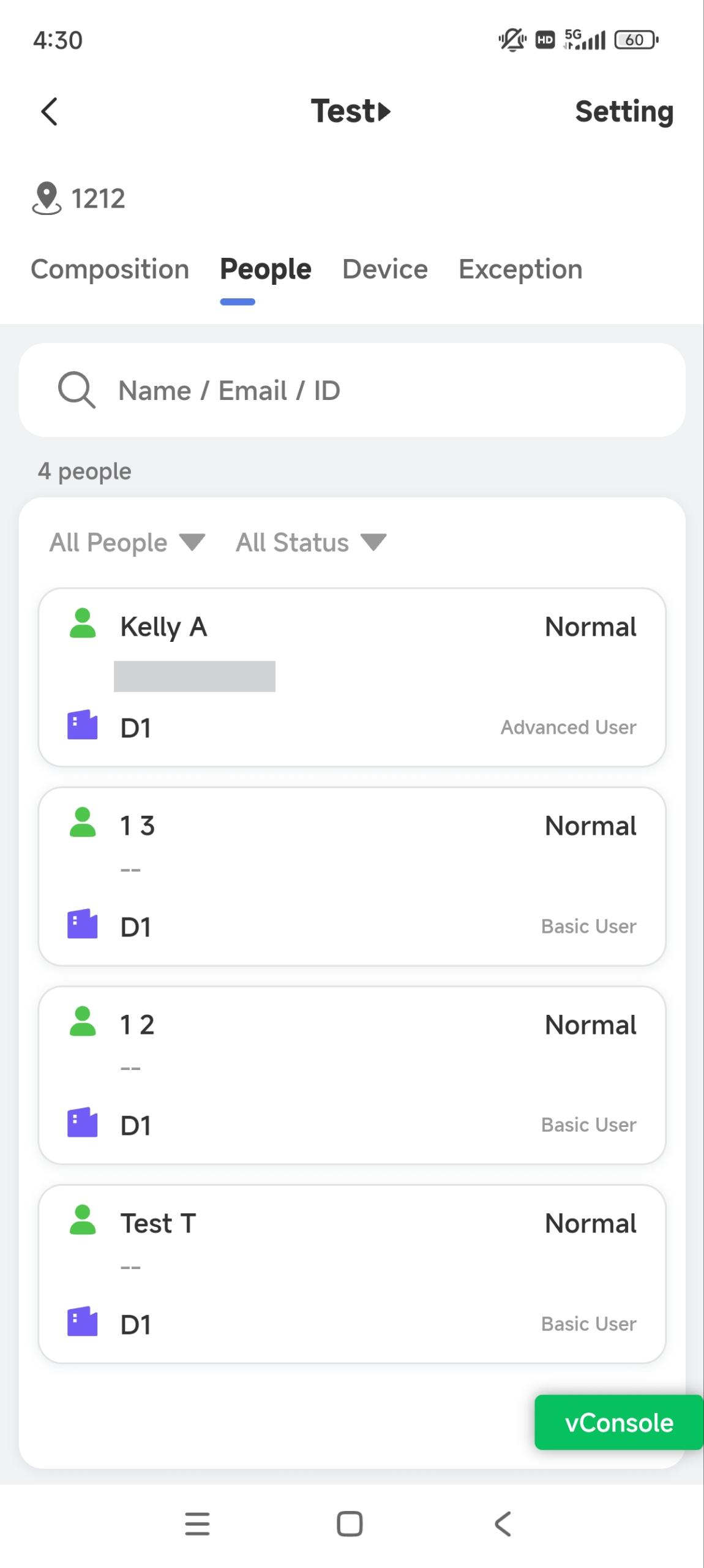
You can edit and delete users in the commercial projects as well as reset the SmartPlus account password for them.
Edit and Delete Users
Tap
 of the target commercial project, or search for the user by entering the username in the upper search box.
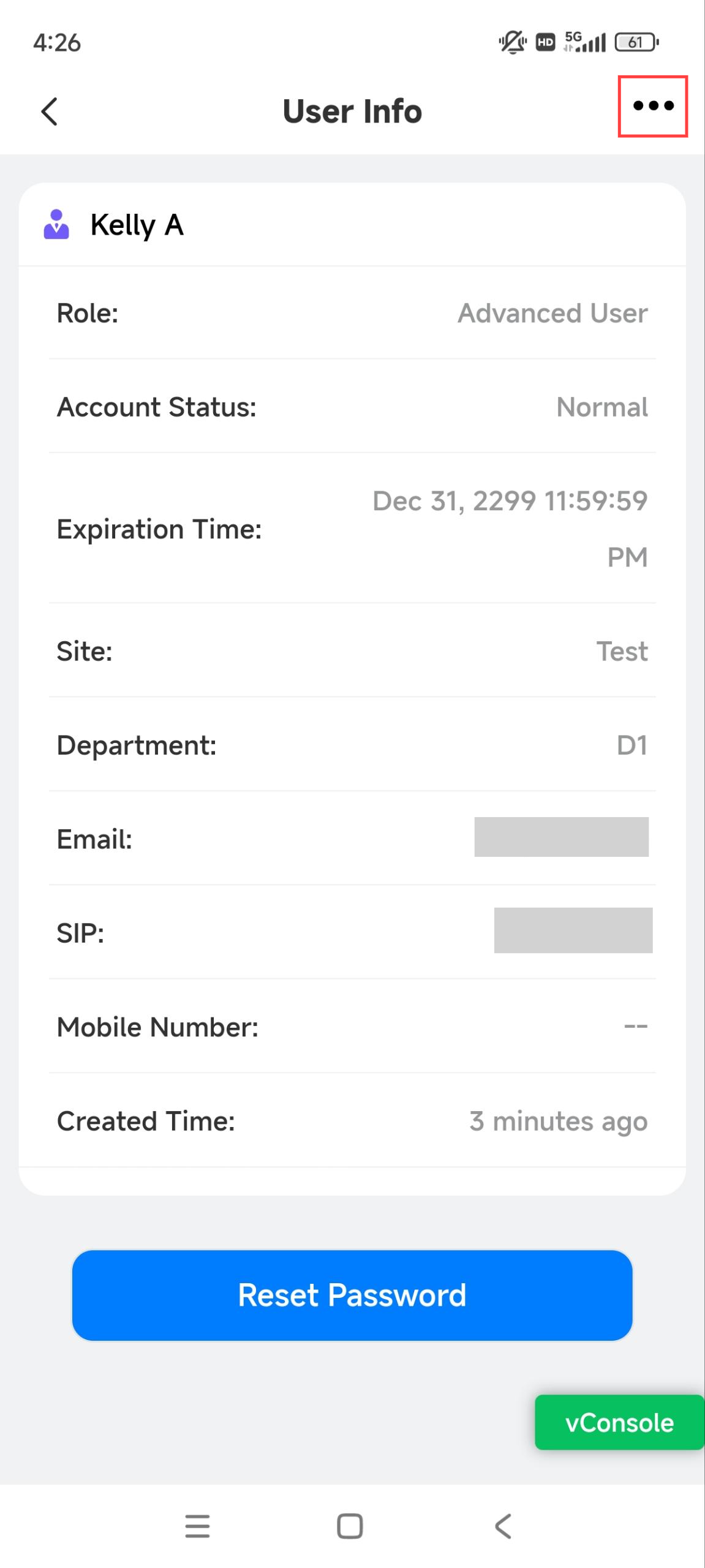
Tap the desired user.
Tap
 in the upper right corner.
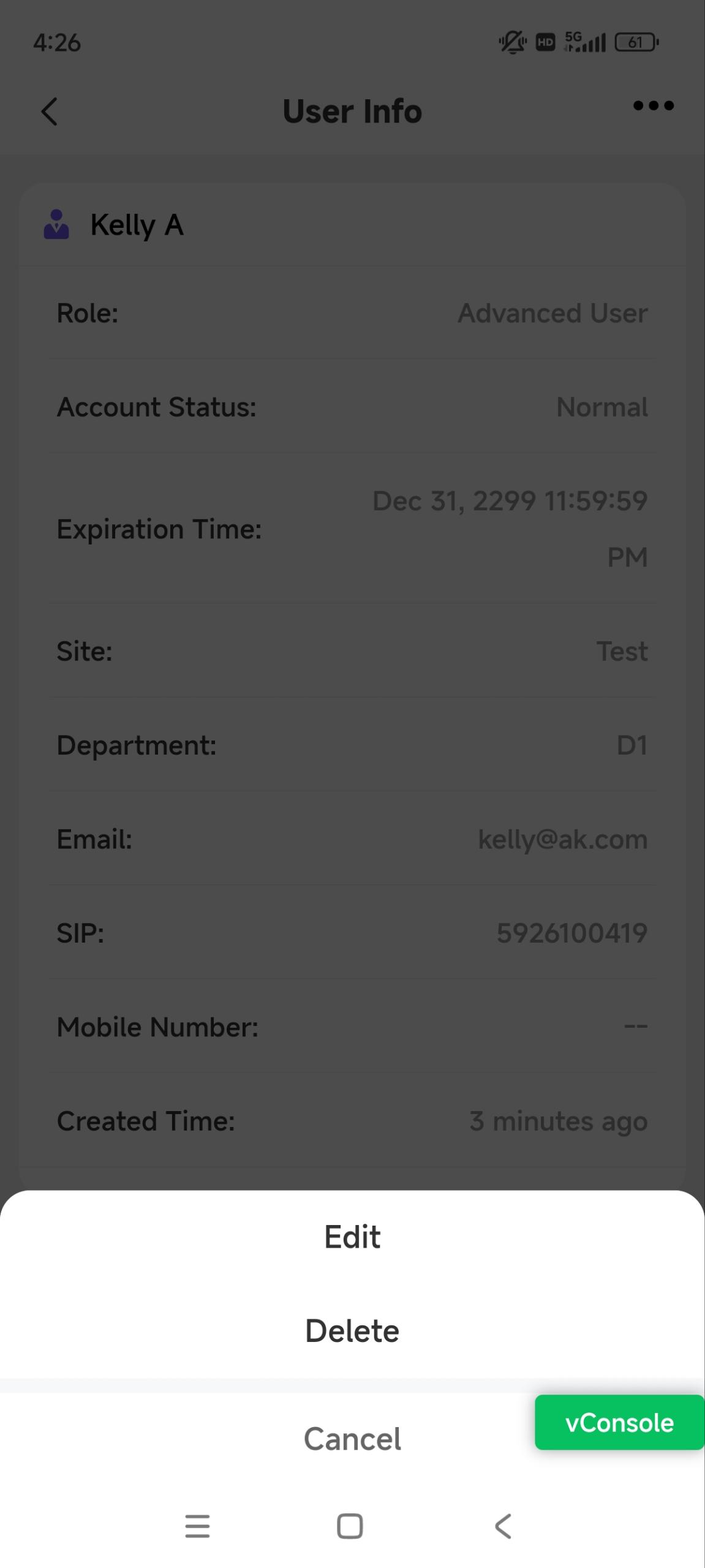
Tap Edit to modify the account information; tap Delete to remove it.
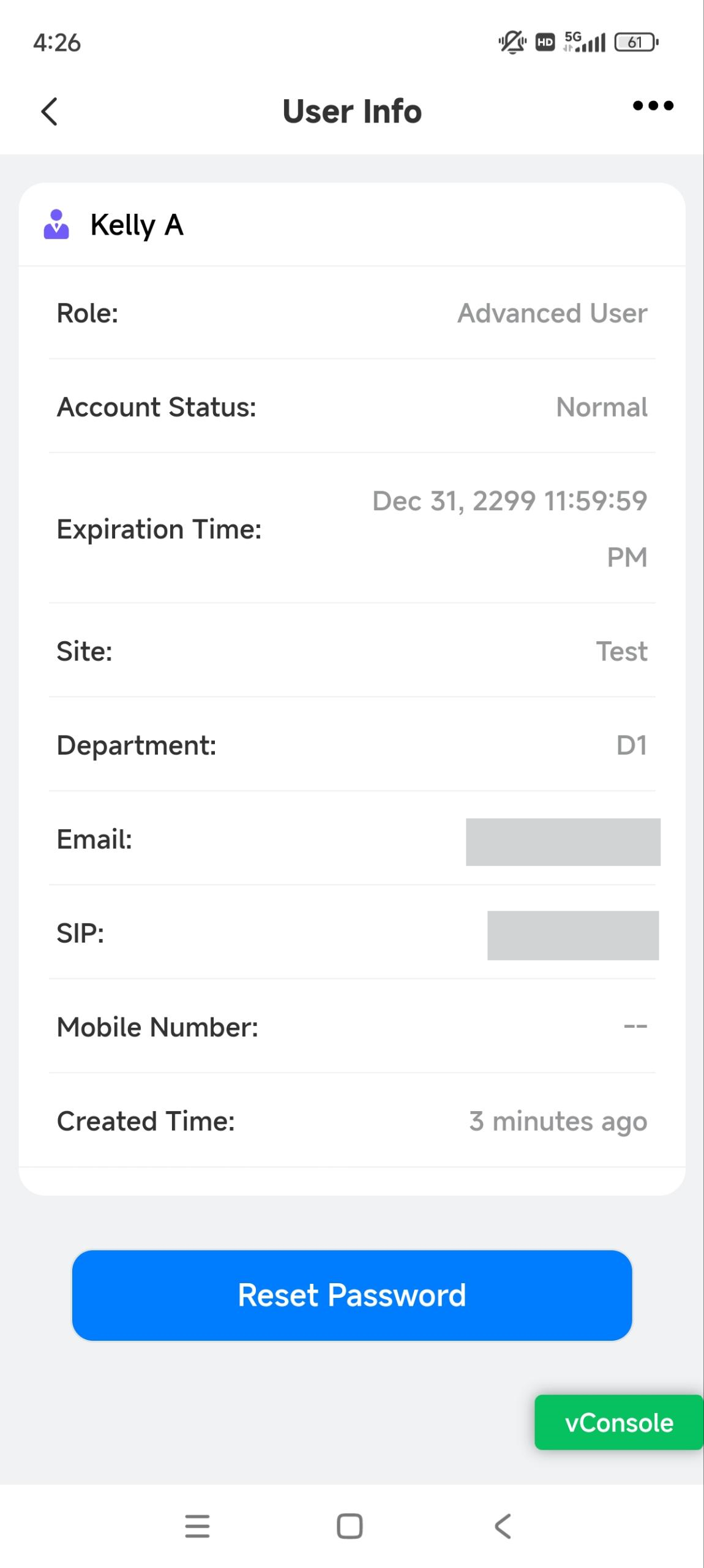
Reset Password for Users
You can reset users’ SmartPlus account passwords at their request. Users will receive the password reset email.
On the home page, tap
of the desired project, or search for the user by entering the username in the upper search box.Tap the desired user.
Tap Reset Password and confirm.