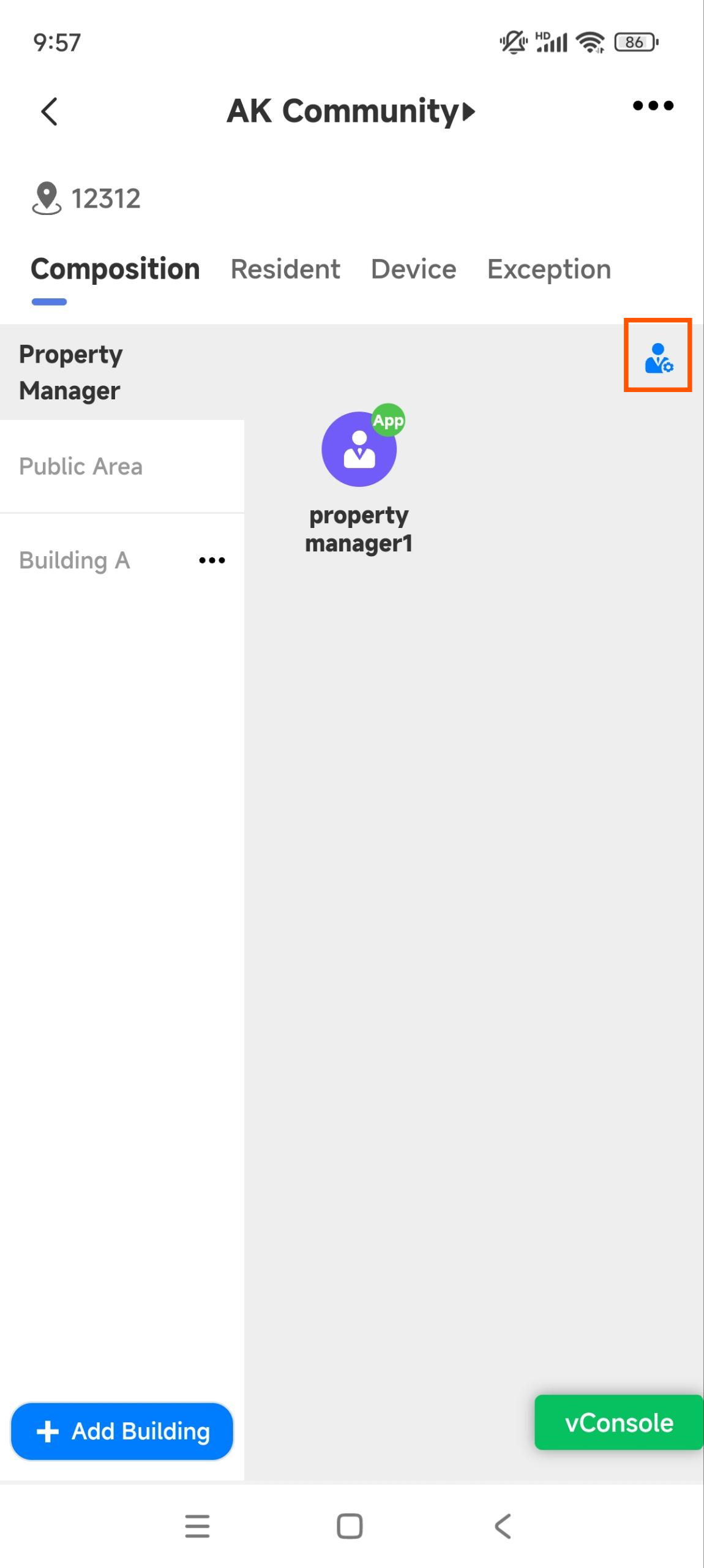
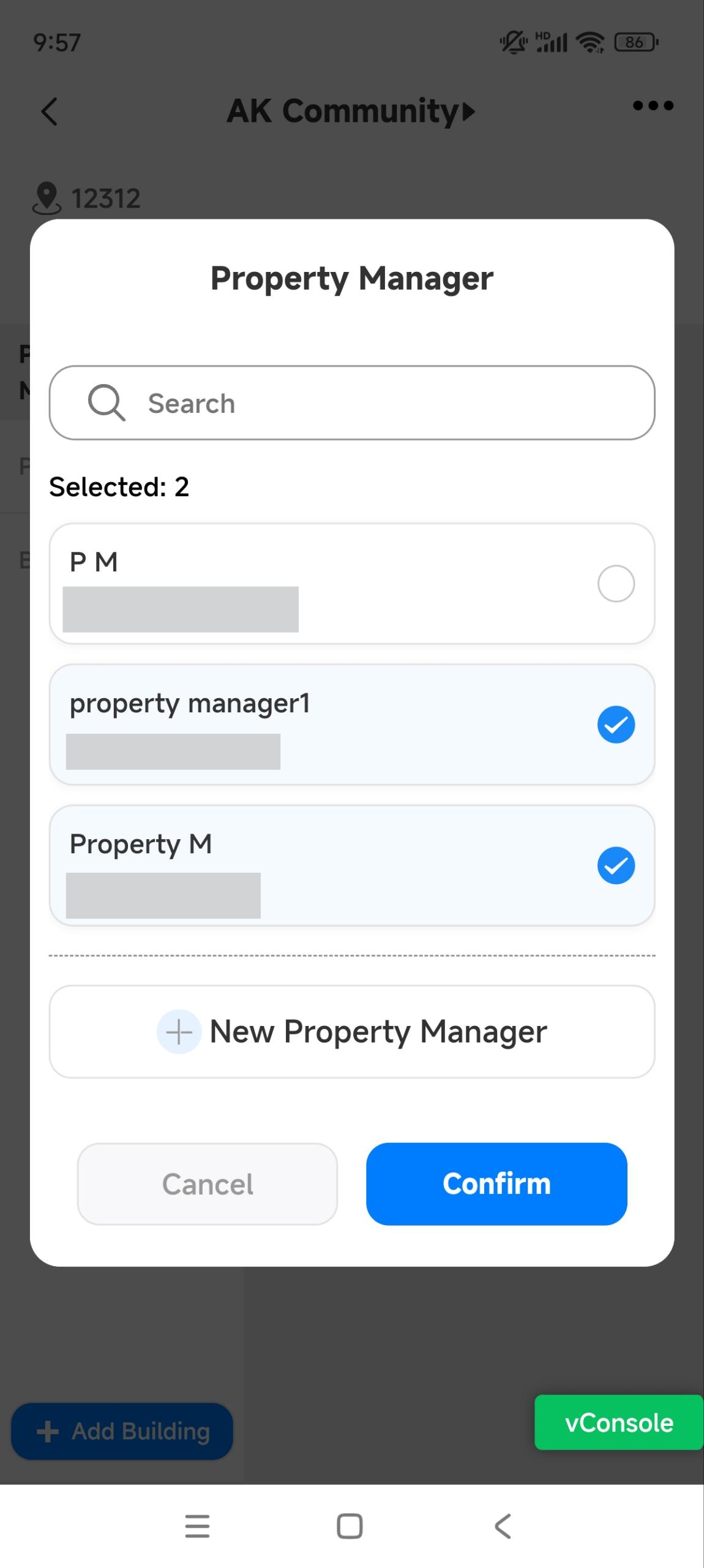
You can add property manager accounts and assign them to specific projects.
Add Property Managers
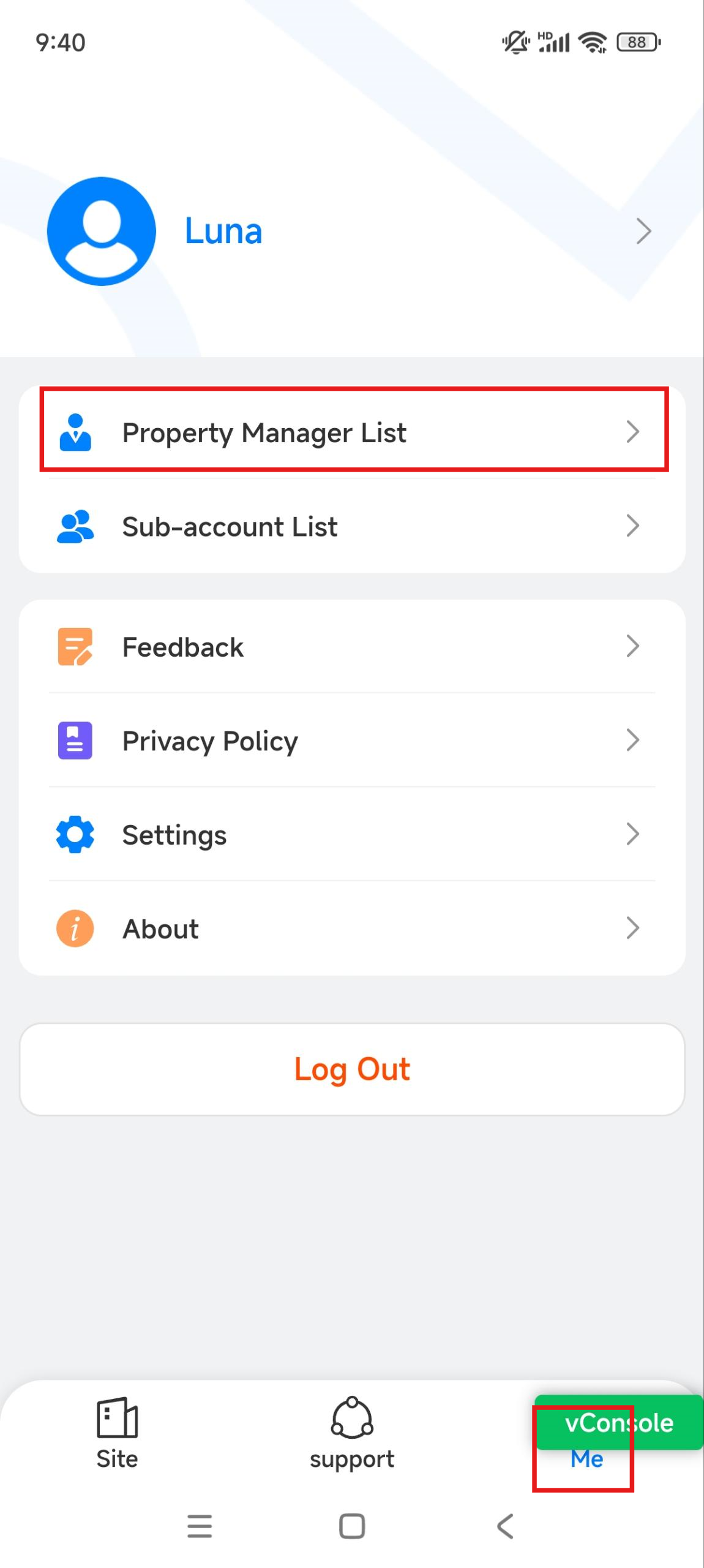
Tap Me on the bottom menu.
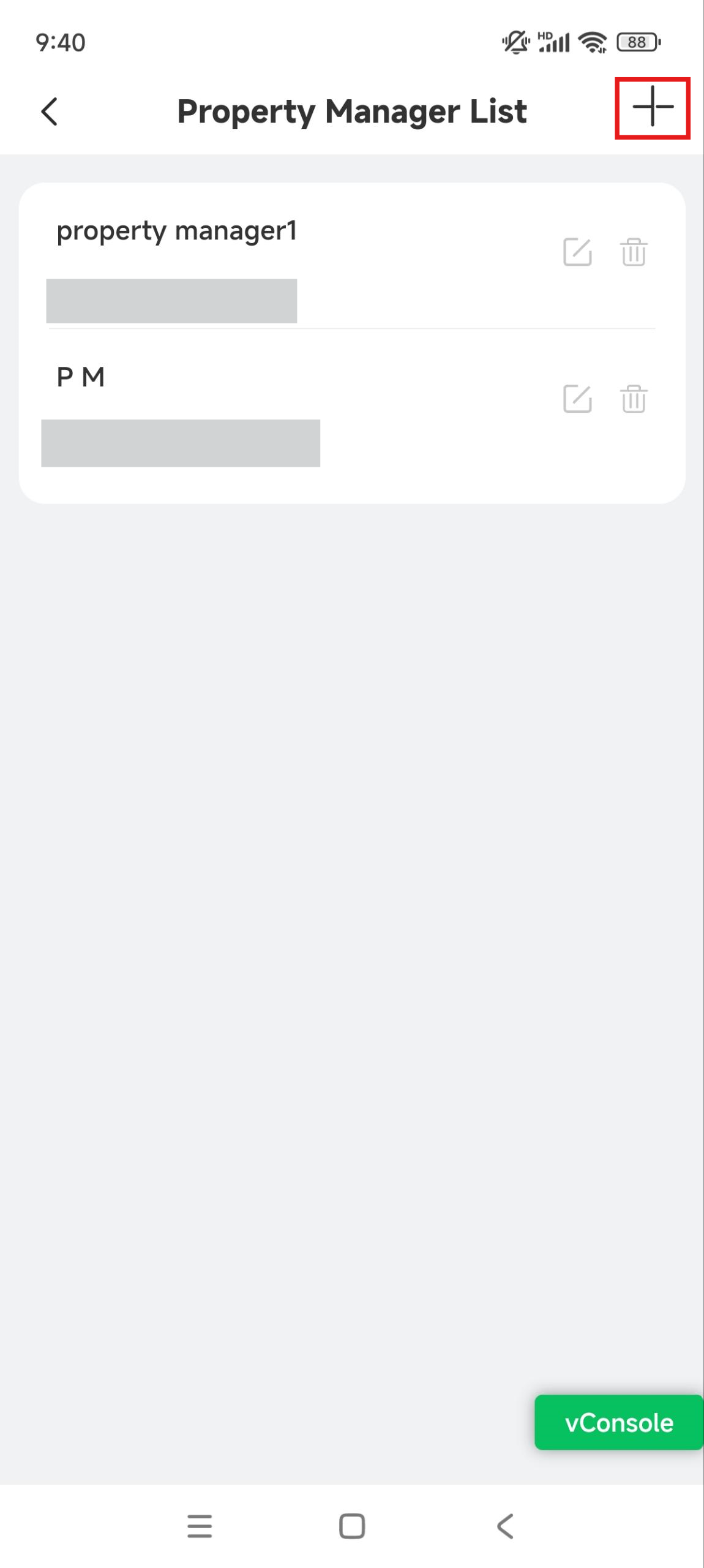
Tap Property Manager List.
Tap
 to add a property manager account.
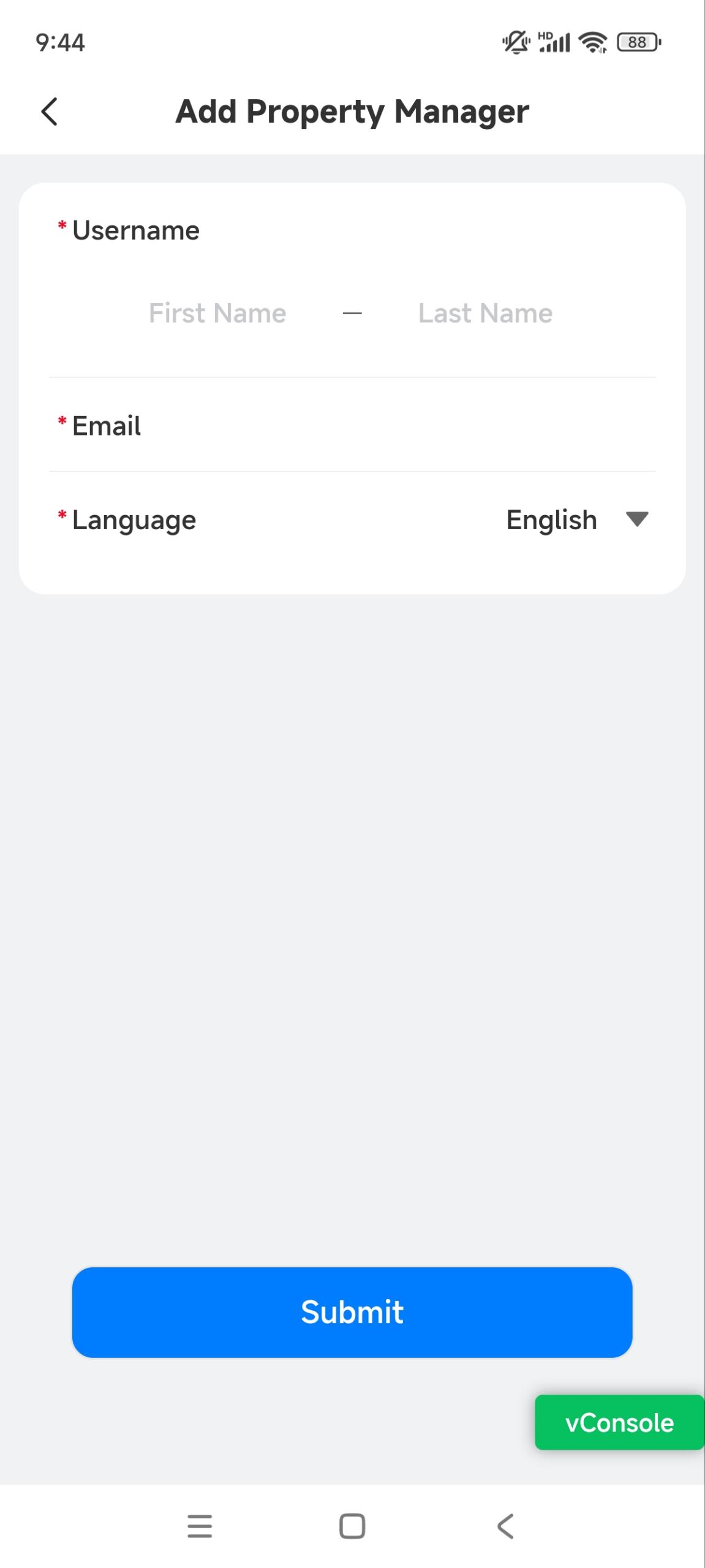
Enter the username and email address. The address is used to receive notifications from Akuvox, such as the SmartPlus login information.
Select the language of emails.
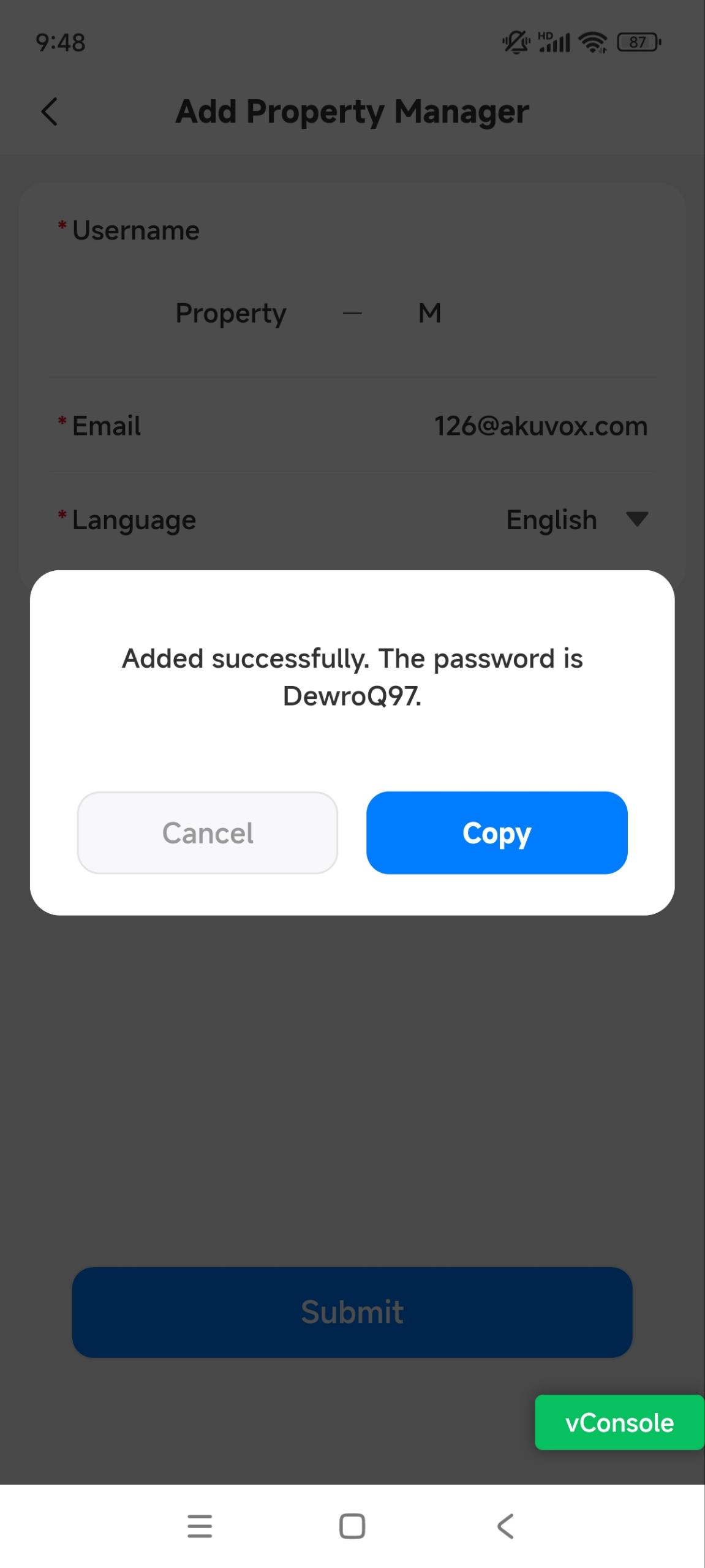
Tap Submit, and the account password will display. You can copy and send it to the property manager.
Property managers can use the email and password to log in to the SmartPlus platform for free, while using the SmartPlus App requires an additional fee.
Edit/Delete Property Managers
After adding the accounts, you can edit, delete, and reset passwords for them.
Tap Me on the bottom menu.
Tap Property Manager List.
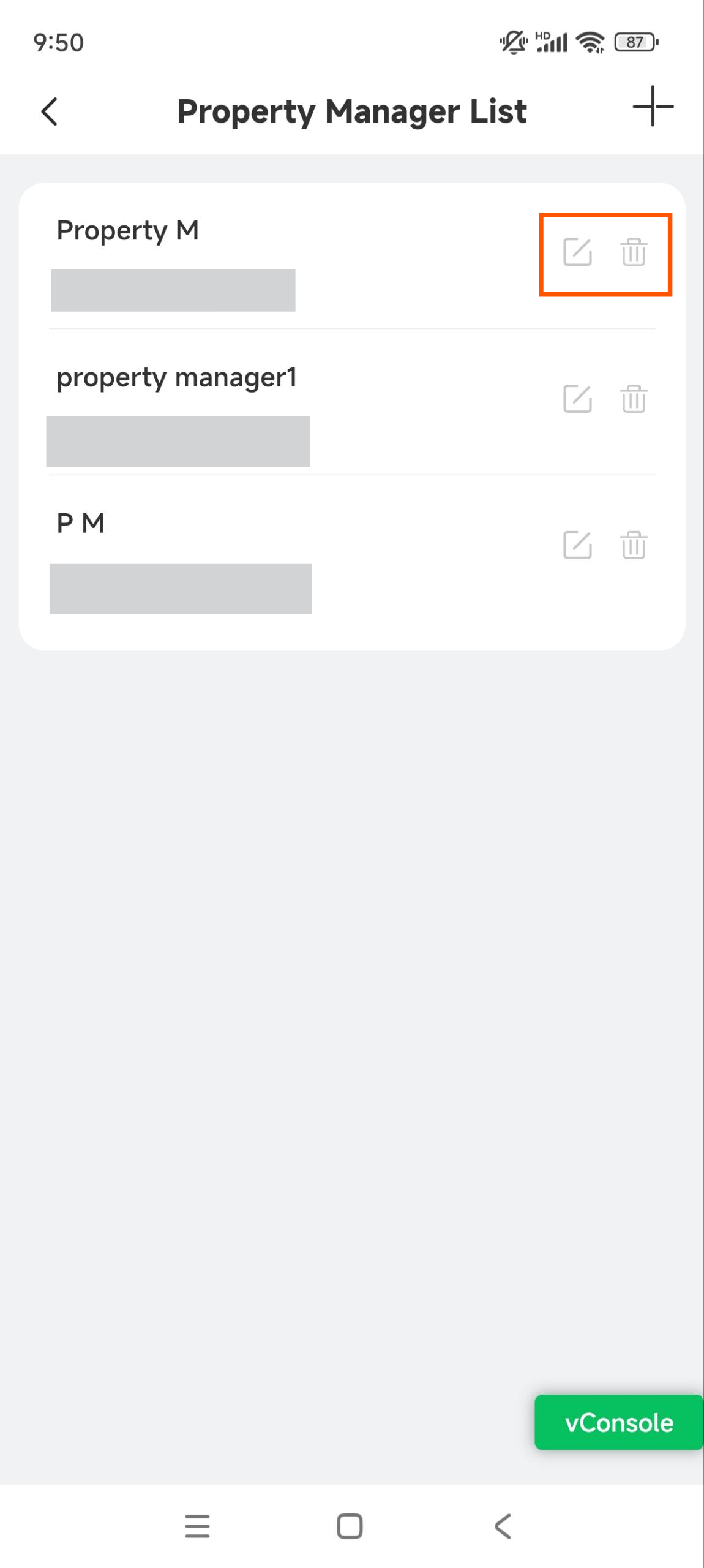
Tap
 to change the username and reset the account password; tap
  to delete the account.
Assign Property Managers to Projects
Tap the desired community or commercial project on the homepage.
Tap
 to choose property manager(s).
Check the desired property manager(s) and tap Confirm.
You can add new property managers here by tapping +New Property Manager.