The switch module lets you configure the connected relay’s operation mode when set to “Switch”. The operation modes are:
Rocker: The switch rockers between two positions when pressed, with one end of the switch raising as the other lowers.
Push: The switch returns to its original position after being pressed, like a button that springs back.
Steps
Ensure the relay type is set to “Switch”.
To verify, open the BelaHome app, select the desired switch module, go to its details screen, and tap > Relay Type.
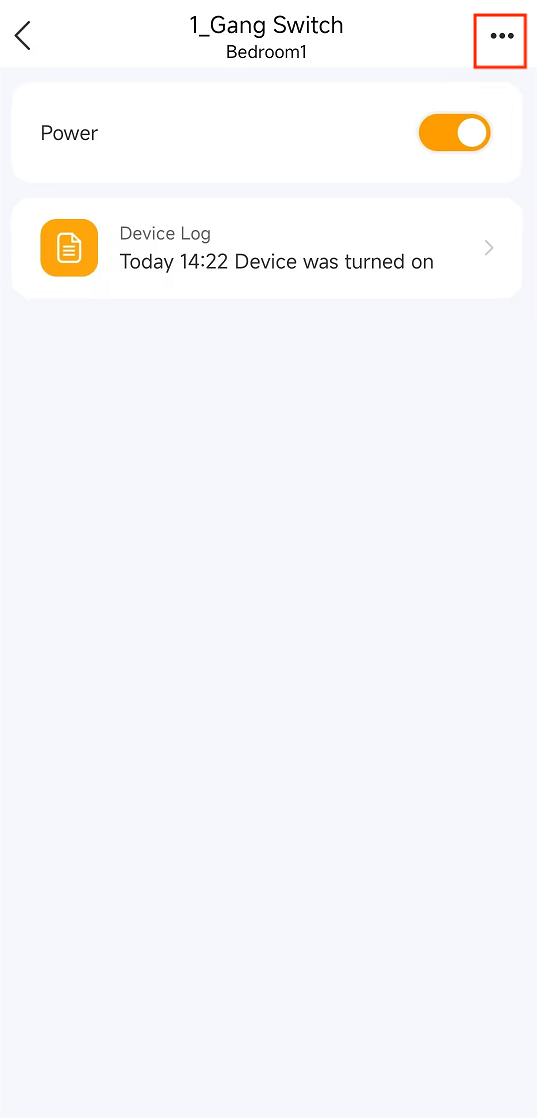
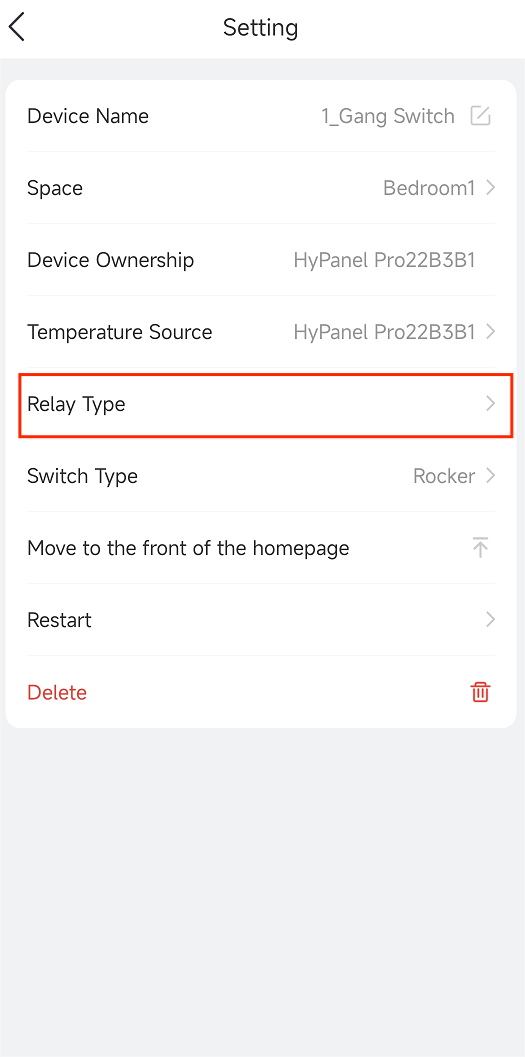
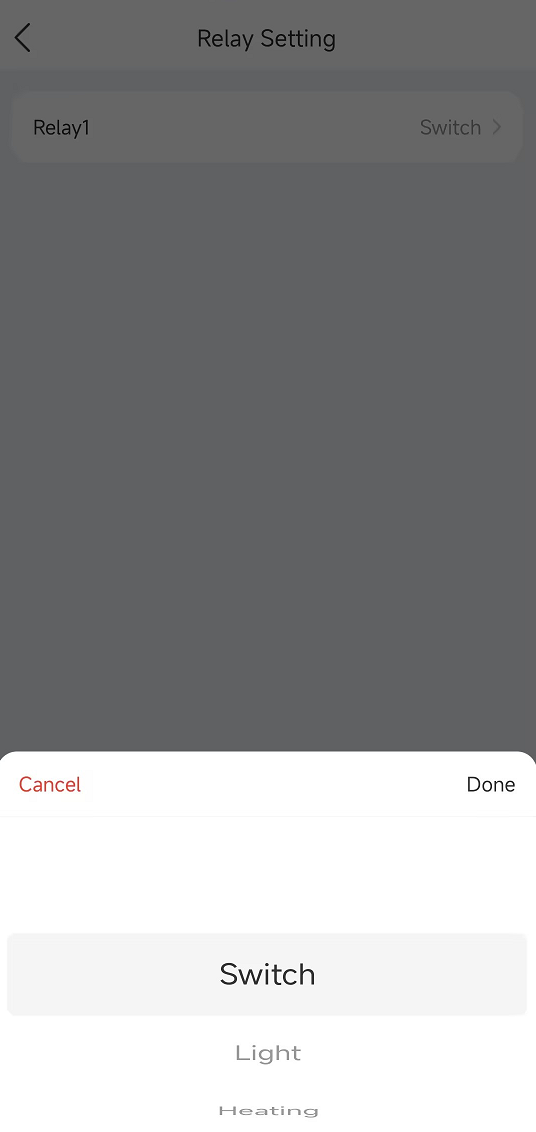
Set the switch type using either the BelaHome app or the switch module directly.
Via BelaHome app
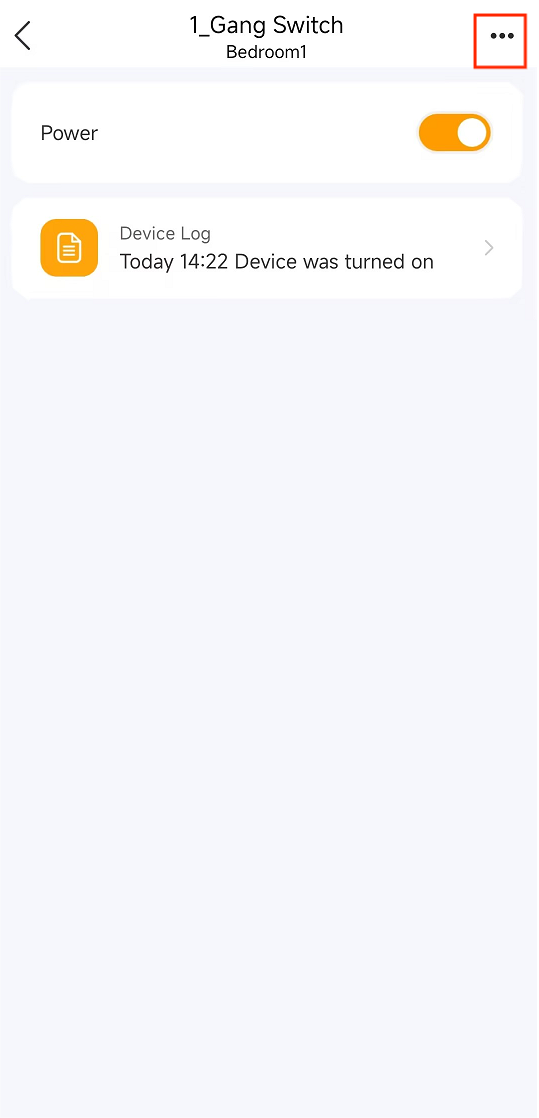
(1)Open the app and select the desired switch module to access its details screen.
(2)Tap
 > Switch Type, and choose the preferred option.
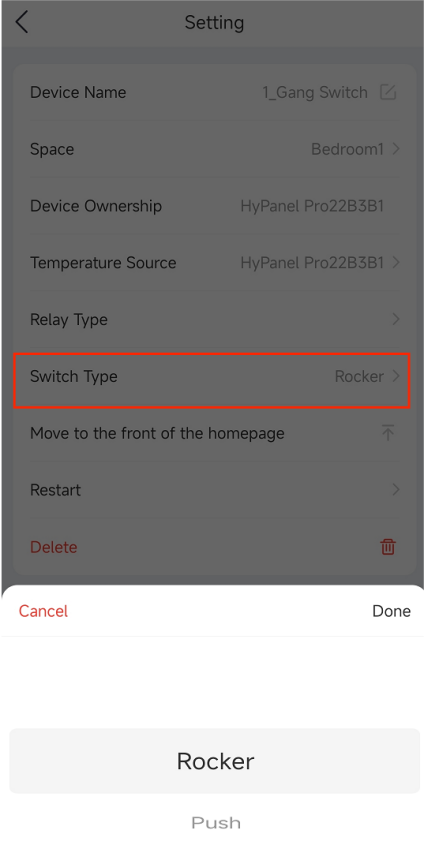
On the switch module directly
NOTE:
This method works independently, even if the switch module is not paired with devices like HyPanel.
(1)Press the physical reset button on the back cover 5 times to enter its type selection mode. The indicator light will show the current type:
Green: Push
Red: Rocker
(2)Press the the reset button again to change between the two types.
(3)If no action is taken within 5 seconds, the device automatically exits the type selection mode, and the indicator light returns to its normal state.