You can check and blocklist contacts on the More > Contacts > Local Contacts screen.
Edit a Contact
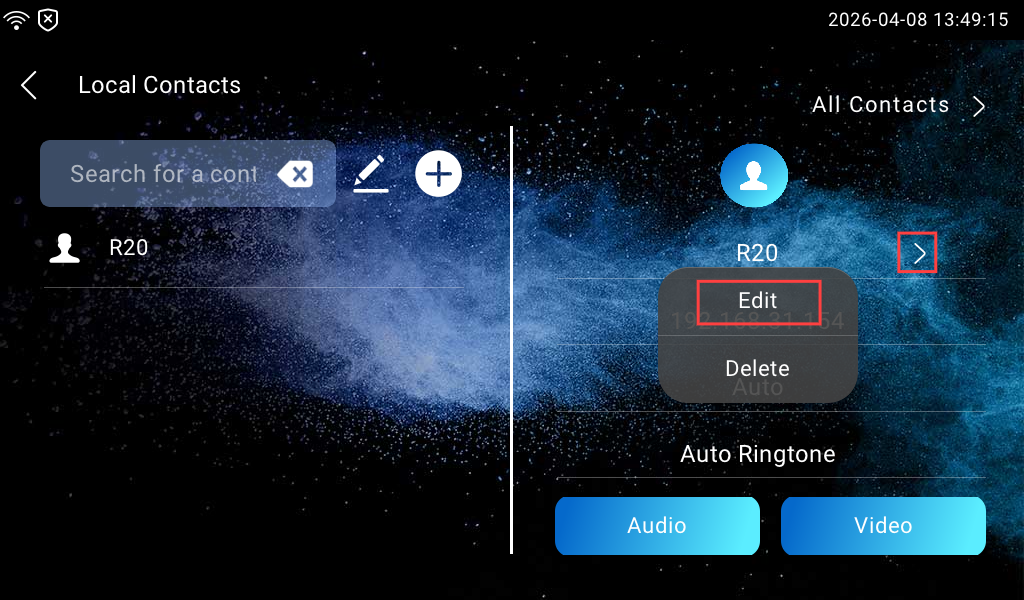
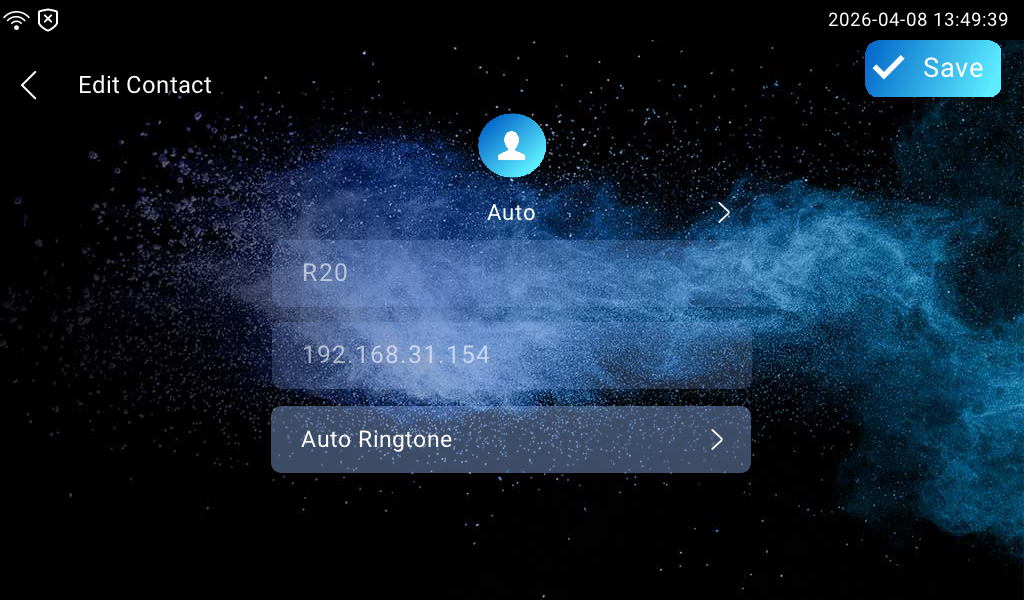
Select the existing contact and tap Edit to modify it.
Blocklist a Contact
Incoming calls from the contacts in the blocklist will be rejected.
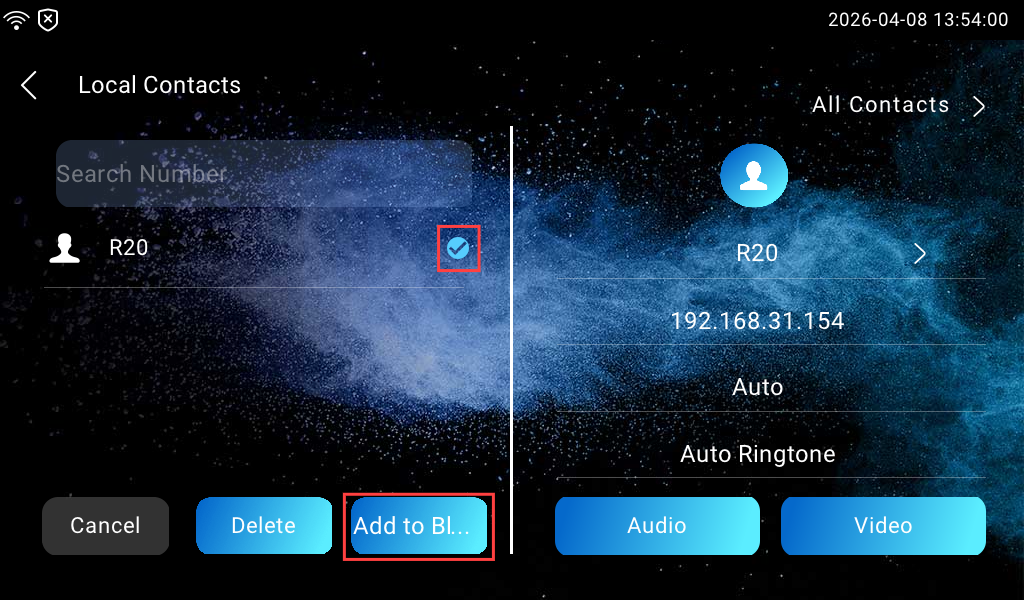
Click  and select the contact, then tap Add to Blocklist.
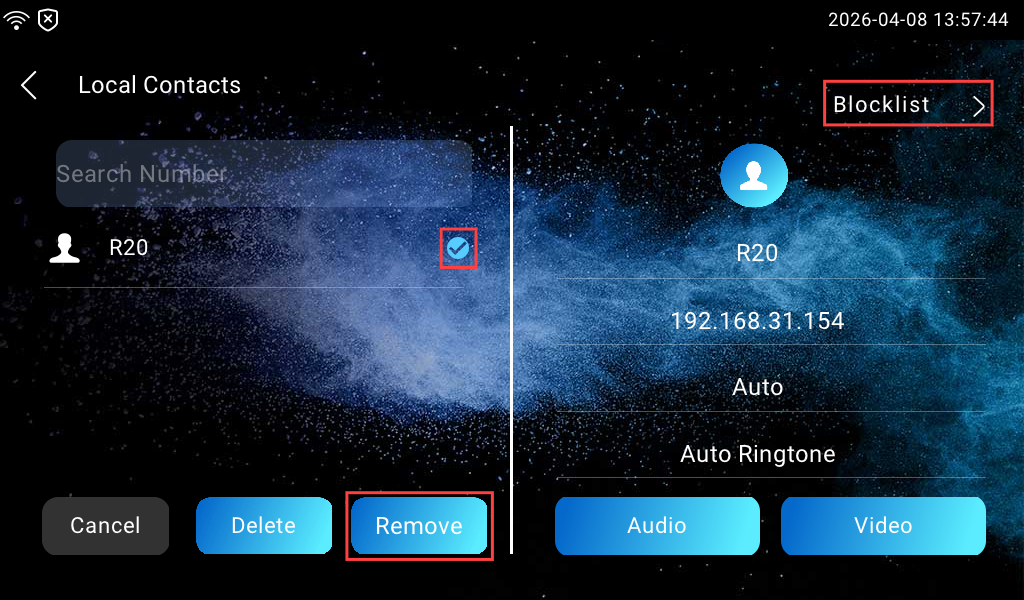
To remove a contact from the blocklist, tap Blocklist in the upper-right corner to view blocked contacts.
Select the contact and tap Remove.