Akuvox indoor monitors support controlling Sonos speakers. You can play music on the device, enriching the user experience.
Note
The tested speaker model is Roam SL2.
The speaker should be connected to the same Wi-Fi as the indoor monitor.
Compatible models and versions(or higher):
X937: 937.30.13.903
S563: 563.30.14.306
S567(Android 14): 567.30.113.904
S567(Android 12): 567.30.13.305
Before You Start
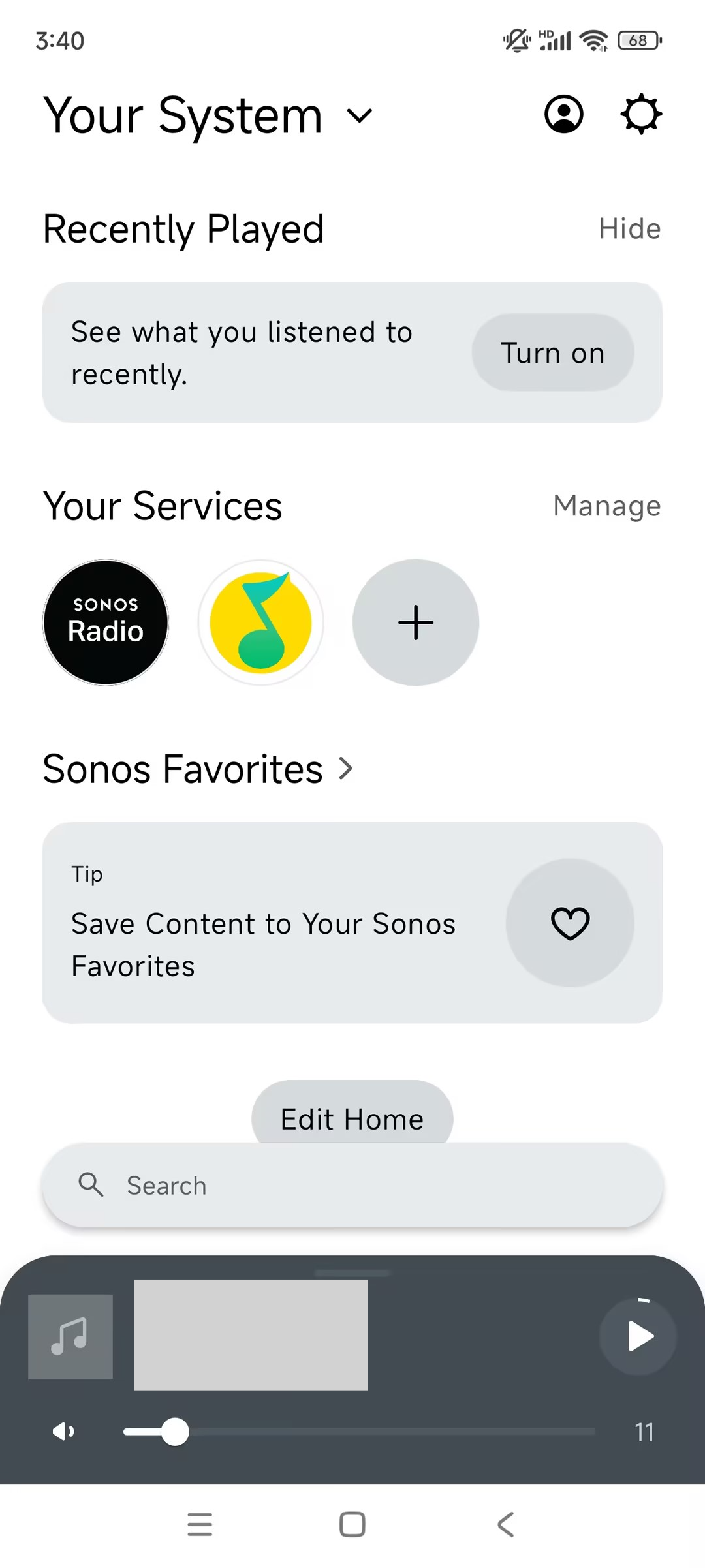
To control the Sonos speaker, make sure it is added to your Sonos account.
Download the Sonos app from its official website and follow the app instructions to add speakers and services.
Set up the Indoor Monitor
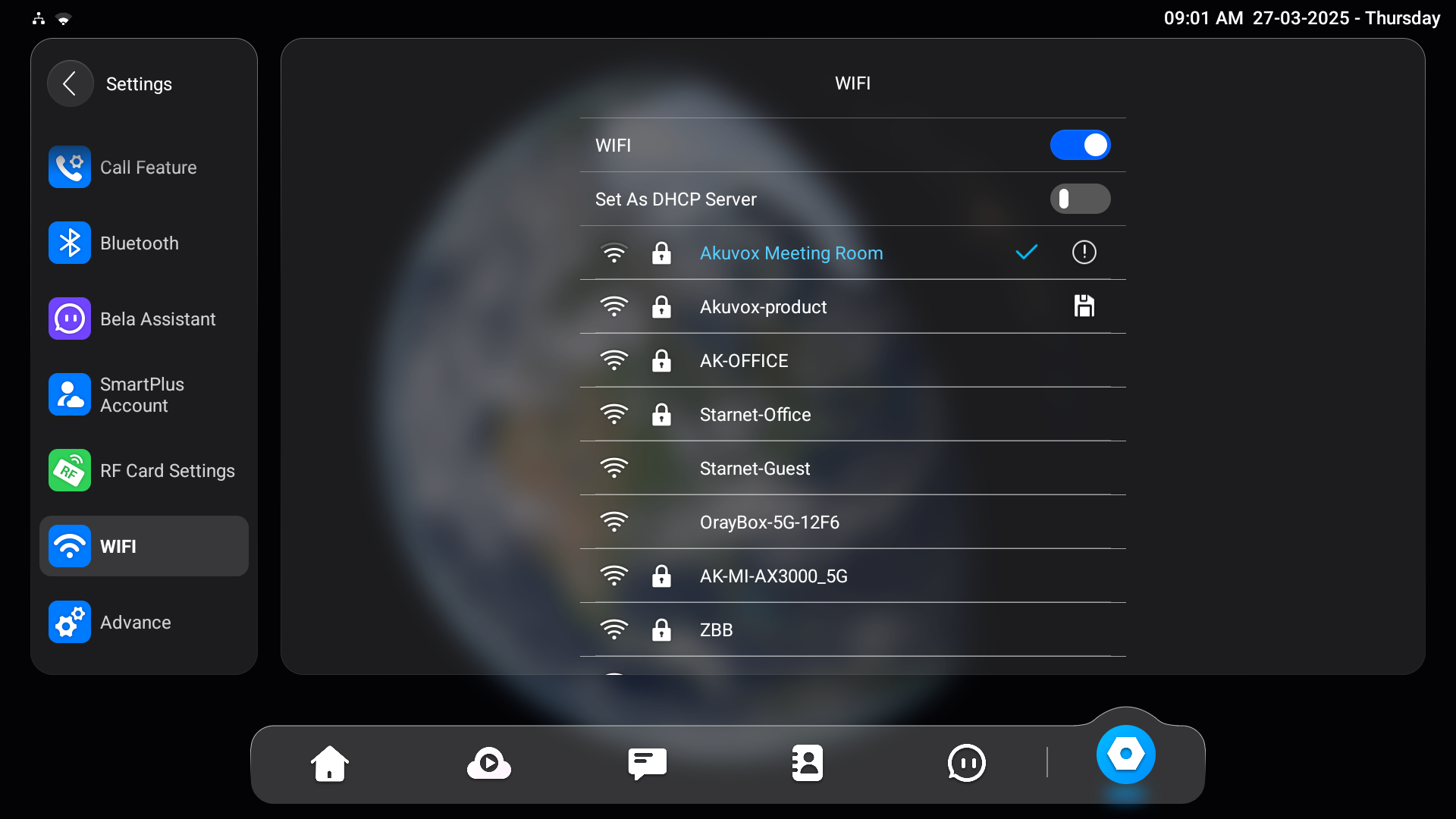
The indoor monitor should be connected to the same Wi-Fi as the Sonos speaker.
Tap Settings > Wi-Fi.
Select the target Wi-Fi and enter the password for connection.
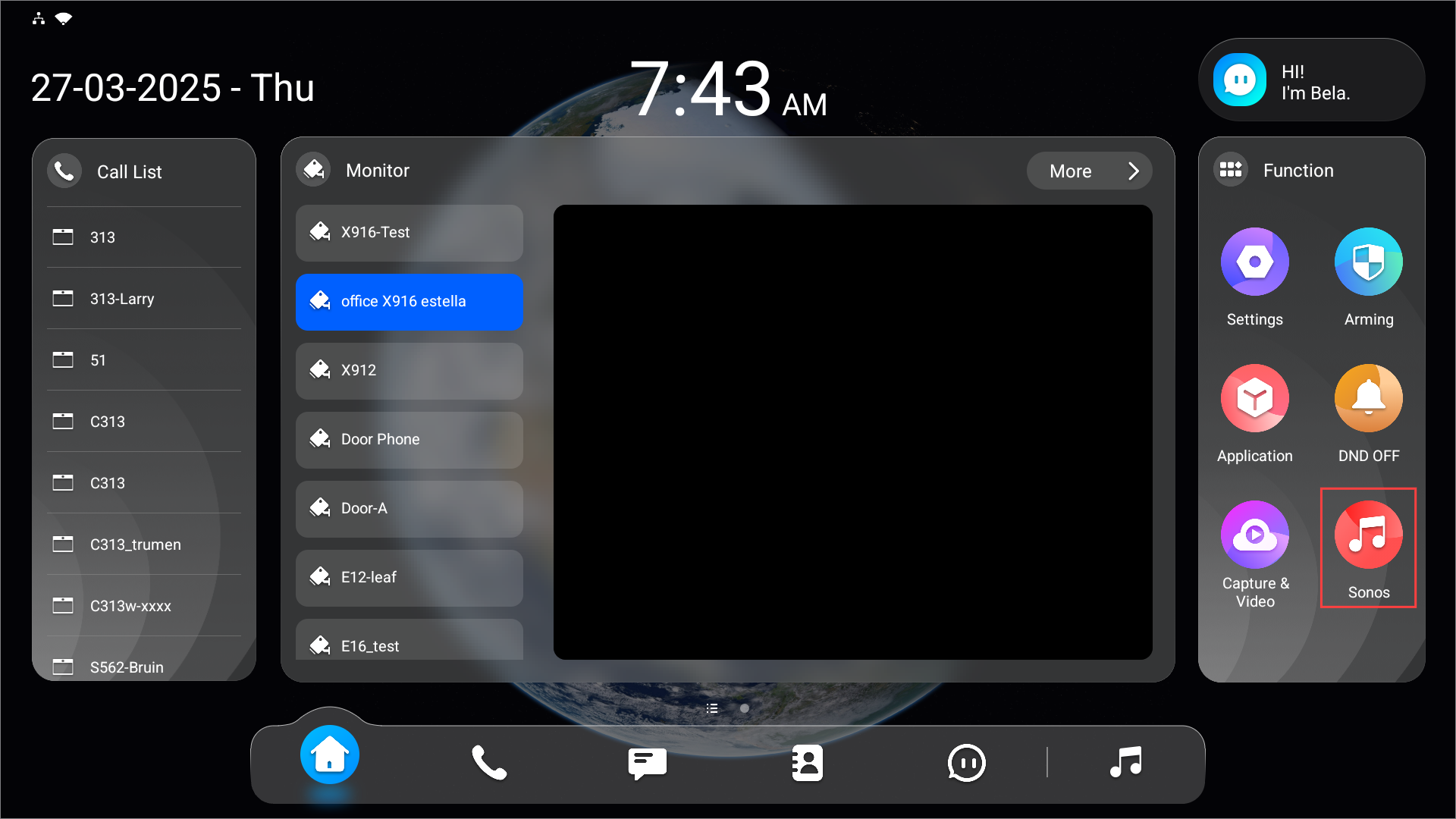
Tap Sonos on the home screen’s function area.
The speaker will be automatically added, and you can:
play/stop music;
choose the play mode;
remove music from the music list;
clear the music list.
These changes will be synchronized between your Sonos app and the indoor monitor.
.png)