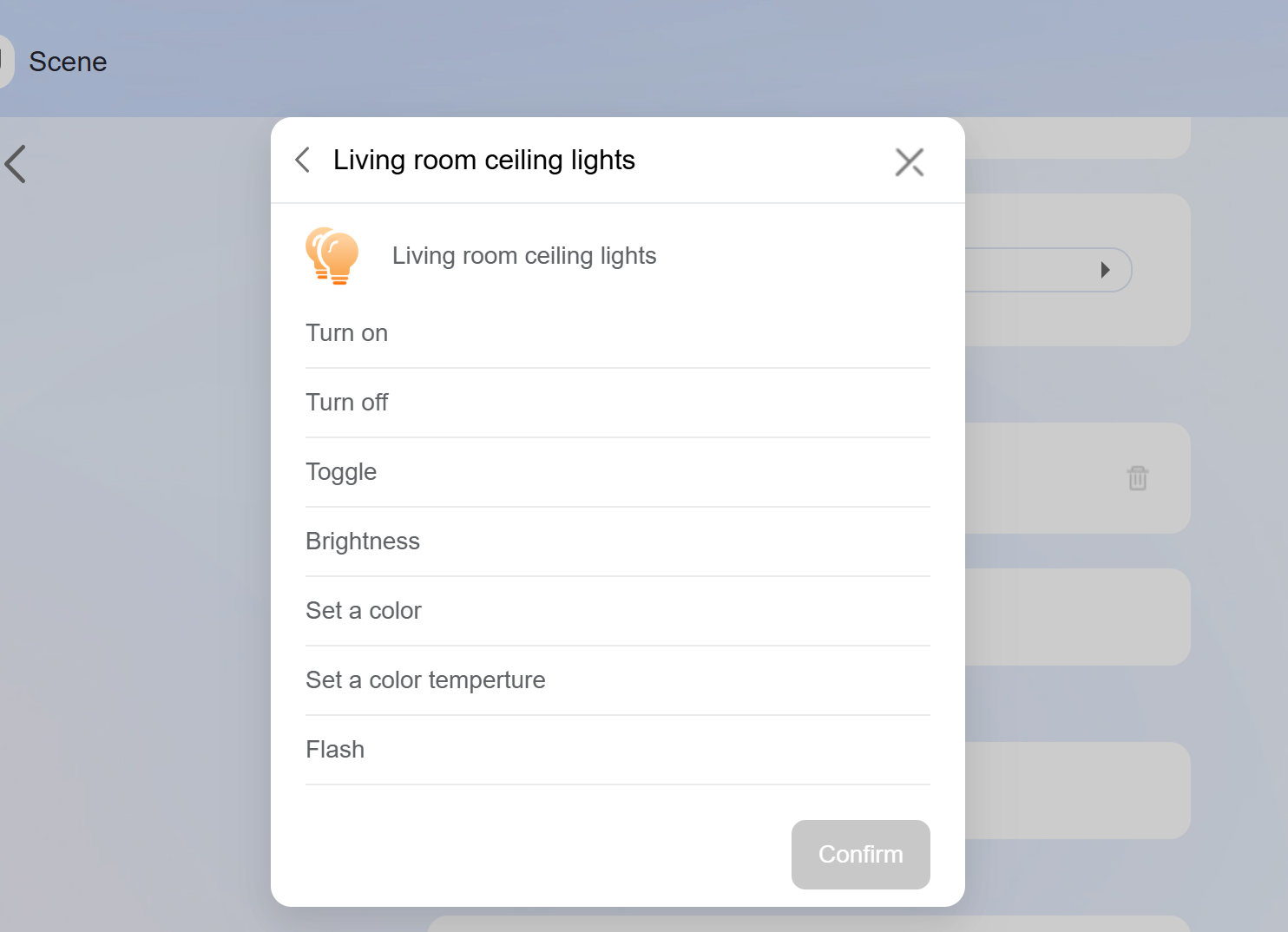
The lighting group feature allows users to group lights and control them collectively, including power on/off, brightness, color temperature, and color.
What You Should Know
Supported devices and firmware:
Supported Device | Required Firmware |
HyPanel Pro (PG71) | 71.1.39.44 and later |
HyPanel Ultra (PH81) | 281.1.39.29 and later |
HyPanel Supreme (PHX1) | 1001.1.39.27 and later |
HyPanel (PS51) | 51.1.39.23 and later |
HyPanel V2 (PS51(V2)) | 251.1.39.7 and later |
HyPanel Plus (PS52) | 52.1.39.11 and later |
HyPanel KeyPlus (KS53) | 53.1.39.10 and later |
Supported devices for grouping: Grouping is supported only for lights and relay switches (commonly used to connect traditional lights).
Group control rules:
If all devices share the same capability (e.g., RGB), that capability is available to the group.
If devices have different capabilities, only the shared capabilities are shown. For example, grouping a switch light with a dimmable light will only show the switch function.
Configuration
Open a browser, enter the Home Center device’s IP address, and log in using the default credentials (admin/admin).
TIP:
See Check IP Address of akubela Panels and Log into Device Web Portal for detailed instructions.

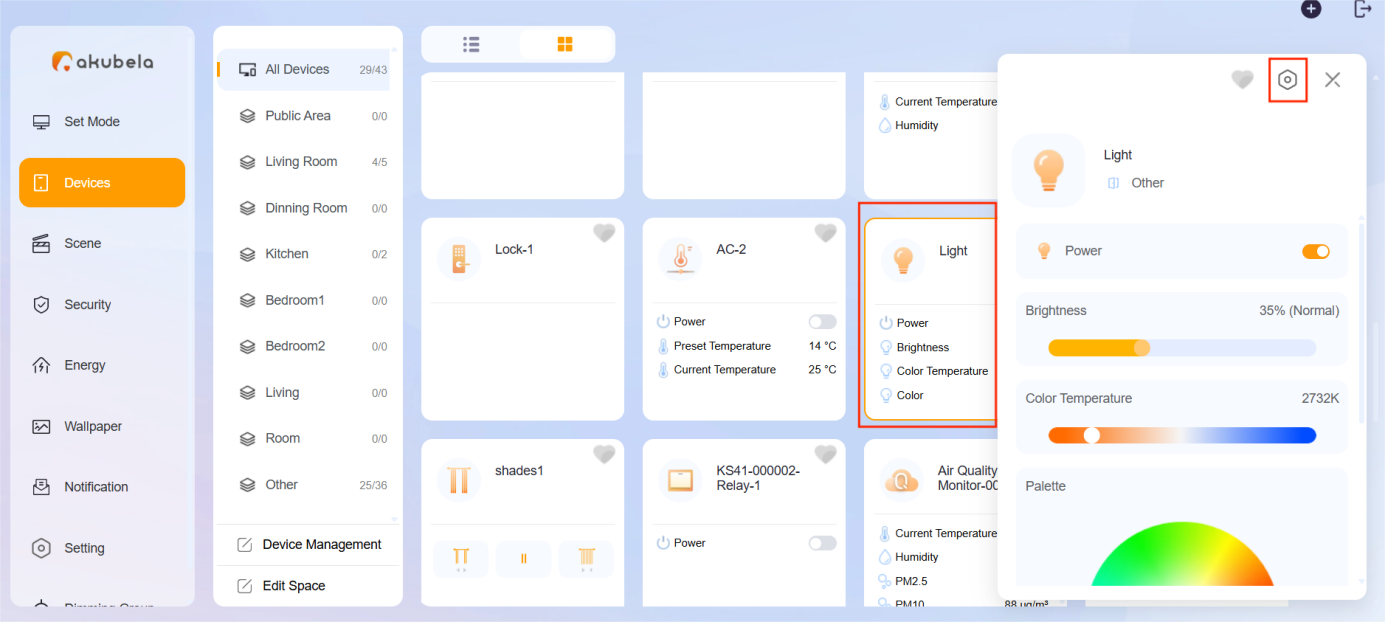
On the Devices screen, tap the desired lighting device card, then tap
 > Light Group.
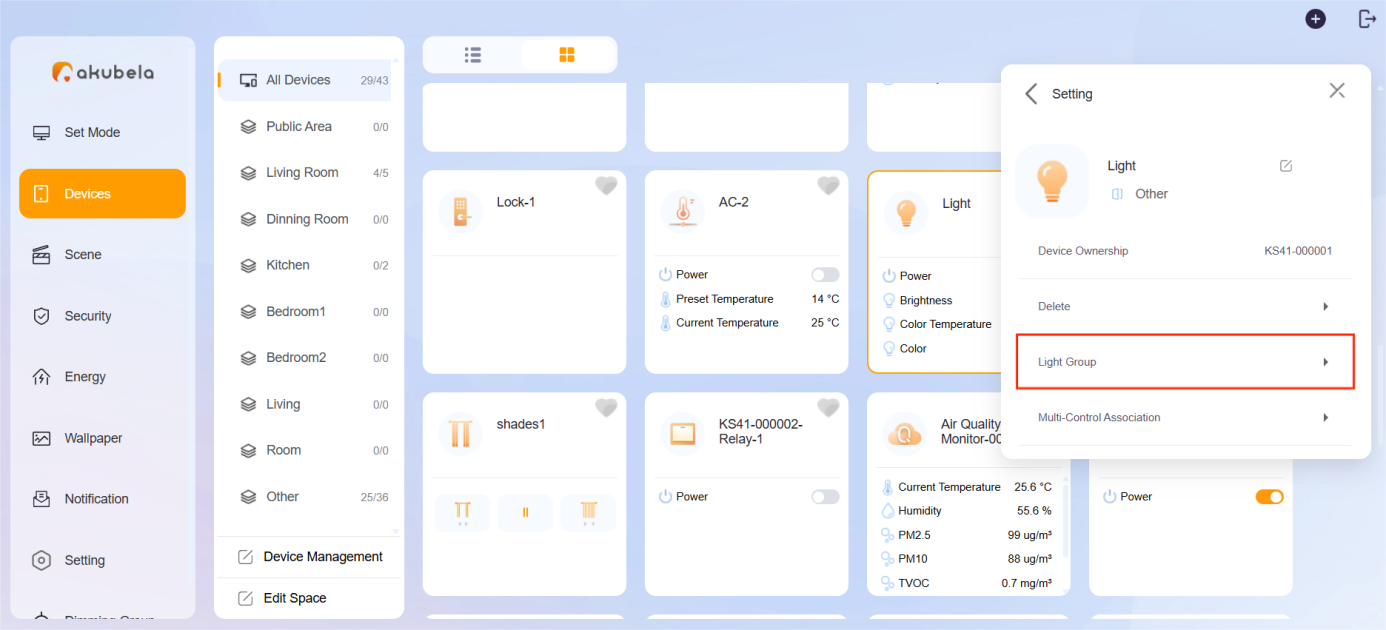
Click Add New Group to create a new group.
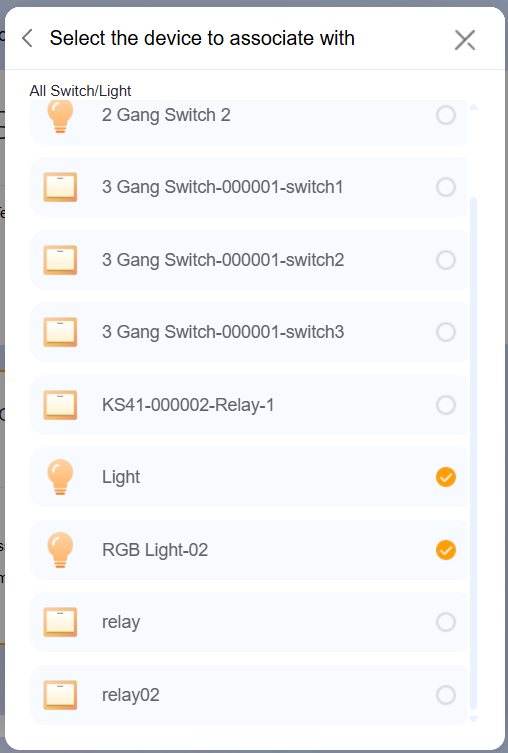
Click Link Light/Switch to add devices into this group, then click
 to confirm.
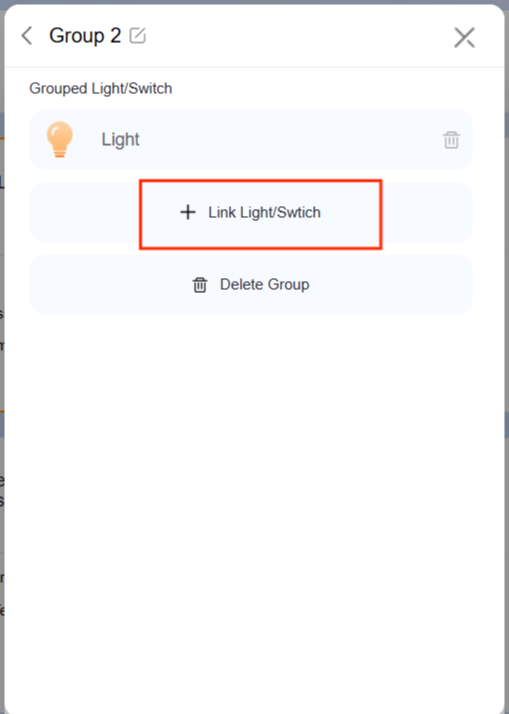
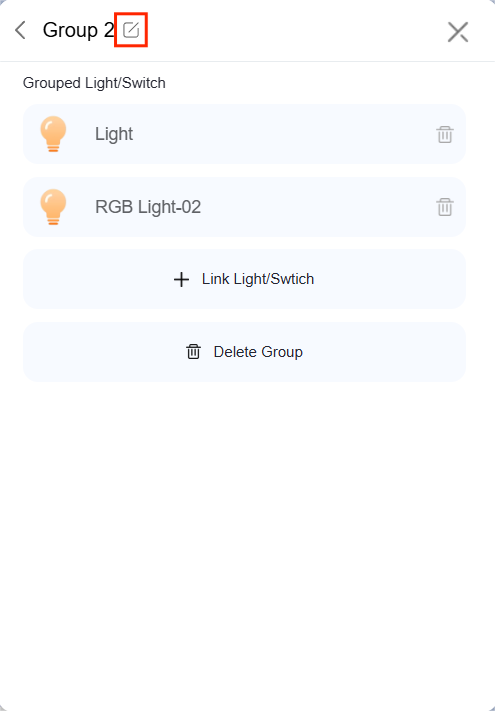
Click
 to change the group name.
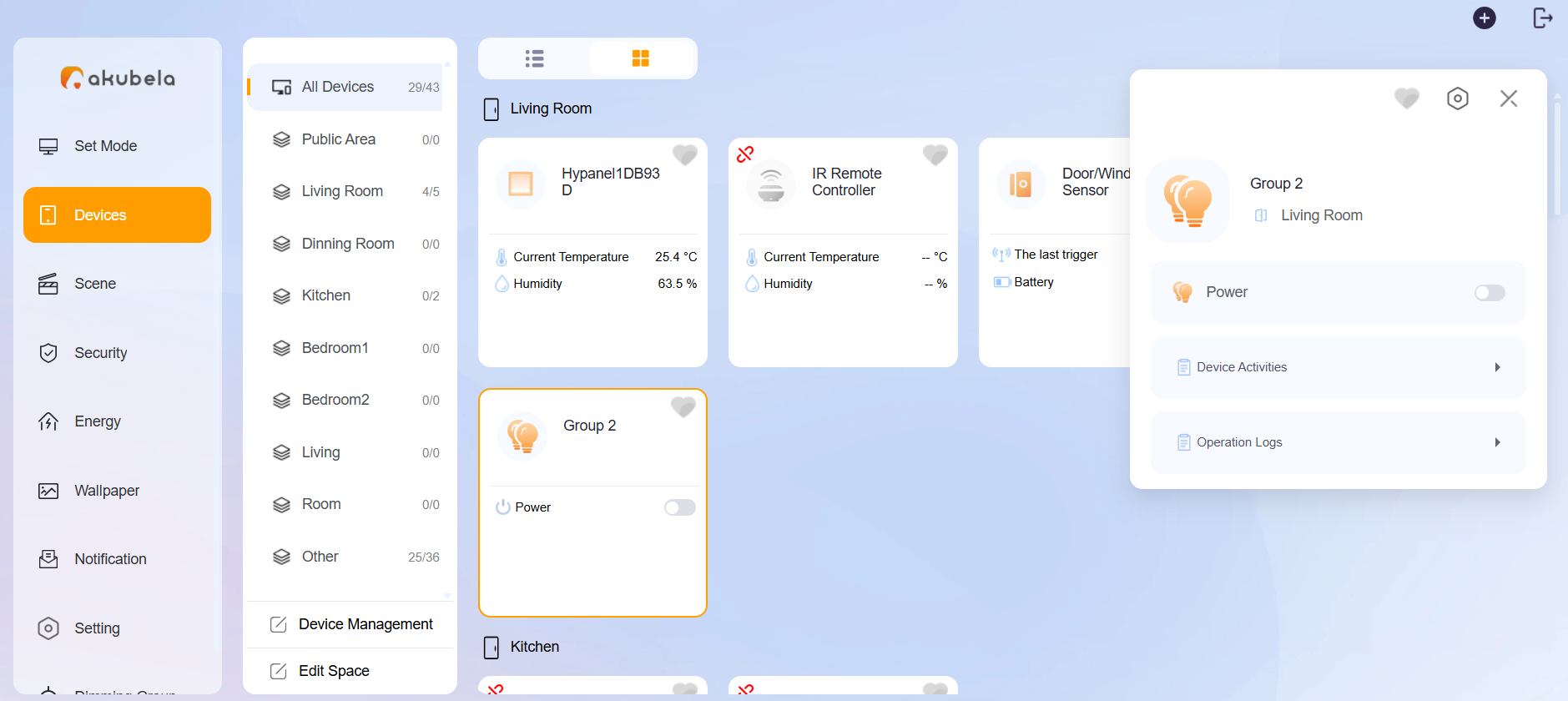
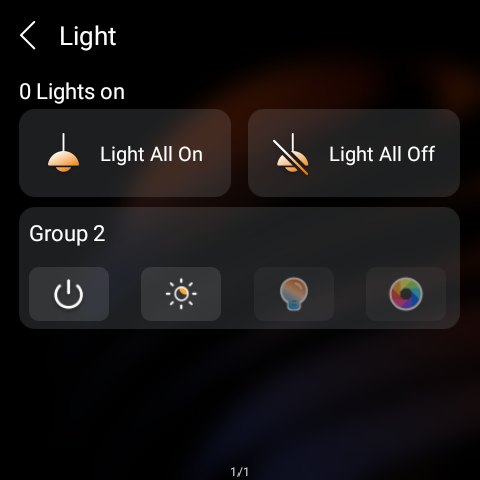
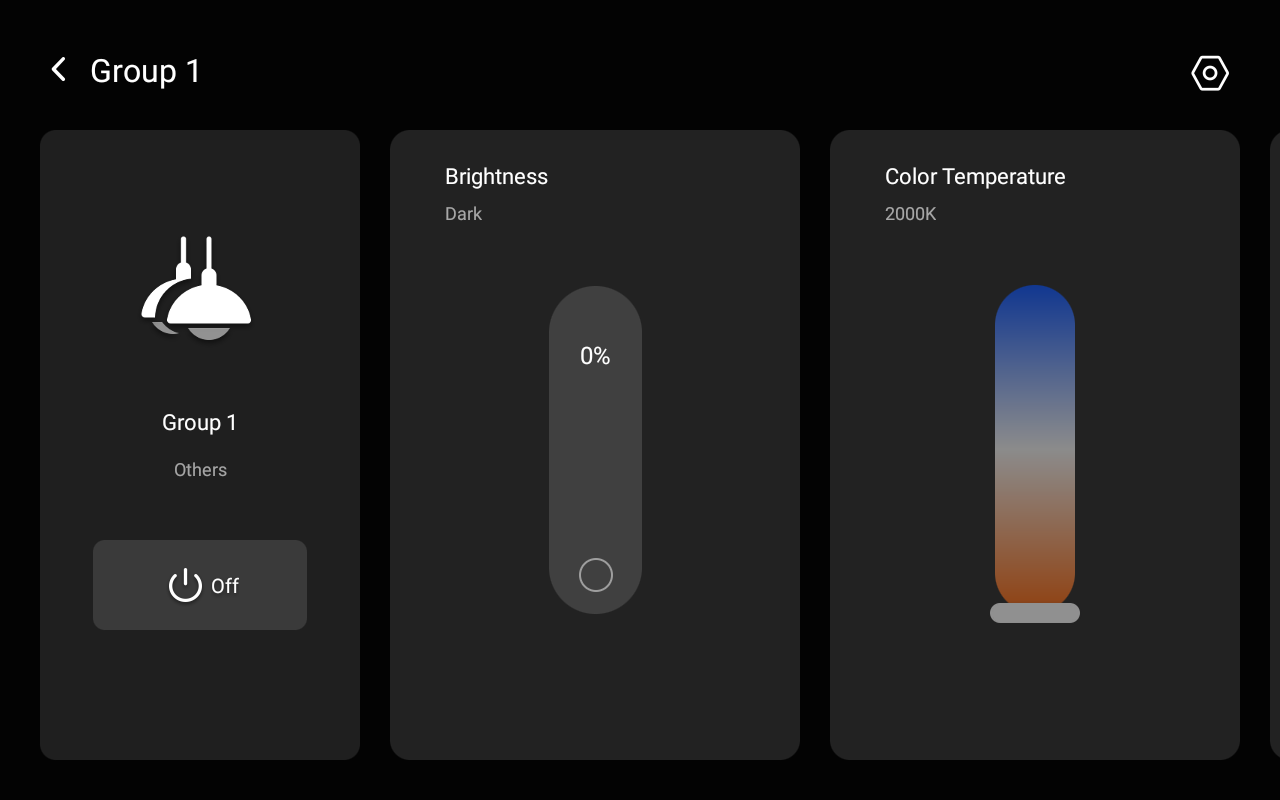
Once created, the light group will appear in both the device web portal (Devices screen) and the HyPanel devices.
Device web Portal
HyPanel Devices
NOTE:
The On/Off function is available for all devices. Brightness, color temperature, and color adjustments are only available if all devices in the group support the respective feature.
Light Group in Scenes
A light group can be used as a trigger or task in a scene, allowing for easy and automated control.