Residents can create temporary keys for visitors to enter the community parking lot.
Note
Supported SmartPlus App version: Android: 7.40.0003/iOS: 7.40.3.
This feature must be enabled by your property managers. Otherwise, it will NOT be available.
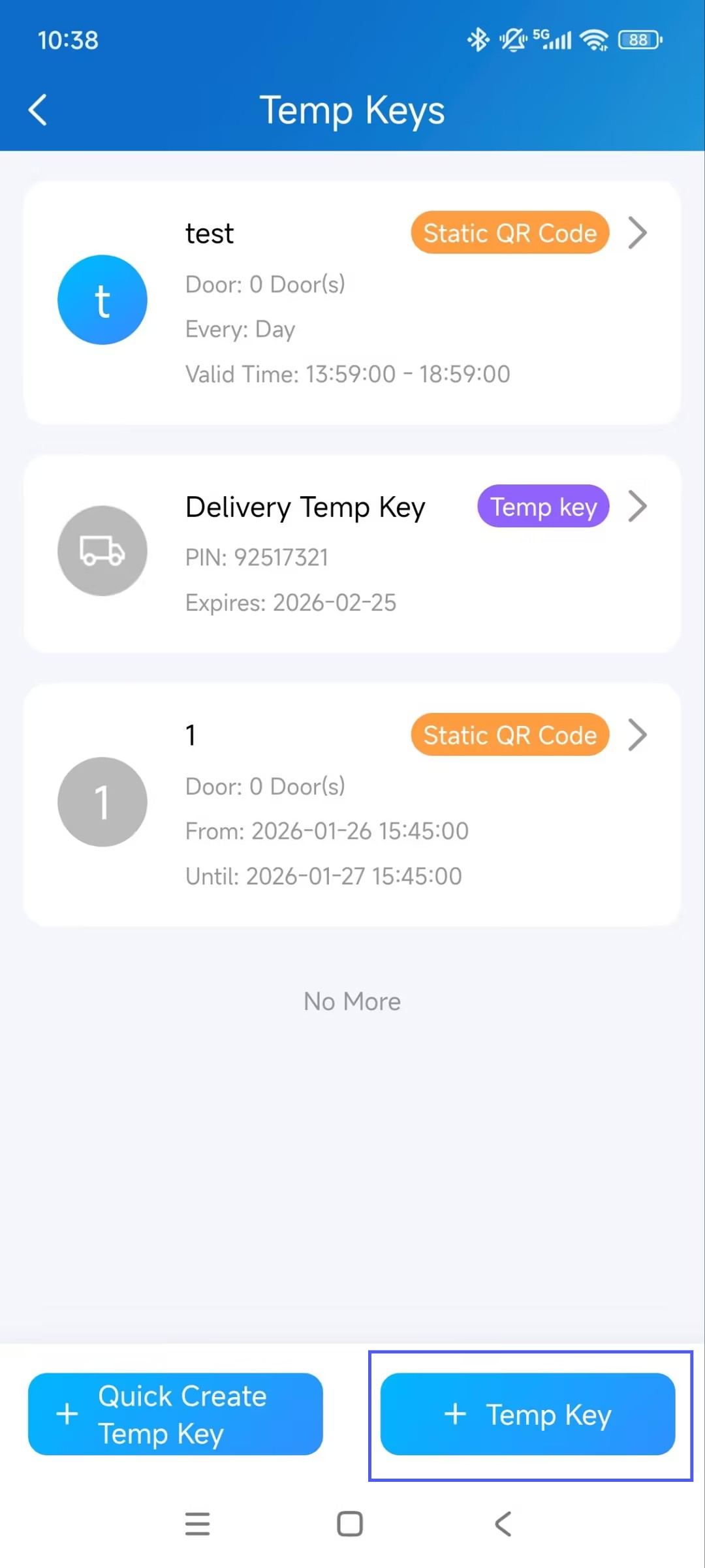
Tap +Temp Key on the app’s homepage.
Tap +Temp Key.
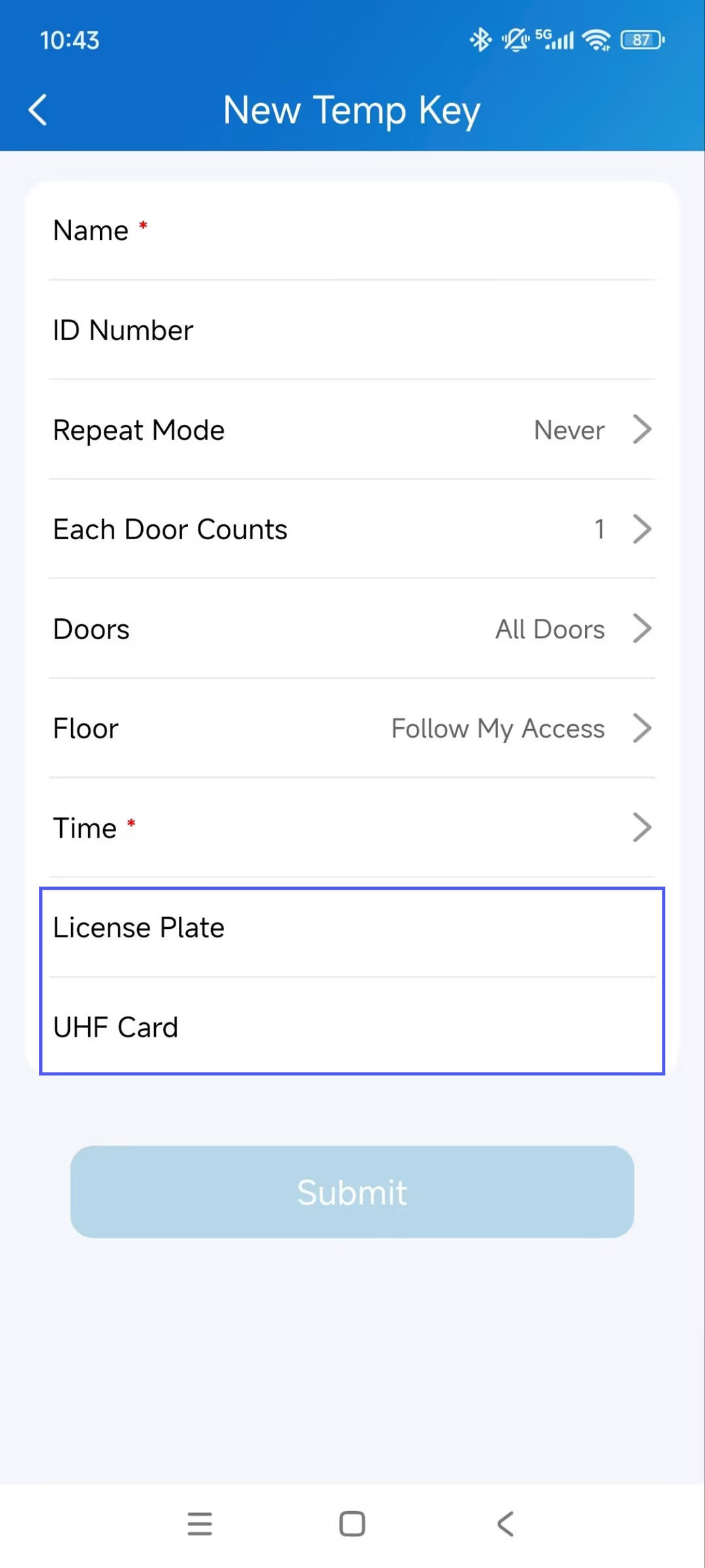
Enter the visitor's name and ID number.
Select the Repeat Mode from Never, Daily, or Weekly, which determines how often the visitor can use the key.
If Never is selected, specify the number of Each Door Counts that determines how many times the visitor can open doors using the temp key on the selected door phone(s).
Select the door(the parking lot entrance gate) that the visitor can access.
Configure the time range when the visitor can enter the parking lot.
Enter the visitor’s License Plate.
Enter the visitor’s UHF card code if applicable.
Submit the setting.
The visitor can directly drive into the parking lot with their registered license plate during valid times.